Frappe
Cloud
Marketplace
Frappe
Products
Insights
Publisher
Supported versions
Categories
E-Commerce
About
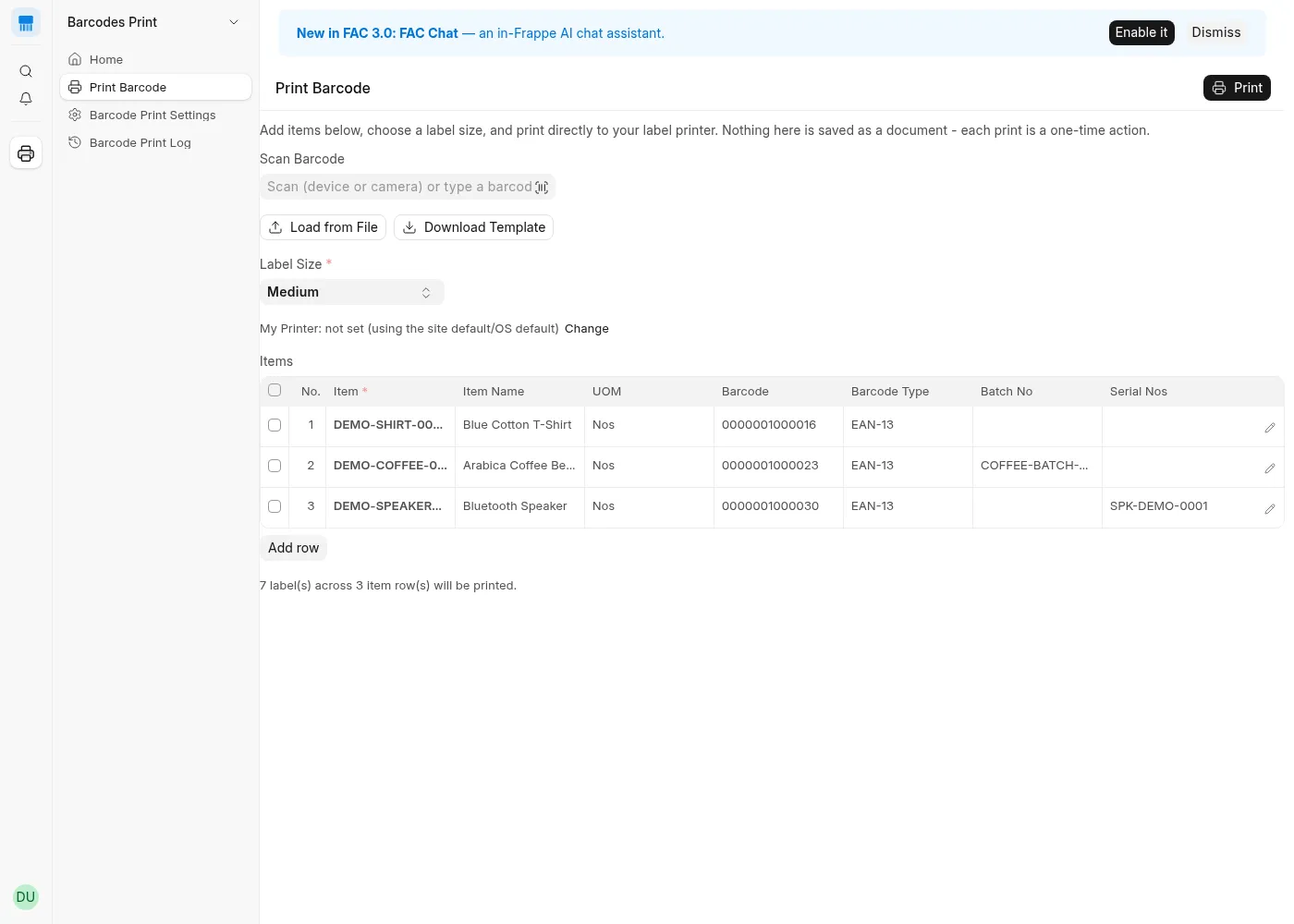
Barcodes Print replaces ERPNext's standard print-format barcode workflow with a direct-to-printer action: raw ZPL sent straight to a thermal printer via QZ Tray or Zebra Browser Print — no print preview, no browser print dialog, no PDF step, and no soft/slow image-rendered barcodes.
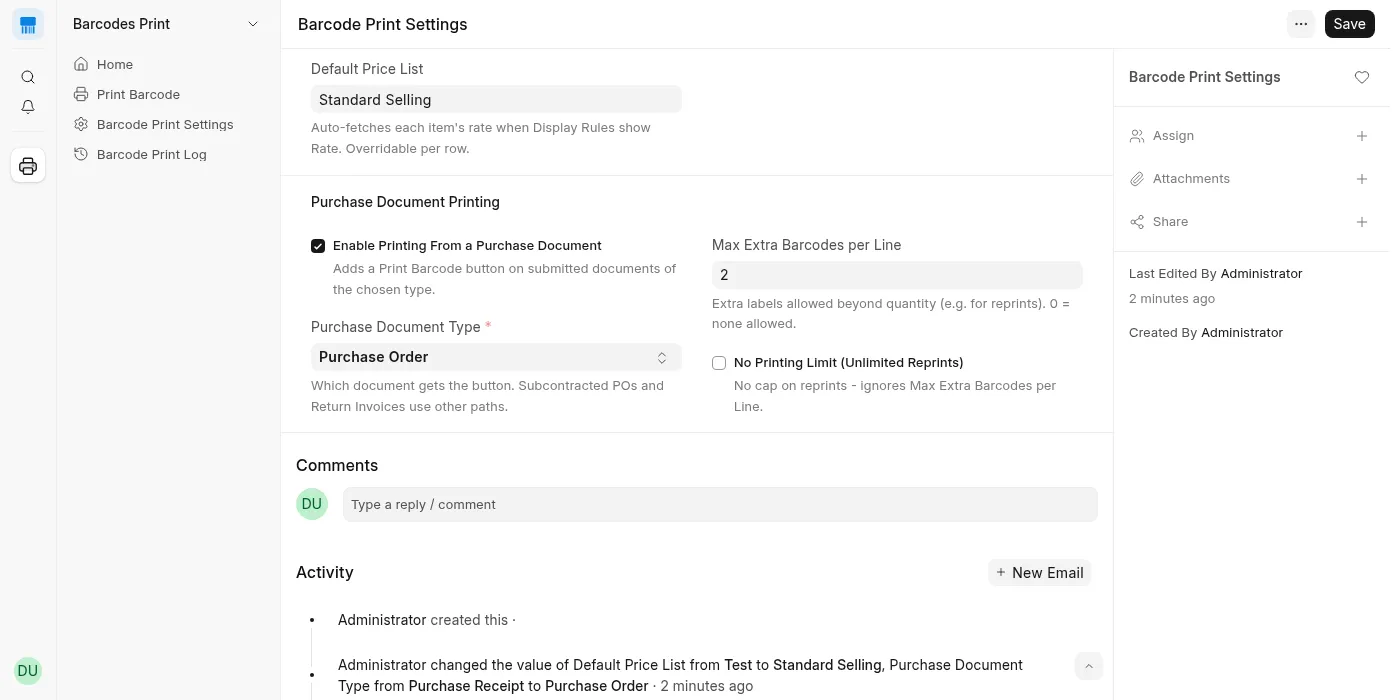
Add items manually, scan them in with a USB/Bluetooth scanner or a device camera, or bulk-load a spreadsheet. Print straight from a submitted Purchase Order, Purchase Receipt, or Purchase Invoice, with per-line reprint limits tracked automatically. Batch- and Serial-tracked items print labels that encode the real Batch/Serial No, resolvable anywhere in ERPNext.
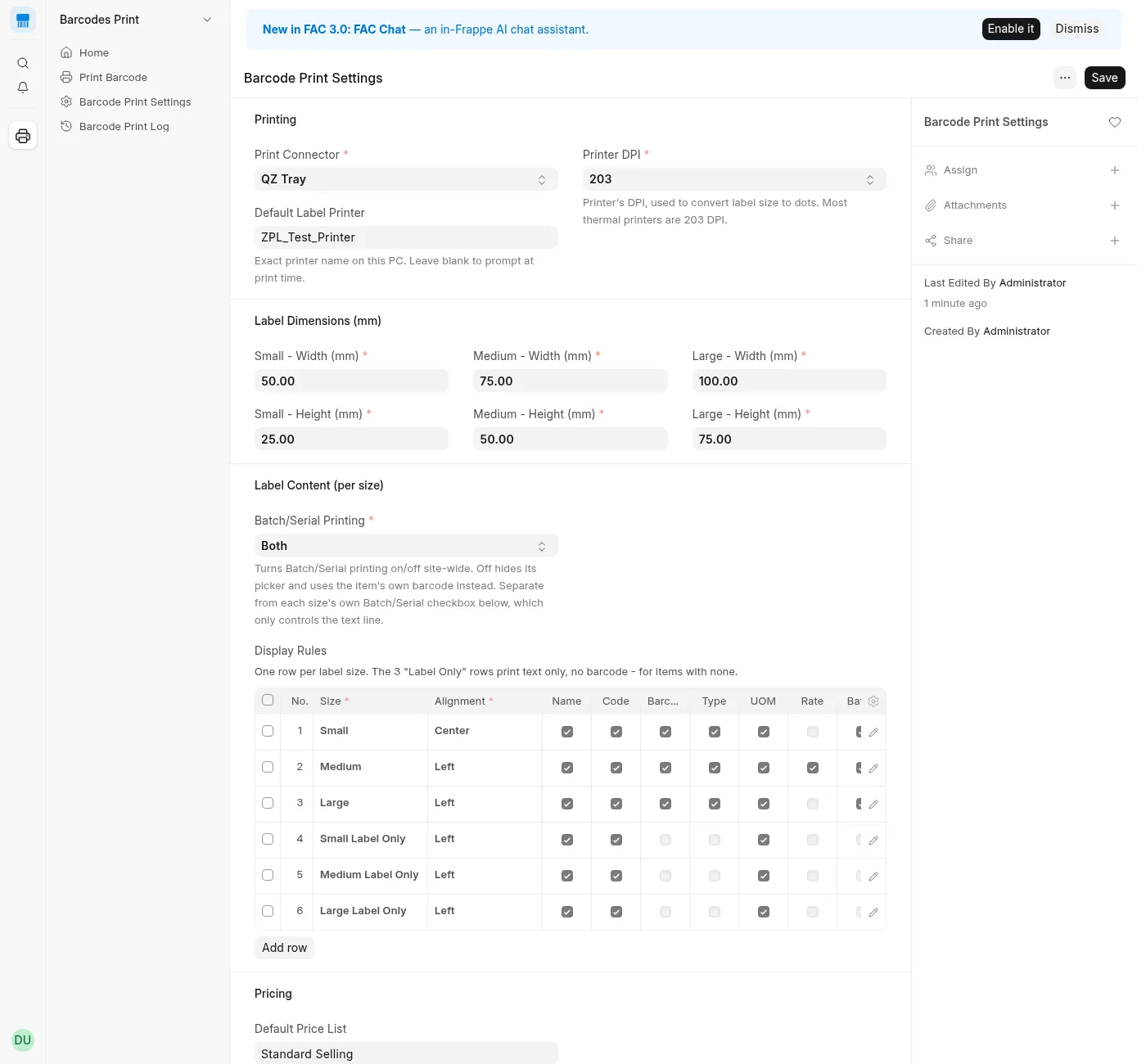
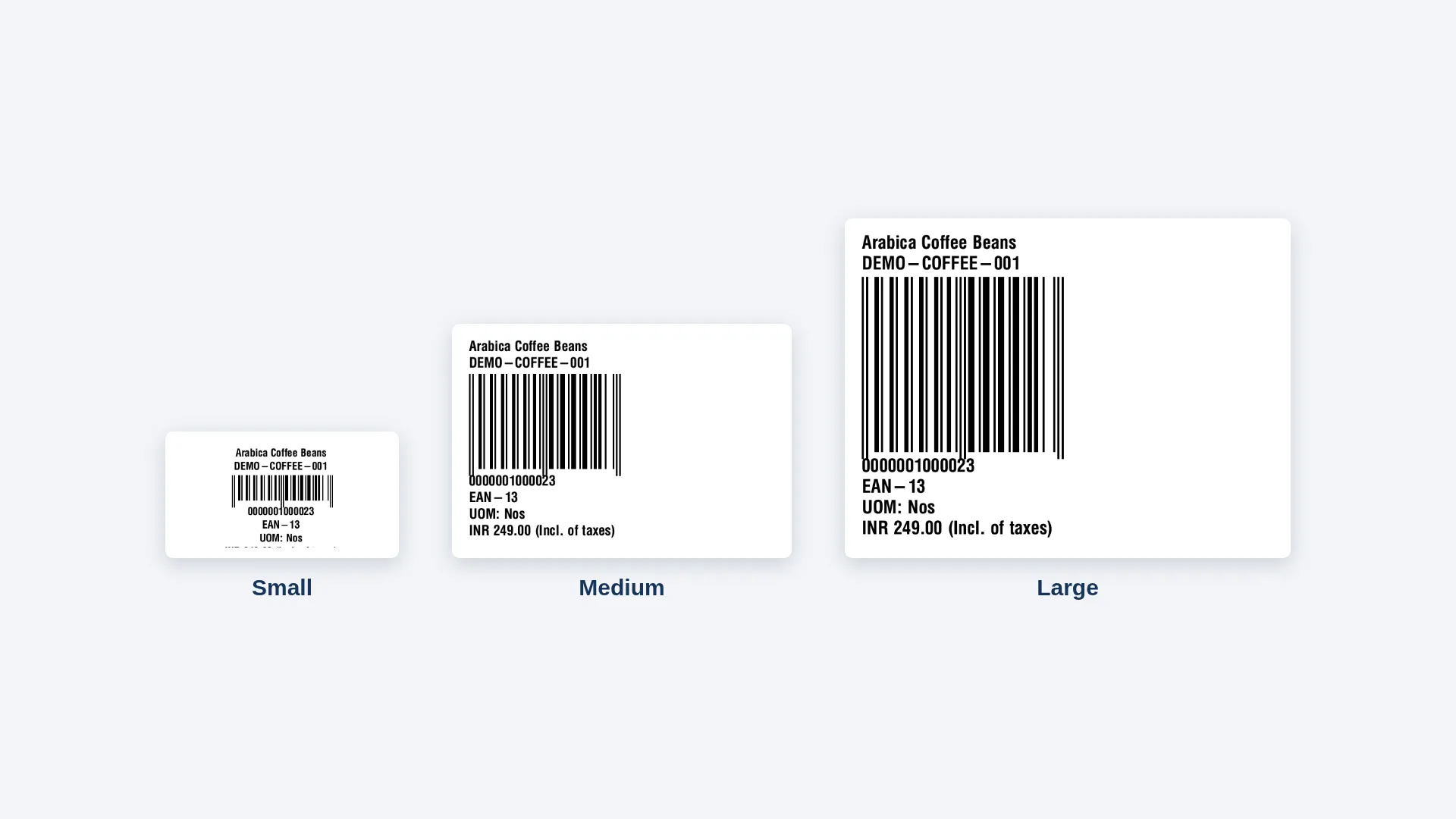
Every label size scales its content and barcode bar width automatically, and a hard scannability floor blocks printing a QR/Data Matrix code too small to scan reliably. A 2-column layout option fits more on a wider label. The Rate line pulls from a real Price List (never a guessed Standard Rate), can print as "Rate" or "MRP," and is prefixed with the correct currency symbol or ISO code for any currency.
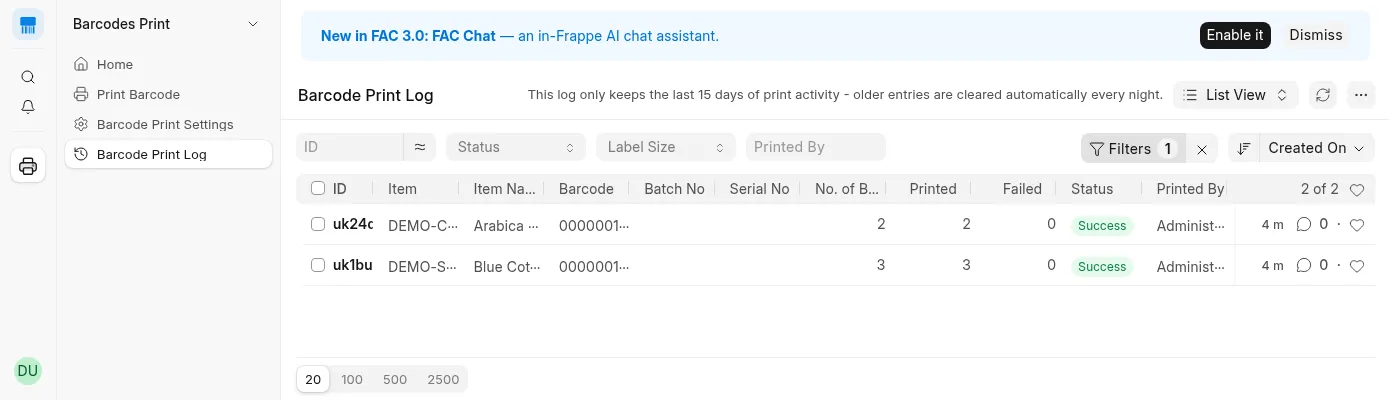
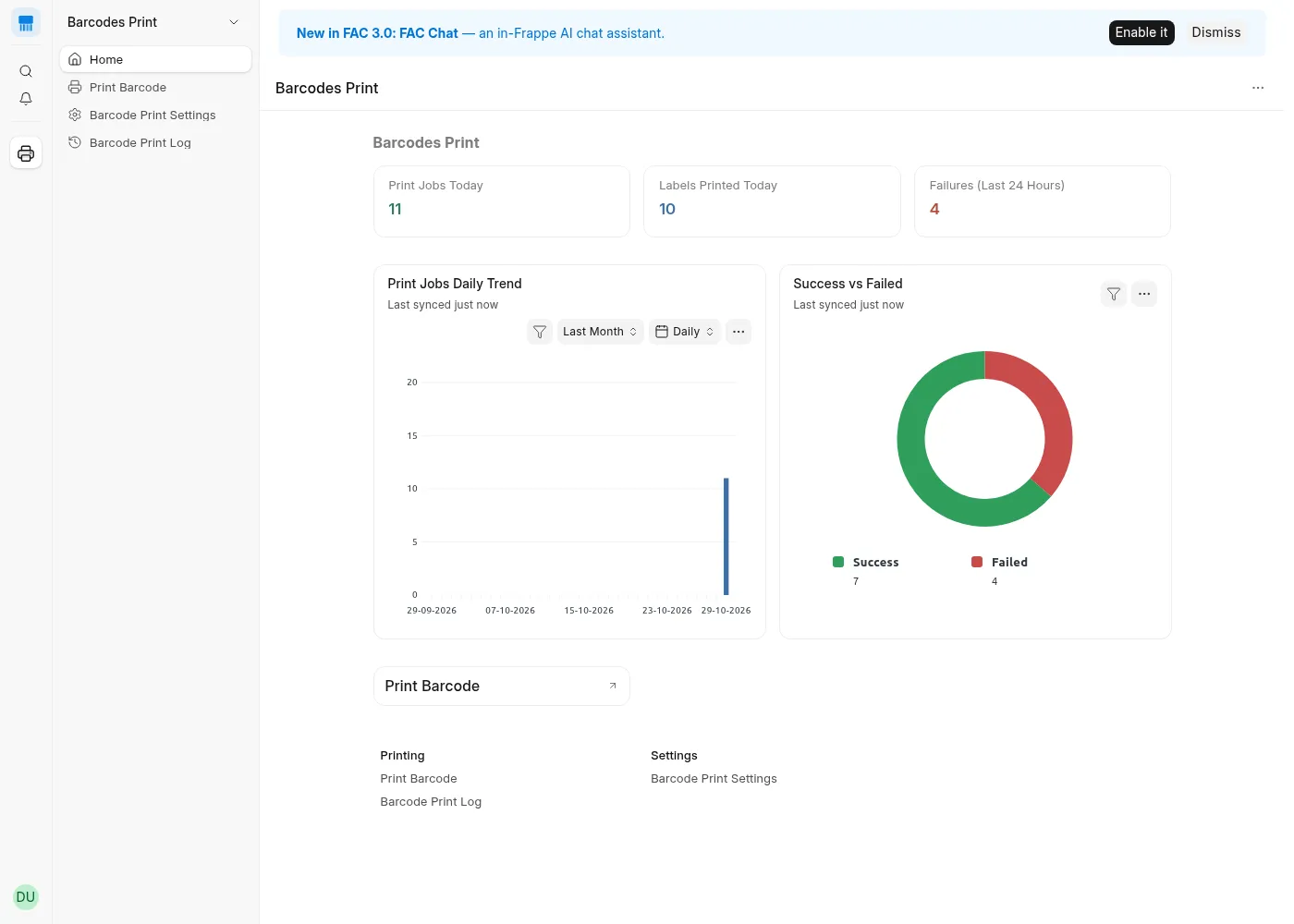
A full audit log tracks every print attempt — success or failure — with live dashboard cards and charts, so there's always a record of who printed what, when, and how many.
User Reviews
No reviews yet, be the first to review.
0.0
0 rating
Explore more apps