Frappe
Cloud
Marketplace
Frappe
Products
Insights
Publisher
Supported versions
Categories
E-Commerce
About
Employee Advance Enhanced
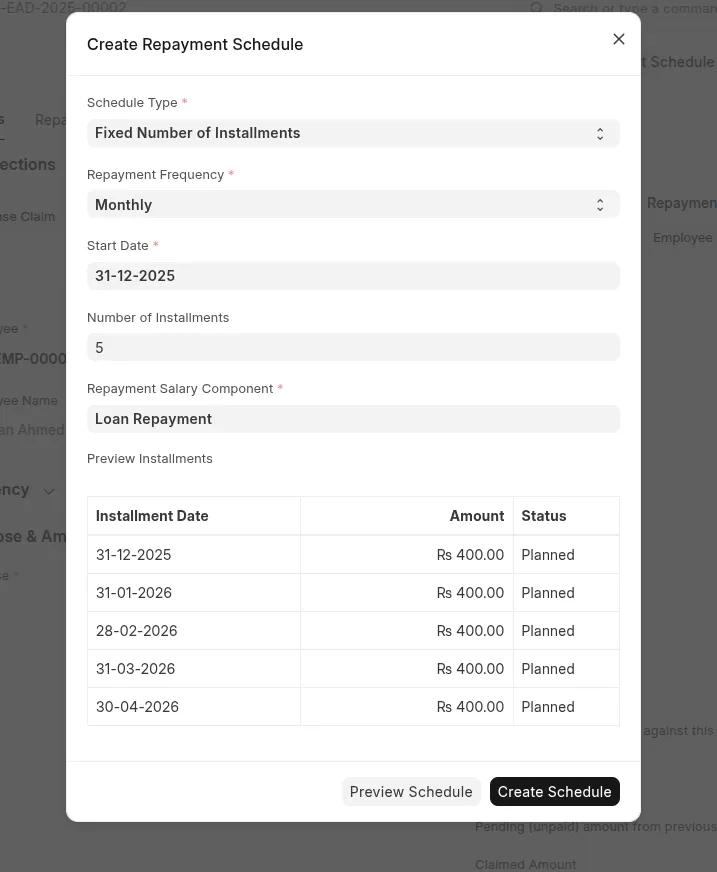
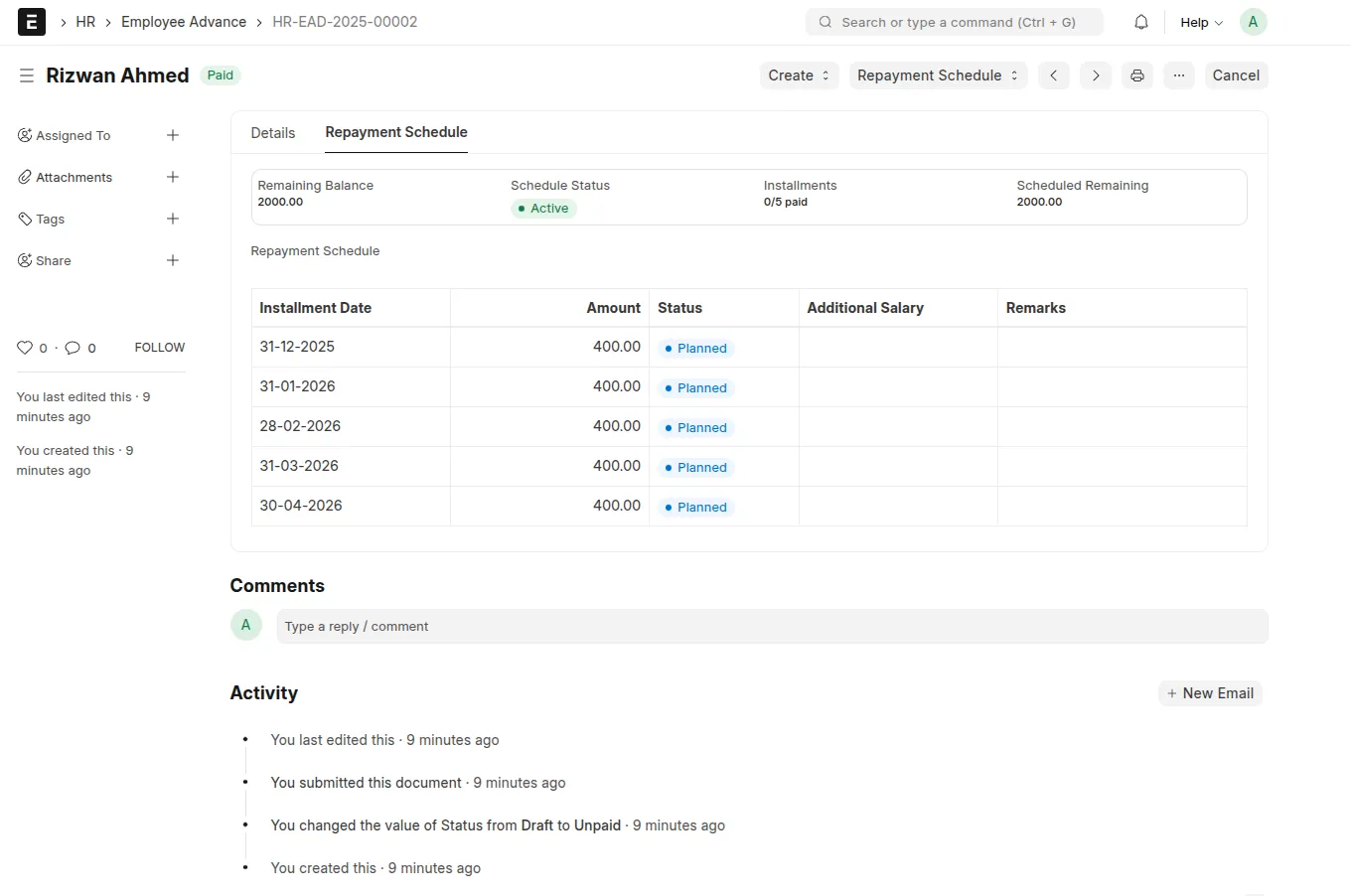
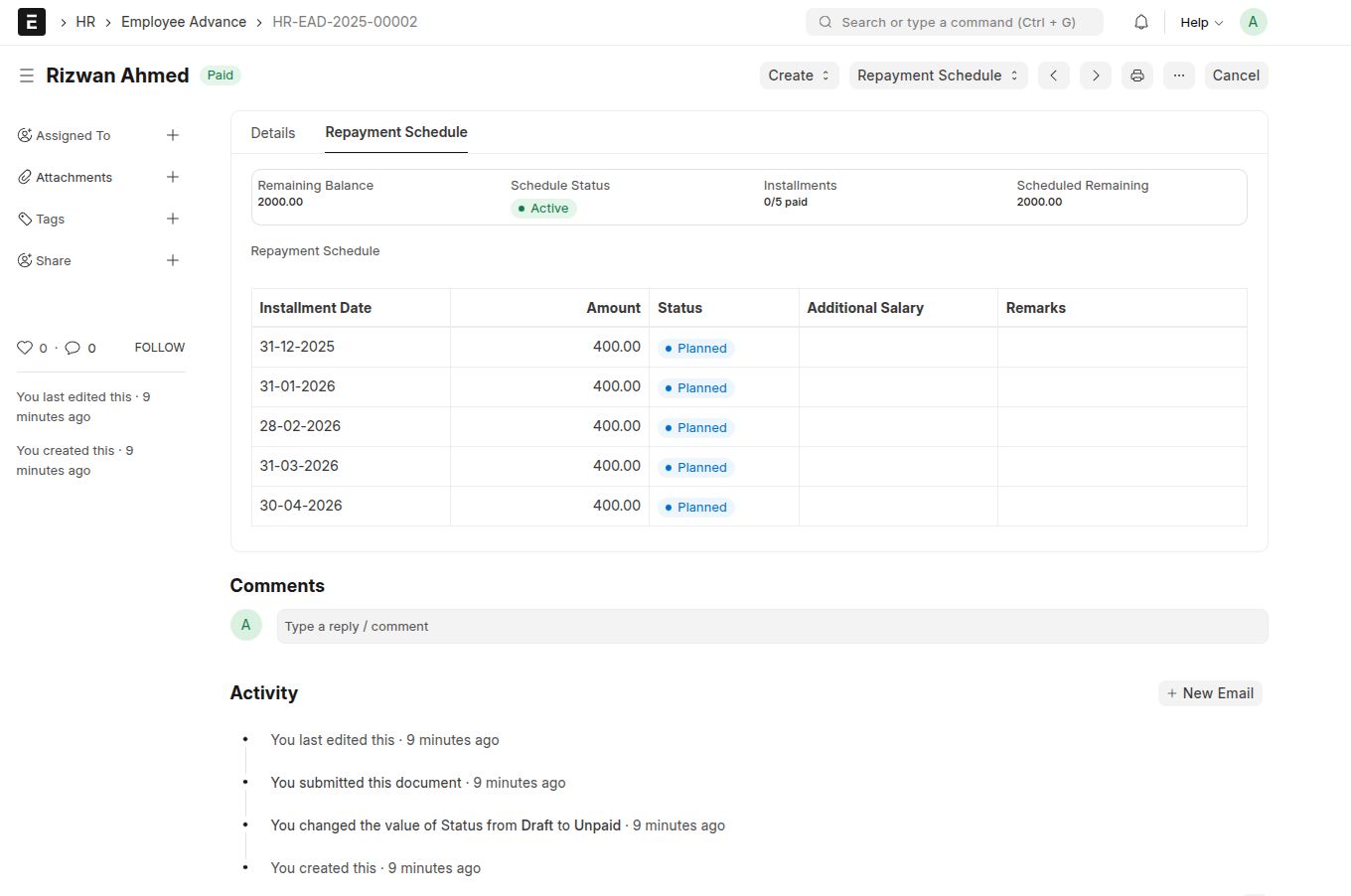
Employee Advance Enhanced adds a structured repayment schedule to the standard Employee Advance DocType and automates payroll deductions using Additional Salary. HR, Payroll, and Finance teams can configure one repayment plan per Employee Advance and let the system create deductions on each installment date.
Features
Schedule Automatic Employee Advance Repayment Fully Integrated with Frappe HRMS Payroll Module.
https://github.com/rahmed-dev/Employee-Advance-Enhancement/blob/develop/assets/image.png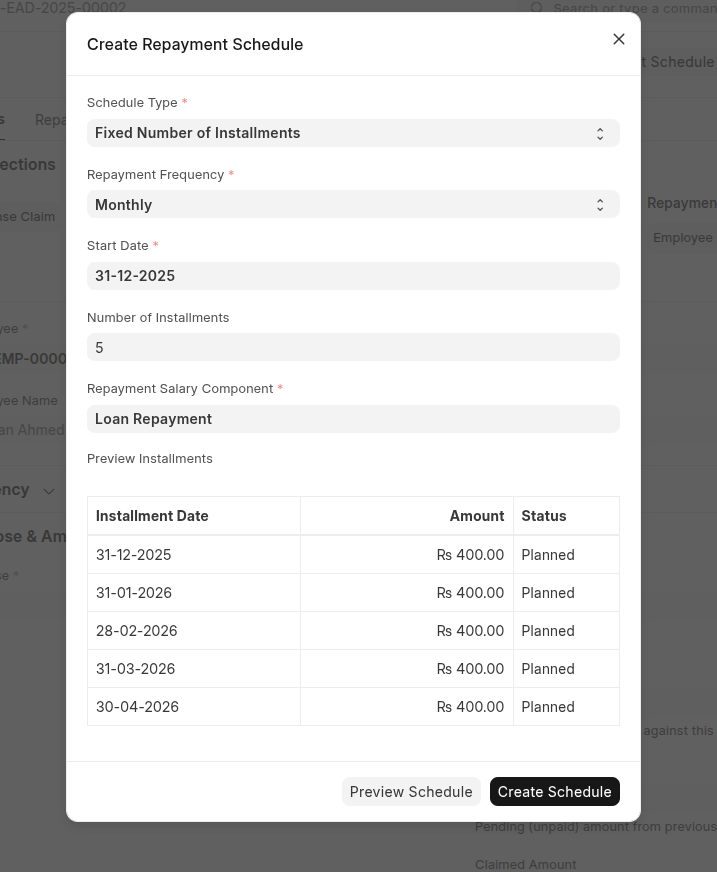
View Pending Installment in Dashboard.
Installation
For Local
You can install this app locally using the bench CLI:
cd $PATH_TO_YOUR_BENCH
bench get-app https://github.com/rahmed-dev/Employee-Advance-Enhancement.git
bench install-app eae
For Frappe Cloud
Go to Bench Groups —> Open a Bench Group
Navigate to App Section —> Click on “Add App” Button
Click on “Add from GitHub” Button

Paste the the following in “GitHub URL” and than Click “Add App” —> “Fetch Branch”.
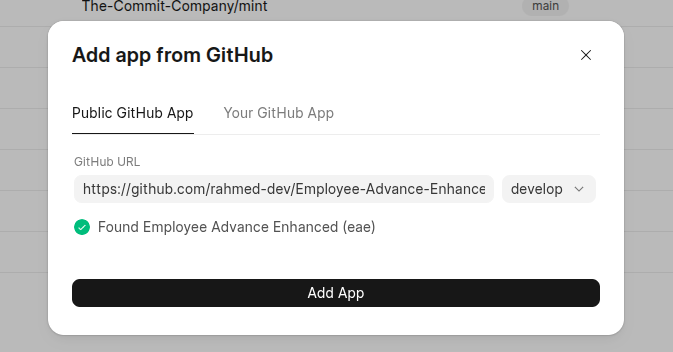
Click on “Update Available” —-> Chose the app —-> “Next” —> Select Site —> Click on “Deploy and Update Site”
How to Use the App
https://github.com/rahmed-dev/Employee-Advance-Enhancement/blob/develop/docs/user_guide.md
User Reviews
No reviews yet, be the first to review.
0.0
0 rating
Explore more apps