Frappe
Cloud
Marketplace
Frappe
Products
Insights

Installation Guide
installs
Publisher
Supported versions
Categories
E-Commerce
About
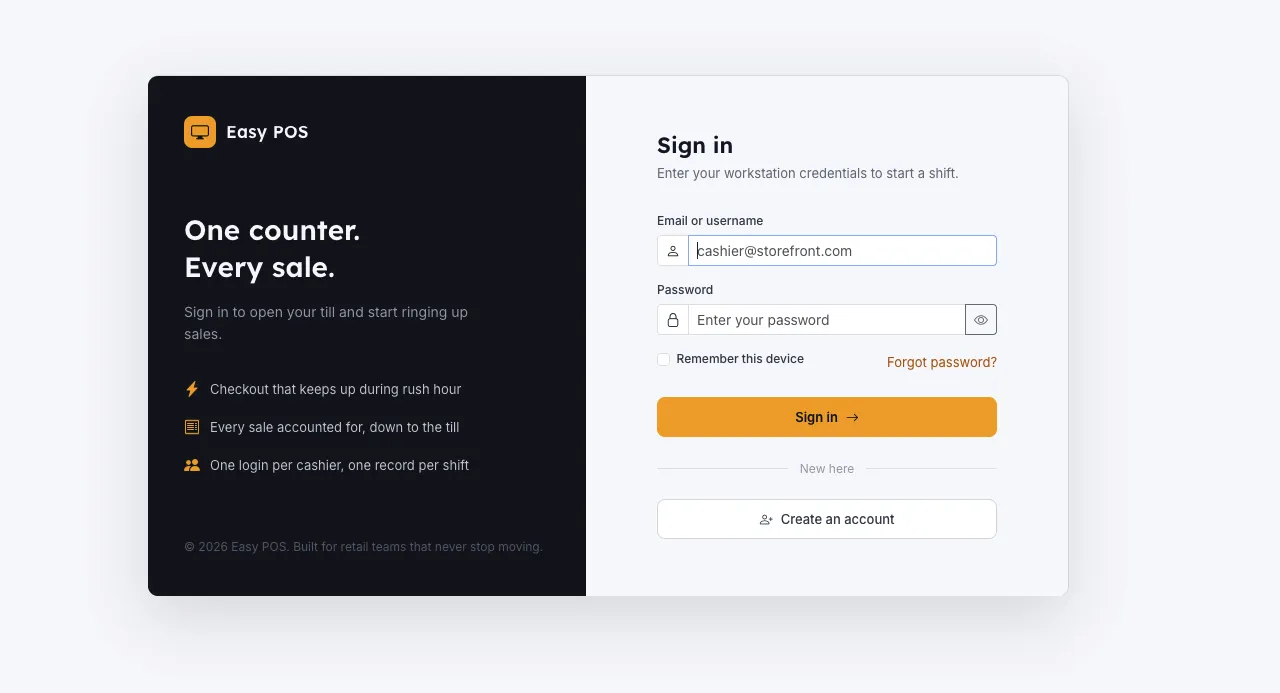
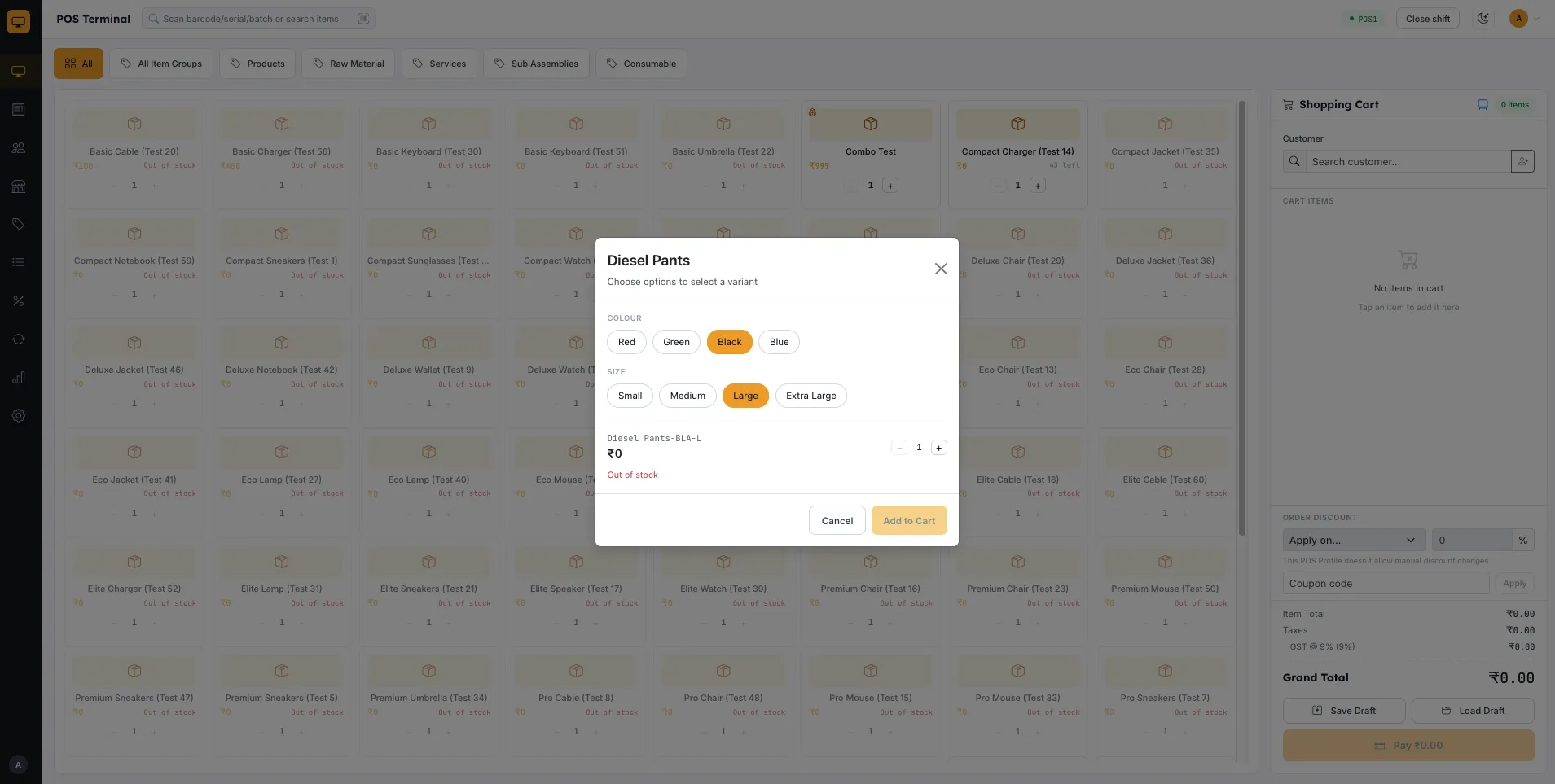
Easy POS is a free, open-source Point of Sale application for ERPNext and the Frappe Framework. It replaces the standard ERPNext POS screen with a purpose-built retail checkout experience — a fast cart-and-payment terminal, shift-based cash management, invoice and returns handling, and admin screens for POS Profiles, Price Lists, and Discounts — while reusing ERPNext's own Sales Invoice, Customer, and POS Profile doctypes as the system of record. There's no separate database to keep in sync: everything you do in Easy POS shows up natively in ERPNext's own reports and ledgers.
Built for small and mid-size retail counters — shops, cafés, and multi-terminal stores already running ERPNext — that want a snappier, cashier-friendly POS UI without abandoning their existing accounting, inventory, and reporting stack.
Easy POS covers:
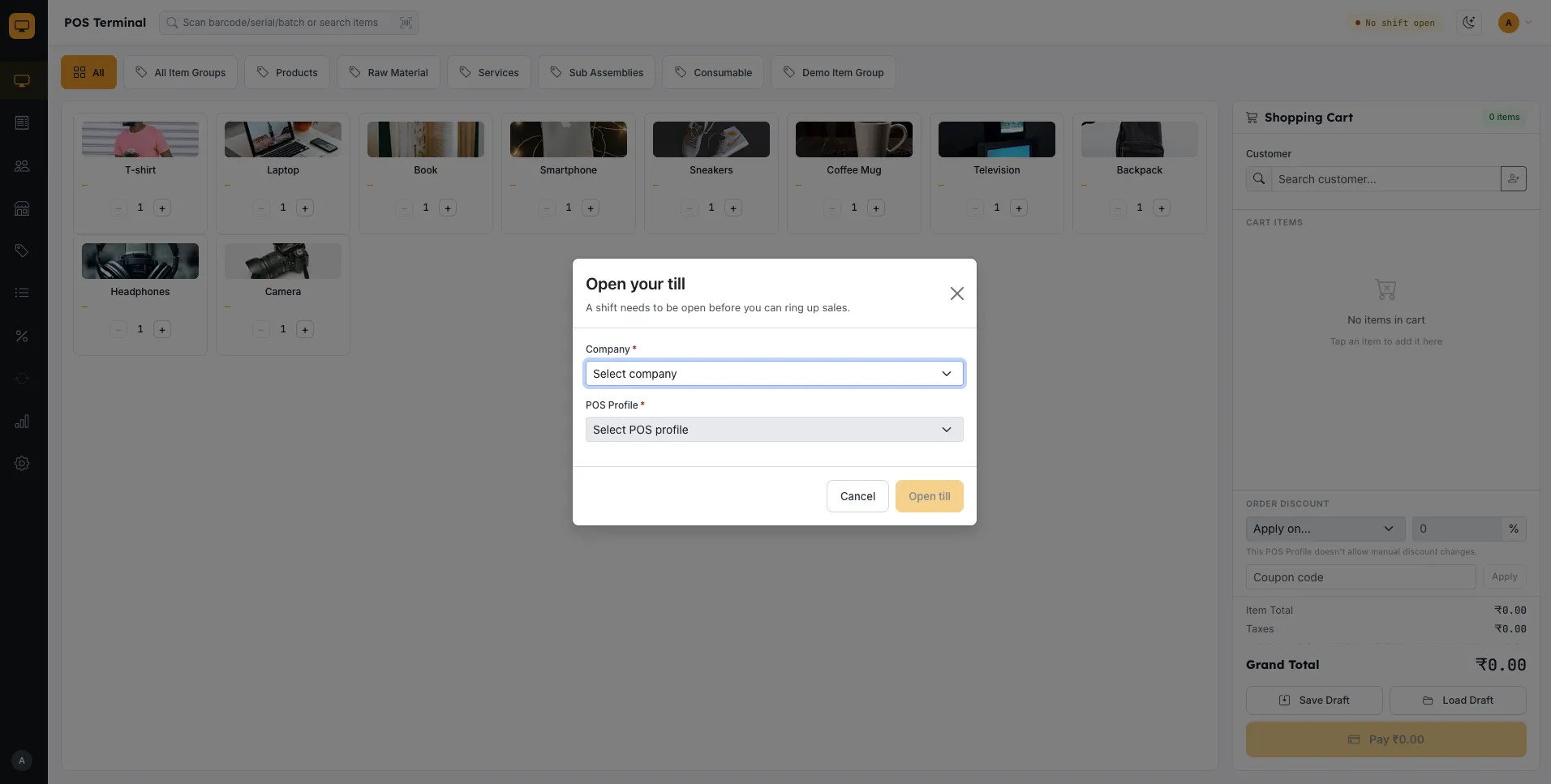
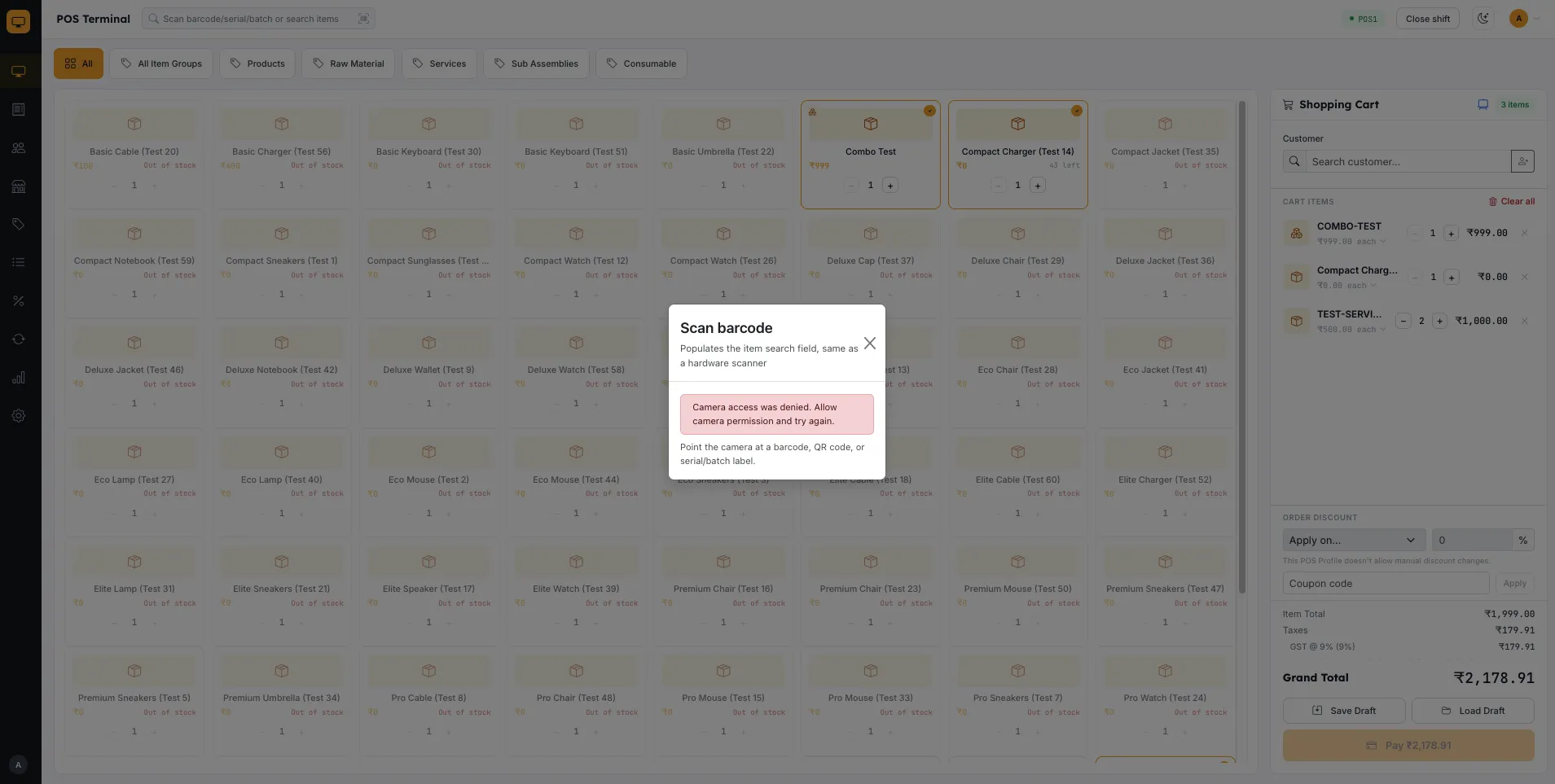
Checkout & Sales — cart-based terminal, barcode scanning (hardware scanner + camera), held/draft sales, Product Bundles, and a customer-facing second-screen display
Multiple payment gateways — swap in another payment provider (beyond Razorpay) without any changes to the checkout screen your cashiers use
Pricing & Discounts — Pricing Rule discounts (percentage, flat, Buy X Get Y), Item Prices, and Price Lists
Loyalty Program — points earn and in-cart redemption tied to ERPNext's own Loyalty Program doctype
Invoices & Returns — a searchable invoice register, cancellations, and credit notes with server-side tax recomputation
Shift Management — opening/closing cash entries per payment mode, scoped per shift
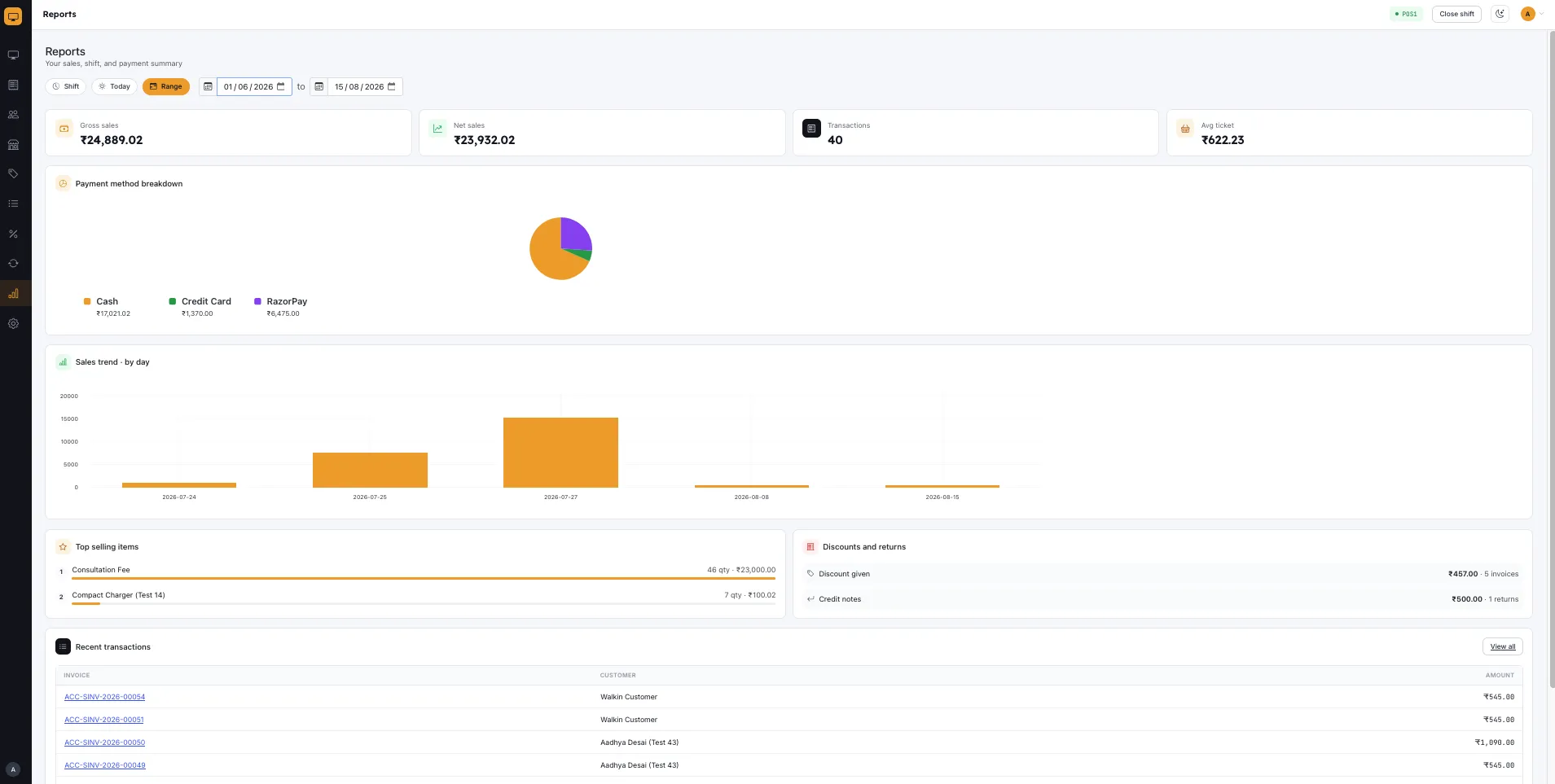
Reports & Dashboard — a per-cashier, per-shift sales dashboard with payment breakdowns and top items
Administration — full POS Profile editor, receipt delivery via email/SMS, and a Settings hub
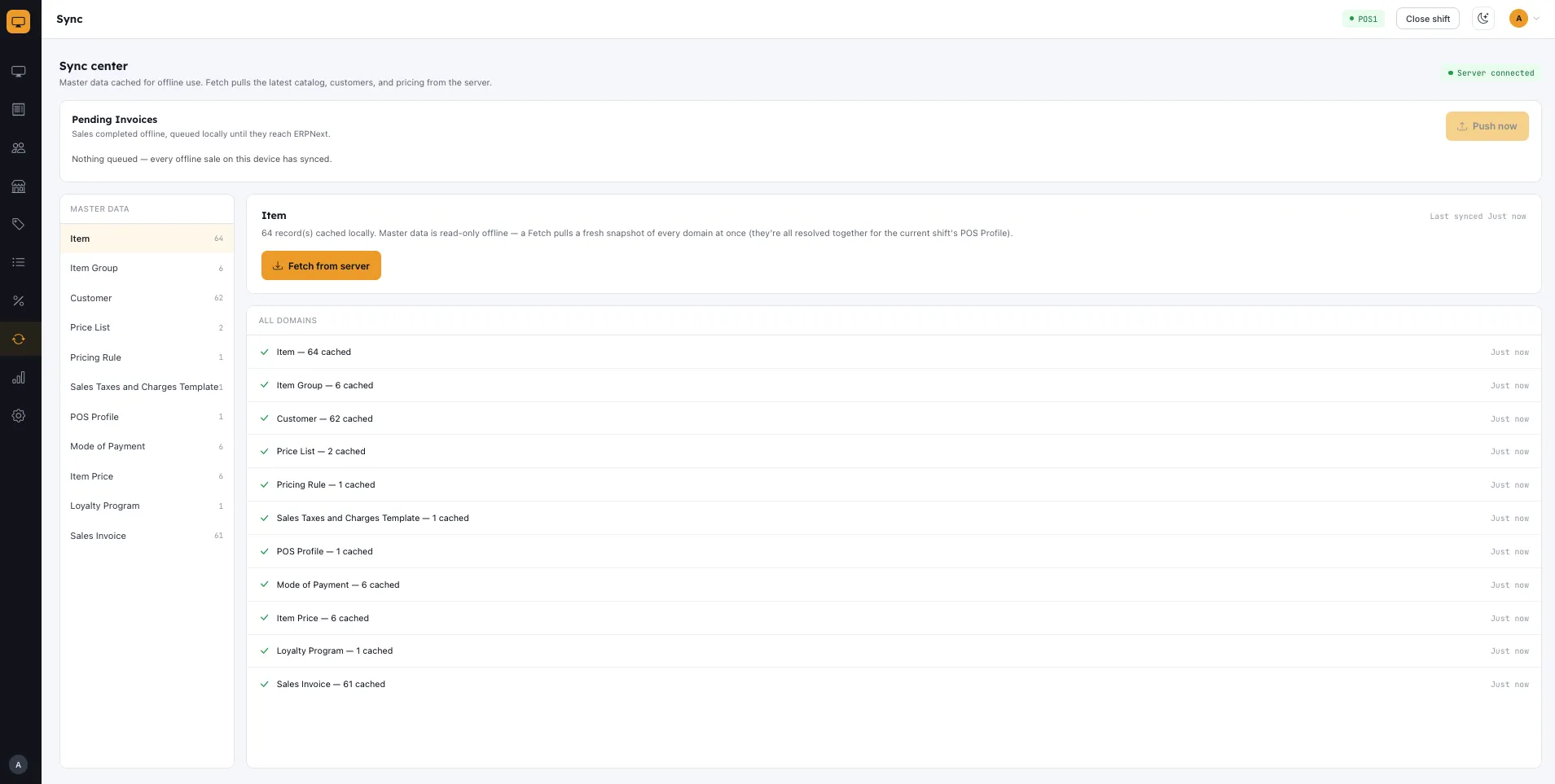
Installable PWA — add-to-home-screen with app-shell caching for instant repeat loads
Dark Mode — a light/dark theme toggle that follows your device by default.
Easy POS is built on the Frappe Framework, a full-stack web app framework built with Python & JavaScript.
Installation
Click Install Now.
Give your site a name.
Select the Easy POS app and click Next.
Select a plan and click Create Site.
Open your site at
/posappto sign in and start your first shift — see the Quick Start guide for a walkthrough of your first sale.
License
MIT License — see LICENSE. Copyright is retained by the project's contributors.
User Reviews
No reviews yet, be the first to review.
0.0
0 rating
Explore more apps