Frappe
Cloud
Marketplace
Frappe
Products
Insights

Installation Guide
installs
Publisher
Supported versions
Categories
E-Commerce
About
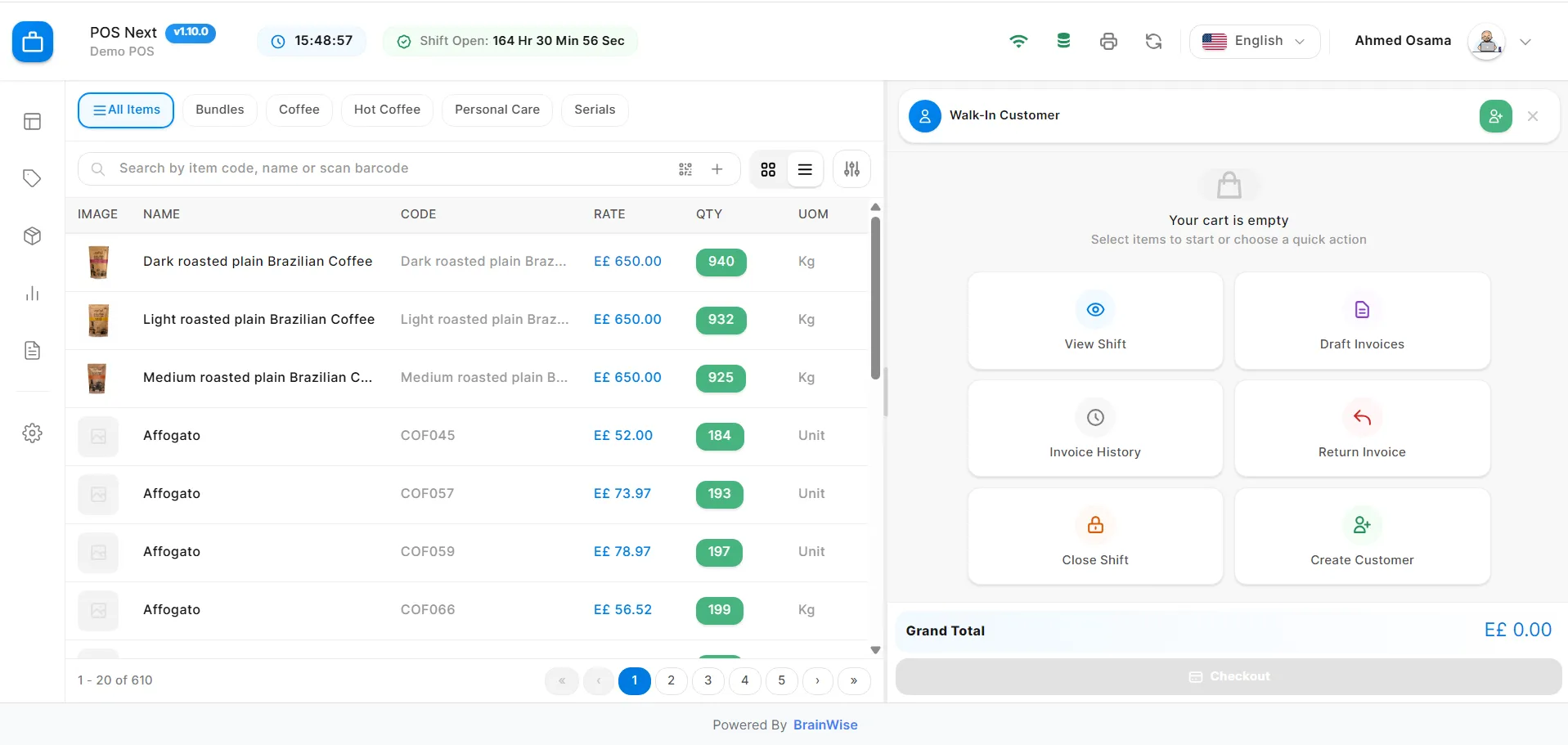
POSNext is a fast and reliable Point of Sale System built by BrainWise for modern retail operations in the MENA region. It helps cashiers sell faster and enables store owners to stay in control — with accurate stock, smooth checkout, and real-time visibility across branches.
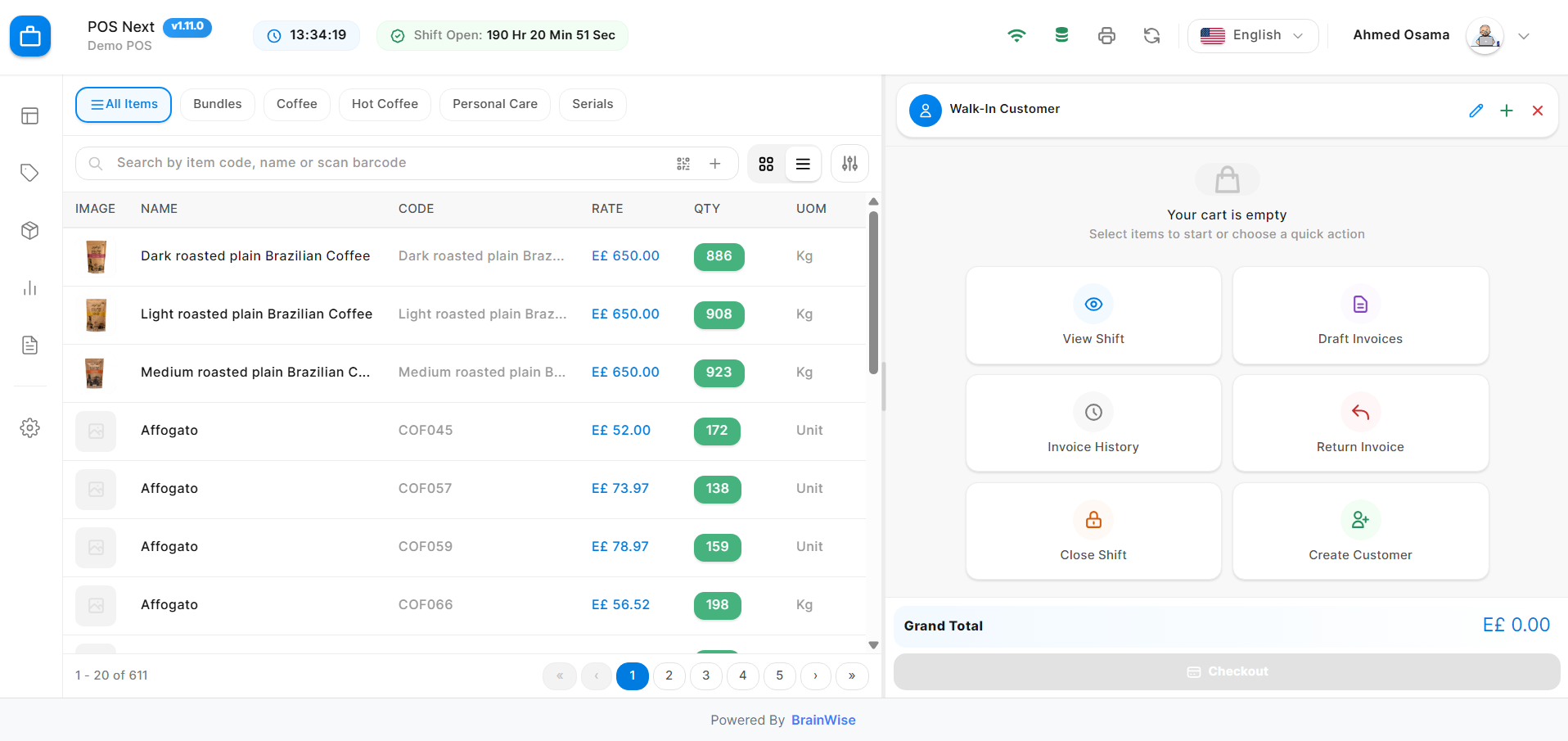 Why you’ll love POSNext
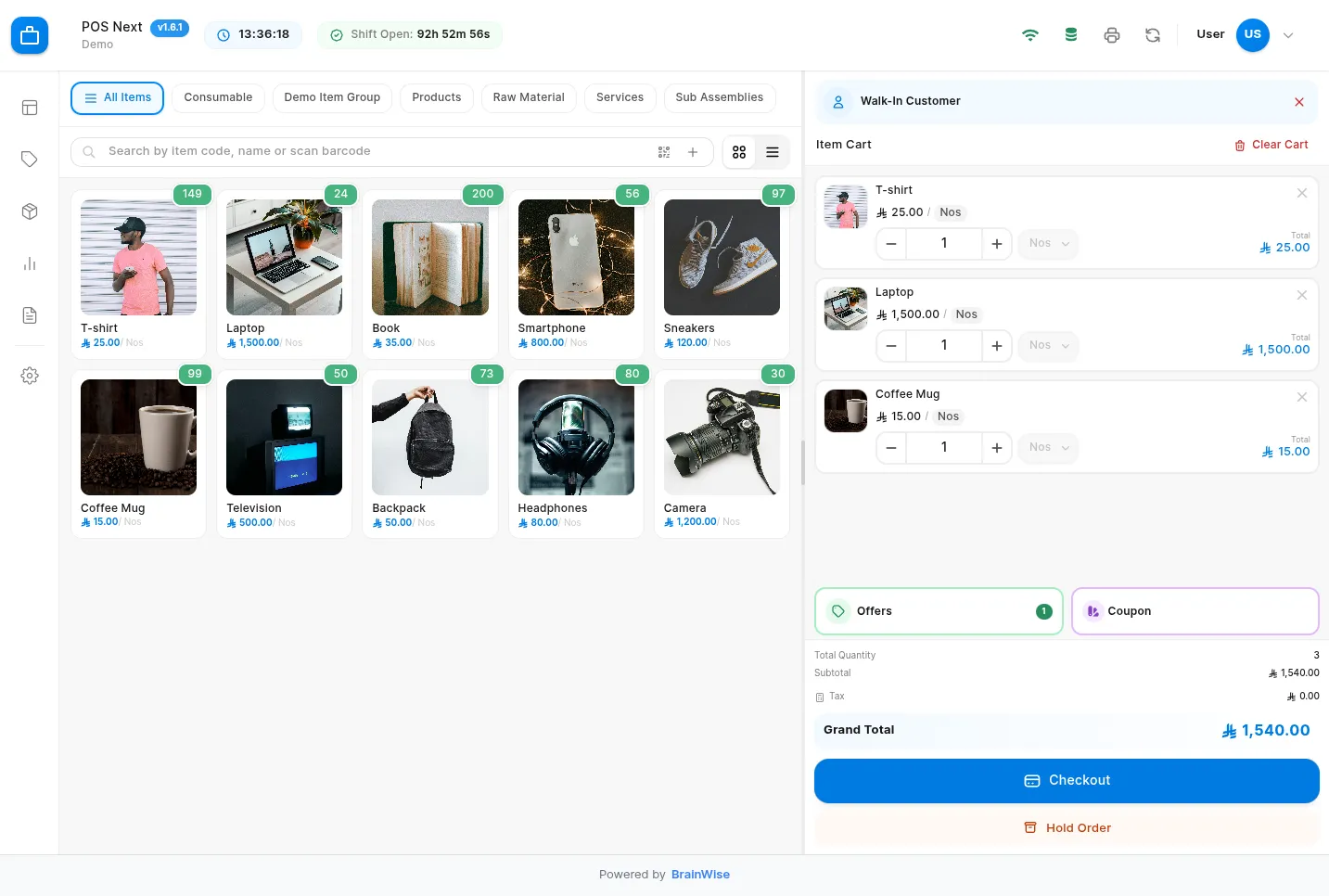
- Fast & simple checkout: instant item search, barcode support, and touch-friendly UI
- Works offline: keep selling if the internet drops, then sync automatically when online
- Flexible payments: cash, card, split payments, partial payments, and credit sales
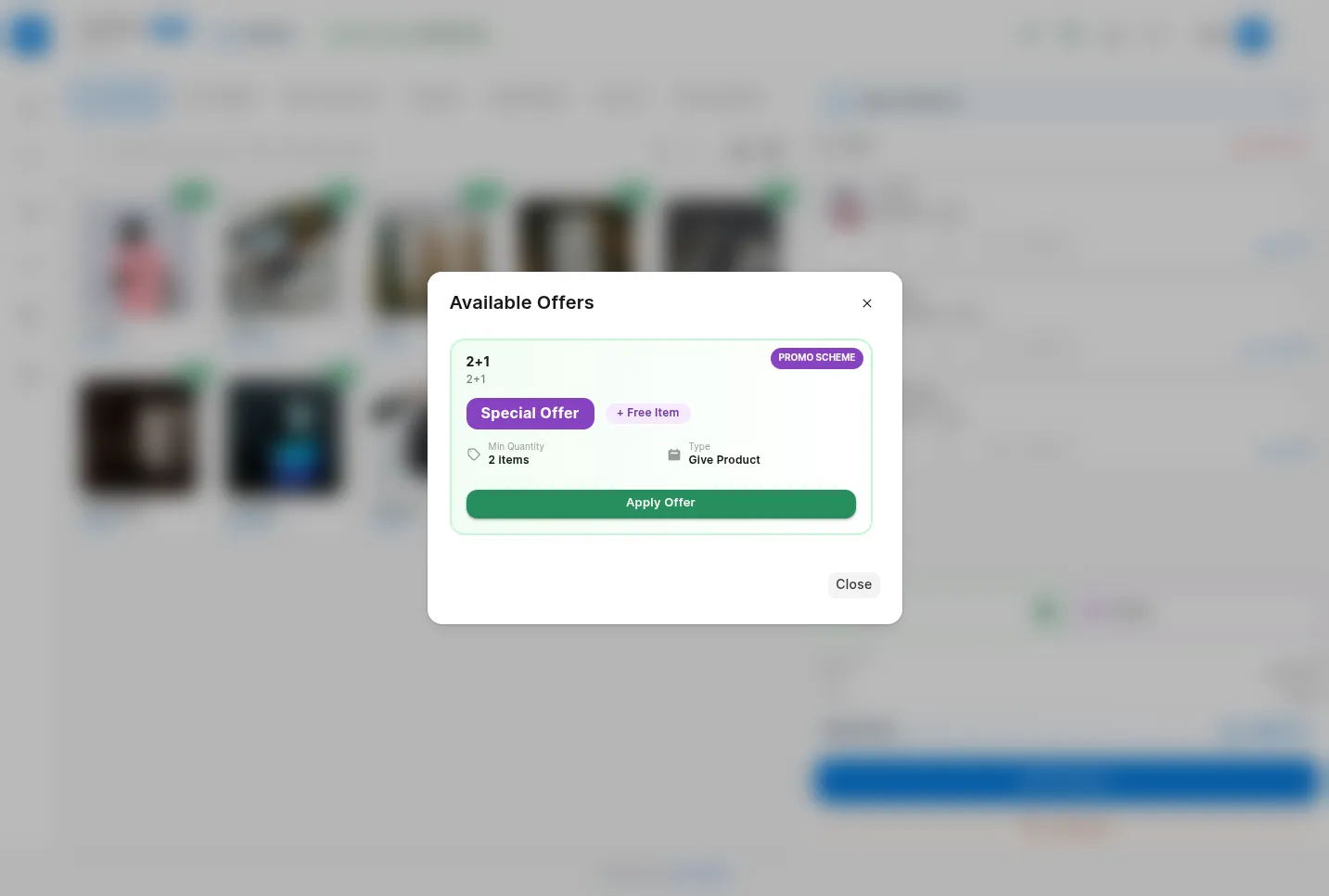
- Offers & discounts: coupons, bundles, free items, and automatic promotion application
- Multi-currency: EGP, SAR, AED, USD, EUR, and more with correct formatting
- Hold & resume orders: save incomplete sales and continue anytime from any device
- Easy returns: full/partial returns with automatic stock updates and credit notes
- Shift management: open/close shifts, track sales per shift, and reconcile cash confidently
Setup & Getting Started
Getting started with POSNext is simple if you already use Frappe / ERPNext.
1. Install the App
- Install POSNext from the Frappe Store
- Run migrations and reload the site
- The POS interface becomes available immediately
2. Basic Configuration
Before using POSNext, make sure you have:
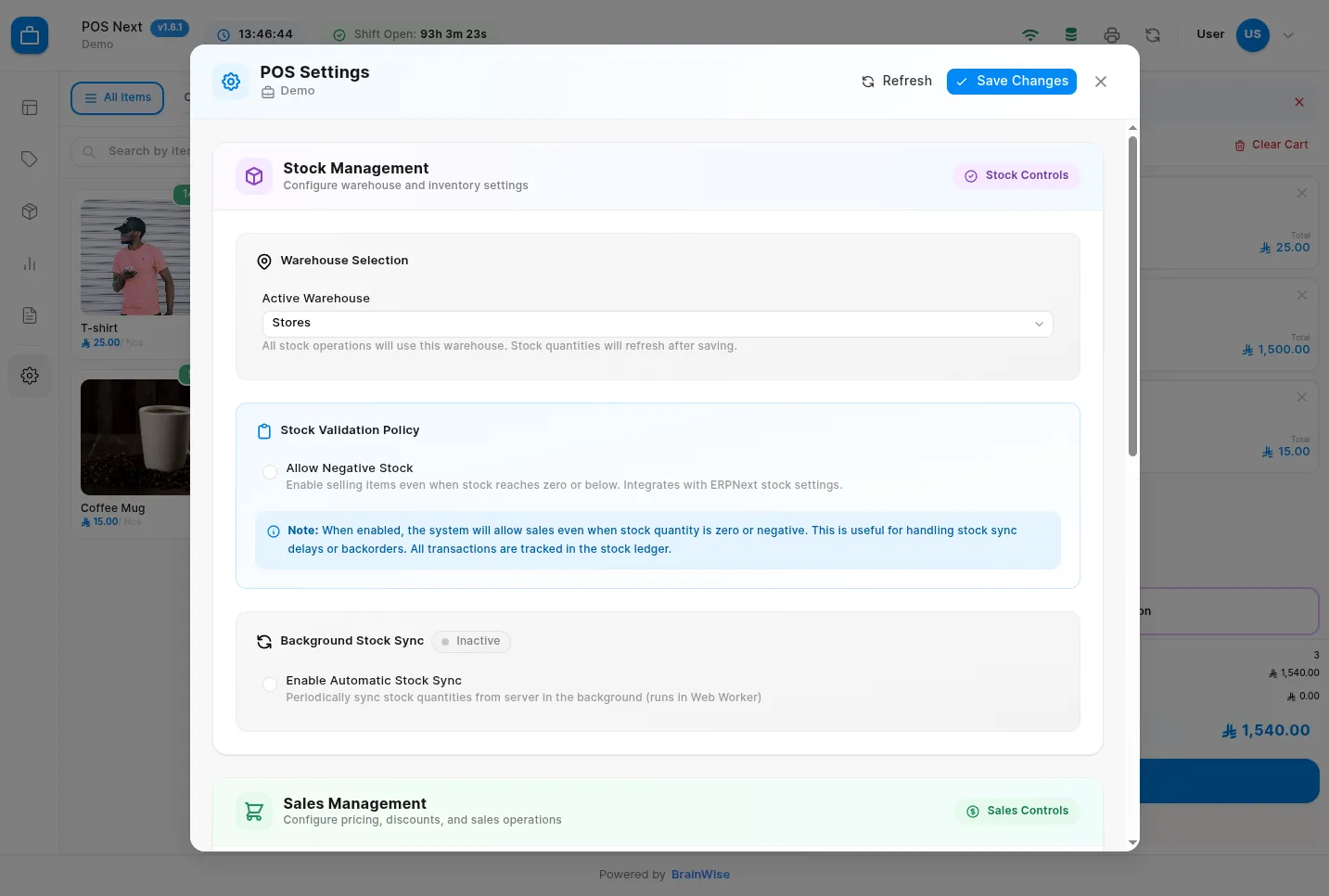
- A Company and Warehouse
- Items with prices and stock
- A POS Profile configured with:
- Default warehouse
- Price list
- Payment methods
- Stock update settings
3. Assign Users
- Assign cashiers and staff to the POS Profile
- Control access using roles and permissions
- Each user logs in with their own account
4. Start Selling
- Open POSNext from the sidebar or the POS URL
- Open a shift and enter opening cash (if enabled)
- Start adding items and completing sales
No special hardware or complex steps are required.
Built for daily retail work
POSNext runs smoothly on desktops, tablets, and touch screens, and is designed for the speed and reliability retailers need every day.
User Reviews
5 stars
%
4 stars
%
3 stars
%
2 stars
%
1 star
%
•
Reply
5.0
1 rating
Explore more apps