Frappe
Cloud
Marketplace
Frappe
Products
Insights

Installation Guide
installs
Publisher
Supported versions
Categories
E-Commerce
About
Report Builder
A Frappe app that lets users design, run, and share reports entirely through a UI — selecting columns, applying filters, grouping, sorting, joining related/child-table sources, and adding calculated fields — without writing any code.
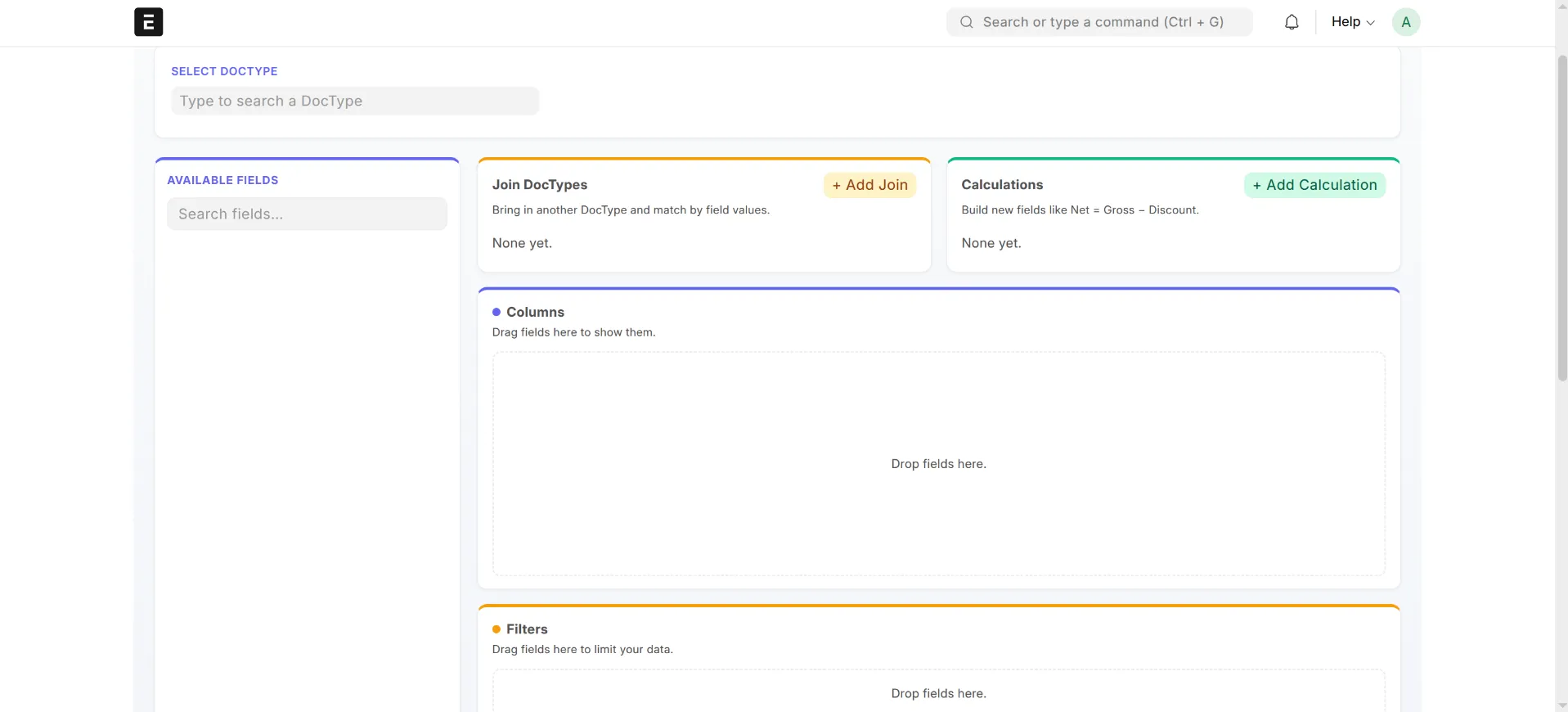
The app ships a desk page called Report Studio (route: /app/report-studio) where reports are built visually, previewed live, exported (XLSX / CSV / PDF), and optionally published as native Frappe Query Reports.
Table of contents
- Requirements
- Installation on a local bench
- Roles & permissions
- Using Report Studio
- Exporting
- Sharing & publishing
- How it works
- Limits & safety
- Development
Requirements
- A working Frappe bench (Frappe Framework v15)
- Python 3.10+
- A site on the bench you can install apps onto
Open Report Studio
Log in to the desk and go to:
http://localhost:8000/app/report-studio
It also appears as a Report Studio tile on the Apps screen.
Updating later: after pulling new changes, re-run bench --site <site> migrate && bench build --app report_builder.Uninstalling: bench --site <site> uninstall-app report_builder.Roles & permissions
The app installs a role called Report Studio User (shipped as a fixture).
| Role | Can access Report Studio | Sees reports |
Administrator | Yes | All reports |
System Manager | Yes | All reports |
Report Studio User | Yes | Own reports, public reports, and reports shared with them |
To let a user build reports, assign them the Report Studio User role (or System Manager). Importantly, the app never bypasses Frappe permissions — a user can only build reports on DocTypes they already have read access to, and row-level permission query conditions of the underlying DocTypes are still respected.
Using Report Studio
Report Studio is a drag-and-drop builder. A typical flow:
- Pick a data source. Choose the base DocType the report runs on (only DocTypes you can read are listed).
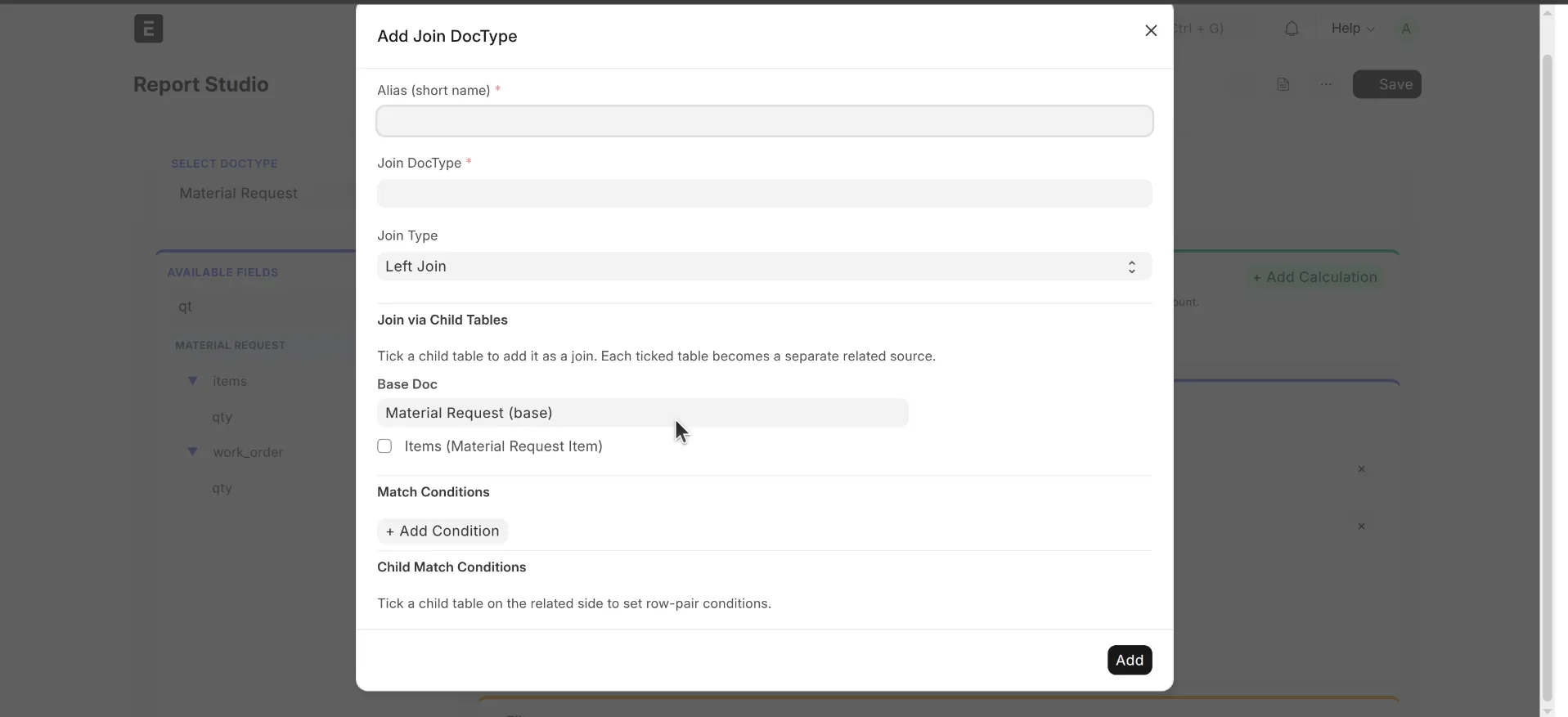
- Add related / child sources (optional). Join in other DocTypes:
- Related sources — link another DocType via Link-field join conditions (
Left JoinorInner Join). - Child tables — pull in rows from a child table of the base DocType. Joins can go up to a depth of 2.
- Choose columns. Drag fields from any source into the columns area. Each column can have a custom label, width, and an optional aggregate (
Count,Sum,Avg,Min,Max). - Add calculated fields (optional). Build derived columns from arithmetic expressions (
+,-,*,/) over other fields, formatted as Number, Integer, Currency, or Percent. - Filter. Add filter rows with operators like
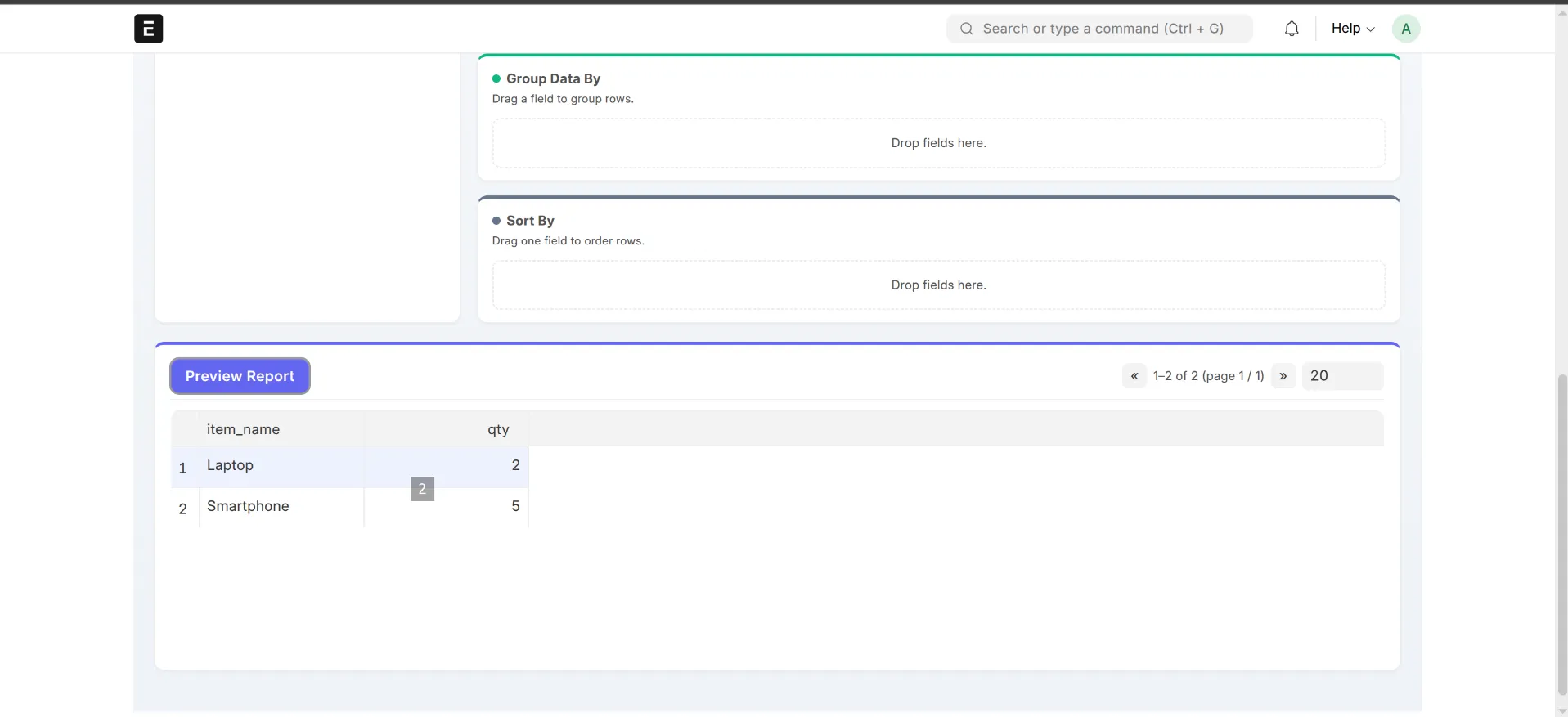
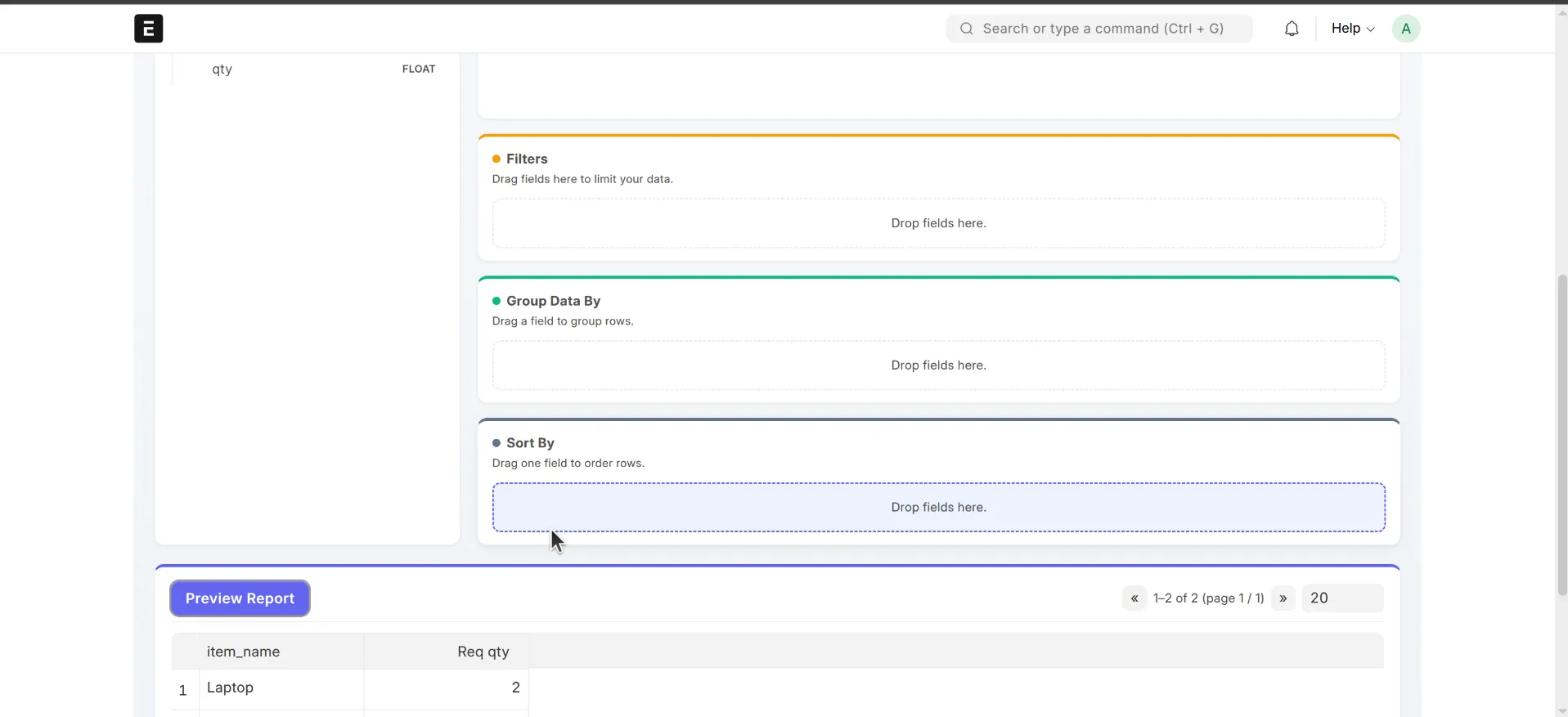
=,!=,>,in,like,between,is set, date-range granularities, etc. Filters can be marked as runtime filters so they become prompts when the report is run. - Group & sort. Group by one or more fields (with date granularity — Day/Week/Month/ Quarter/Year) and define multi-level sort order (Ascending/Descending).
- Preview. The result table updates live, paginated. Page size is configurable.
- Save. Saving creates a Report Studio Report document, with a title, description, and visibility setting.
Exporting
From a previewed or saved report you can export to:
- XLSX
- CSV
Exports run the full query (not just the current page) up to a cap of 10,000 rows.
Sharing & publishing
Each report has a Visibility setting:
- Private — only the owner (and System Managers) can see it.
- Public — any Report Studio user can see it.
- Shared with Roles — visible to users holding the selected roles.
Reports can also be published as a standard Frappe Query Report. Publishing generates a native report (visible in the desk Report list and report views) that delegates execution back to the Report Studio engine, including runtime filters. Publishing can be reversed with unpublish.
How it works
Report Studio page (JS UI)│ builds a JSON "config"▼report_builder.api.* ── whitelisted endpointsbuilder.py → preview / save / load / list / delete / publishexport.py → export_report (xlsx/csv/pdf)metadata.py → DocType & field discovery for the UIpermission.py→ role checks + row-level query conditions│▼report_builder.engine ── the query engineschema.py → validates & normalises the configmeta_validator.py→ verifies DocTypes/fields exist & are readablejoin_resolver.py → resolves related/child-table joinsfilter_ops.py → translates filters into SQL conditionsaggregations.py → applies Count/Sum/Avg/Min/Max + group-bypagination.py → page / page-size handlingquery_engine.py → assembles it all via Frappe's query builder▼Frappe / MariaDB
Key points:
- The UI produces a JSON config, not SQL. The browser never sends raw queries.
- The engine builds queries with Frappe's query builder (pypika) — fields, DocTypes, joins, and operators are all validated against DocType metadata before a query is assembled, so the surface for SQL injection is closed.
- Permissions are enforced server-side. Every DocType touched is checked for
readpermission, andpermission_query_conditionsare applied so users only see rows they are allowed to see. - Data model. A report is stored as a
Report Studio ReportDocType with child tables:Report Studio Related Source,Report Studio Column,Report Studio Calculation,Report Studio Filter,Report Studio Group By,Report Studio Sort, andReport Studio Share. - Published reports use an inline runner (
report_builder.runtime.inline_runner) so the generated standard report stays in sync with the Report Studio definition.
Development
The repo is set up with ruff (lint + format) and pre-commit.
# install pre-commit hookscd apps/report_builderpre-commit install# lint / formatruff check .ruff format .
Running tests
The engine has a unit-test suite under report_builder/tests/ (test_schema.py, test_filter_ops.py, test_query_engine.py):
bench --site <your-site-name> run-tests --app report_builder
A GitHub Actions workflow runs these tests on CI.
License
mit
User Reviews
No reviews yet, be the first to review.
0.0
0 rating
Explore more apps