Frappe
Cloud
Marketplace
Frappe
Products
Insights
Publisher
Supported versions
Categories
E-Commerce
About
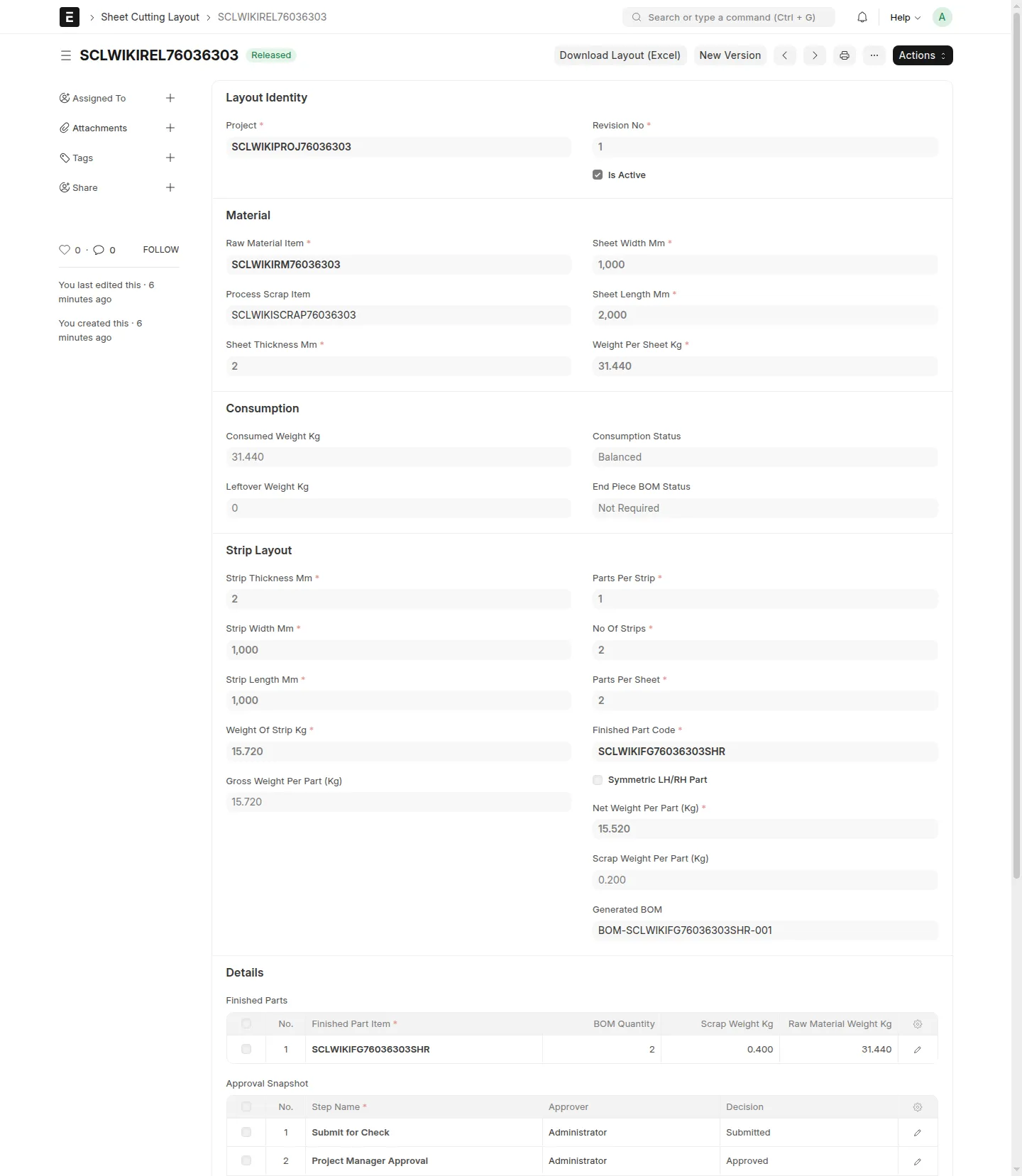
Sheet Cutting Layout
Sheet Cutting Layout is a Frappe/ERPNext module for controlled sheet cutting layout releases for
press parts. It gives Projects, Purchase, and MR teams one shared record for layout inputs,
approval status, released BOM references, reusable end pieces, and workbook exports.
What Users Can Do
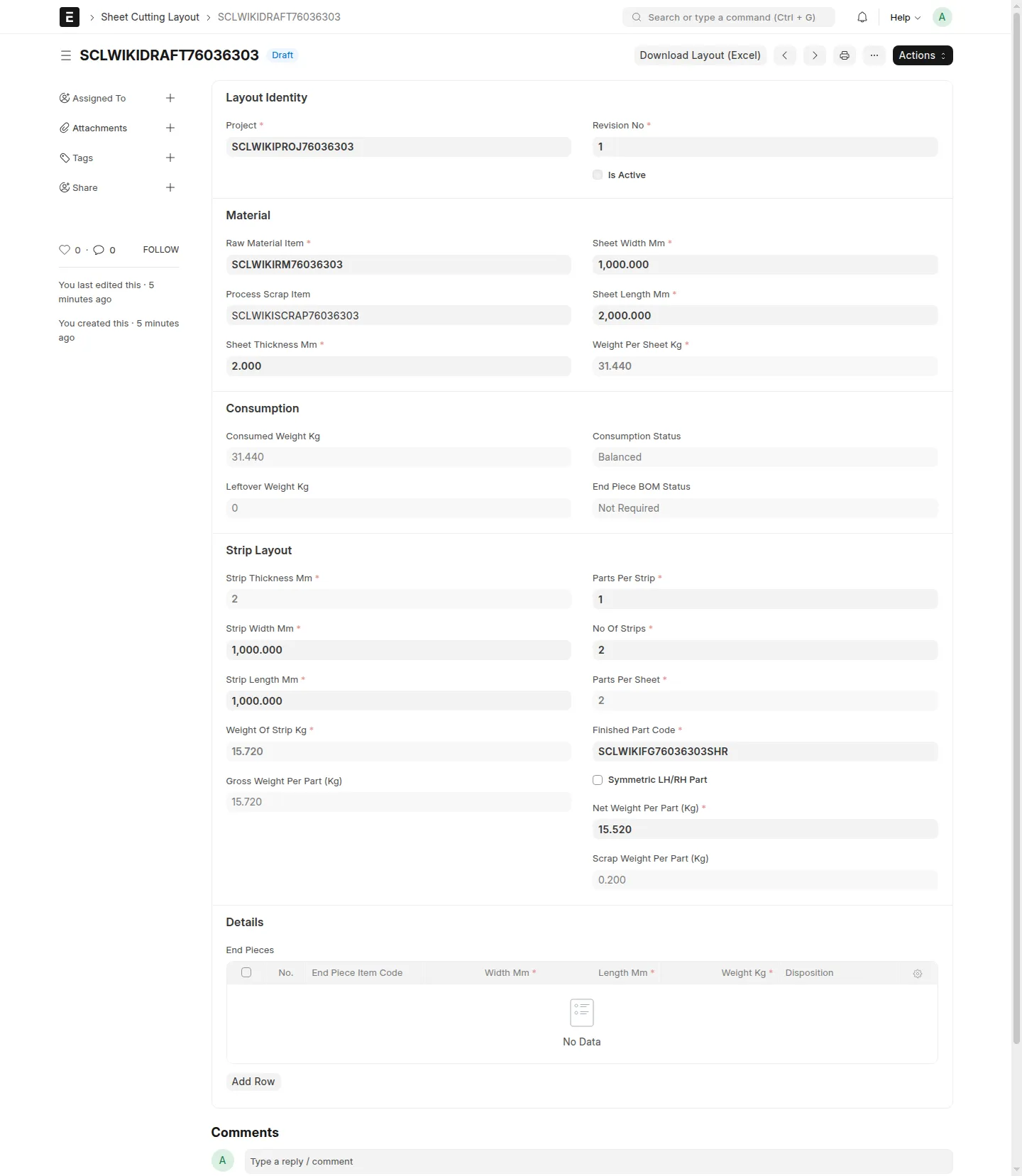
Create single-part and LH/RH paired sheet cutting layouts.
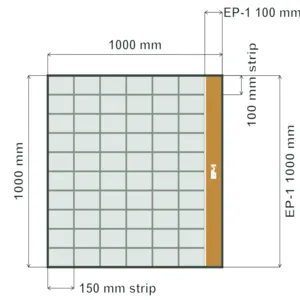
Capture sheet, finished-part, scrap, and reusable end-piece details.
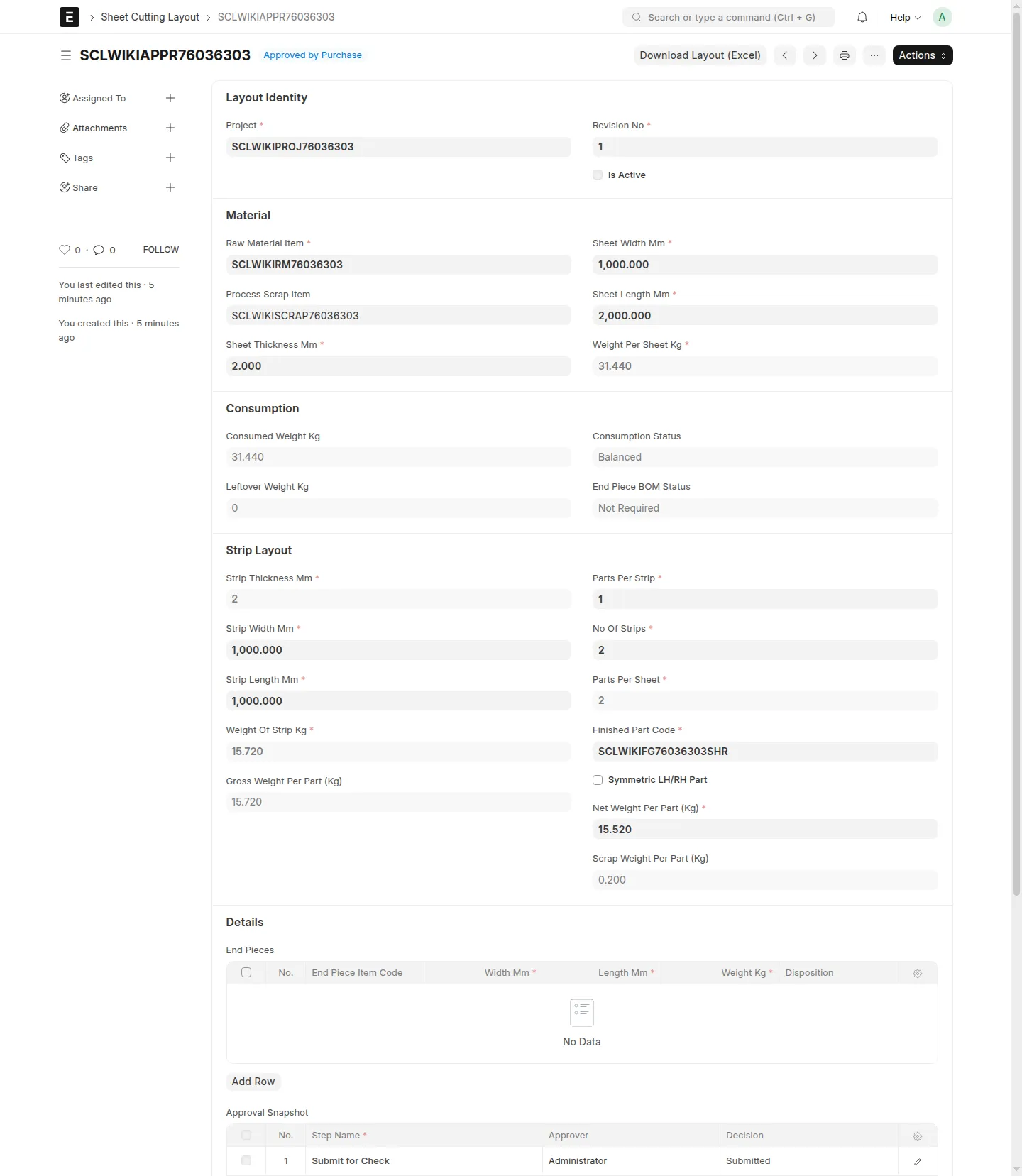
Move layouts through checking, PM approval, purchase approval, and MR release.
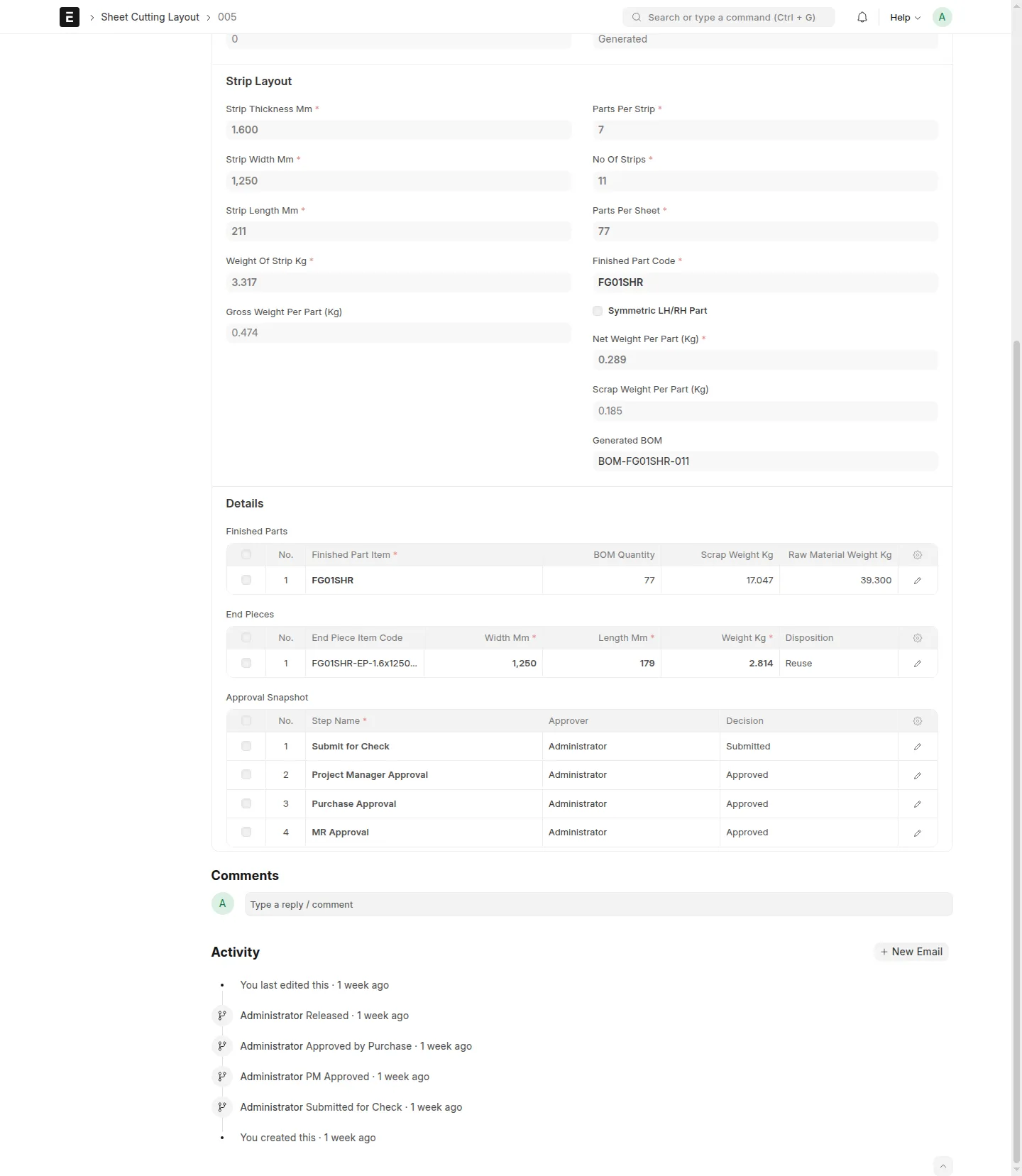
Generate released shearing BOM references for approved layouts.
Generate reusable end-piece item and BOM references from released layouts.
Export released layouts as
.xlsxworkbooks.
Primary Roles
Projects User: creates draft layouts and submits them for check.Projects Manager: reviews and approves submitted layouts.Purchase Manager: reviews layouts after PM approval.MR Coordinator: releases approved layouts and supersedes retired releases.System Manager: keeps administrative access outside the normal role handoff.
Workflow
Layouts move through:
Draft -> Submitted for Check -> PM Approved -> Approved by Purchase -> Released
Reject returns an in-review layout to Draft so it can be corrected and submitted again.Supersede retires a released layout when a replacement should become the active version.
Release Behavior
Finished part item codes must be alphanumeric and end with SHR. Each layout uses one parent-level
finished part input (finished_part_code) plus net_weight_per_part_kg; the app derivesgross_weight_per_part_kg, scrap_weight_per_part_kg, and parts_per_sheet.
MR Release creates native ERPNext shearing BOM references from the approved layout. BOM quantity equals parts_per_sheet,
raw material quantity is the full sheet weight in Kg, process scrap usesprocess_scrap_item, and reusable end pieces are handled separately from scrap-only rows.
LH/RH layouts produce separate finished-part BOM references for the left-hand and right-hand parts
while keeping the paired layout controlled as one approval flow.
Revisioning And Recovery
Use New Version on a released Sheet Cutting Layout when the approved layout needs a business
change. The new draft carries forward the layout inputs, clears approval history and generated BOM
links, and goes through the full approval flow again.
Use Supersede only when you want to retire an older released layout. Superseding deactivates the
BOM linked to that retired layout.
If release fails, keep the layout in Approved by Purchase, fix the validation or master-data issue,
and rerun the release action. Scrap items used in generated BOMs must have a resolvable valuation
rate before release or end-piece BOM generation can succeed.
User Reviews
No reviews yet, be the first to review.
0.0
0 rating
More apps from

Explore more apps