Frappe
Cloud
Marketplace
Frappe
Products
Insights

Installation Guide
installs
About
Swift Theme
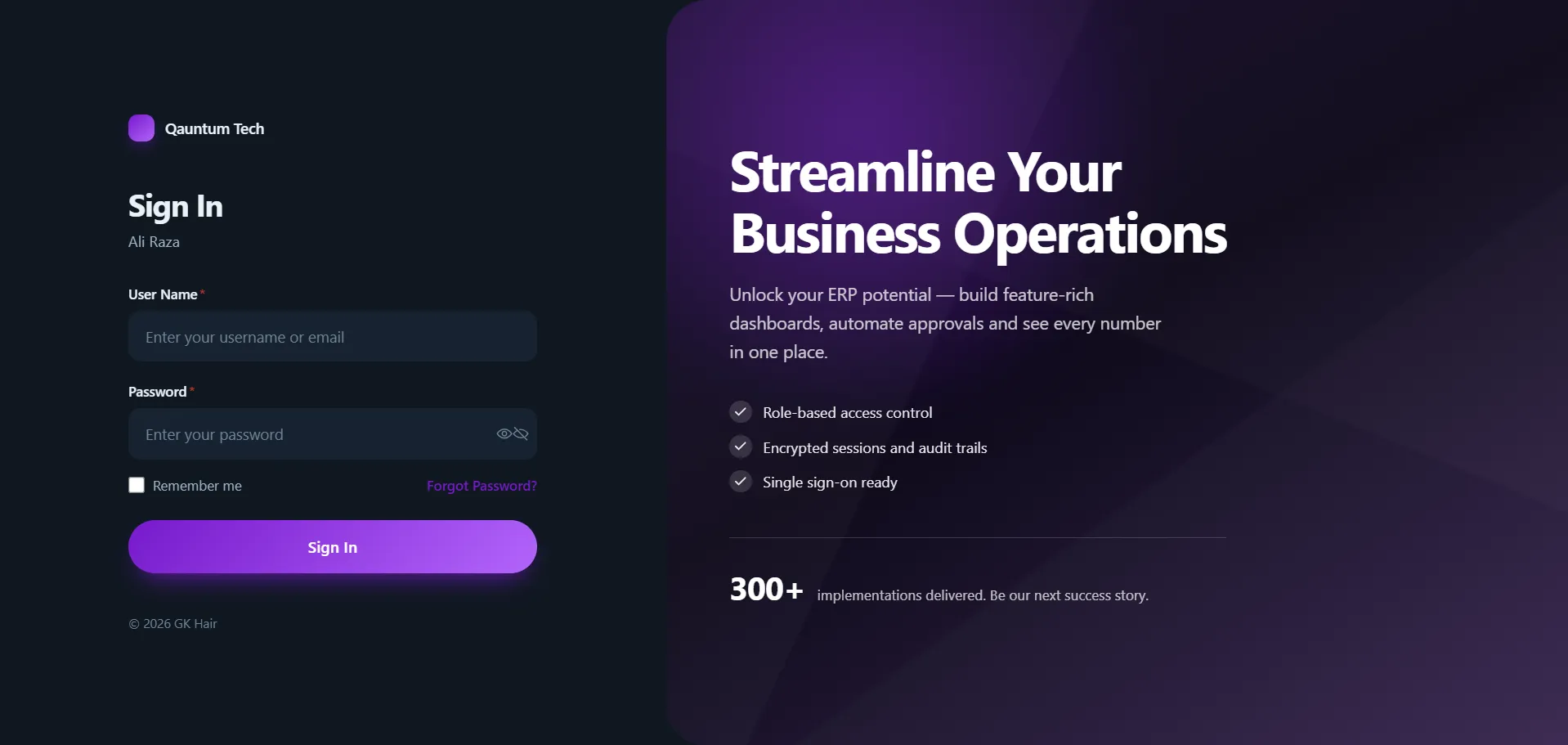
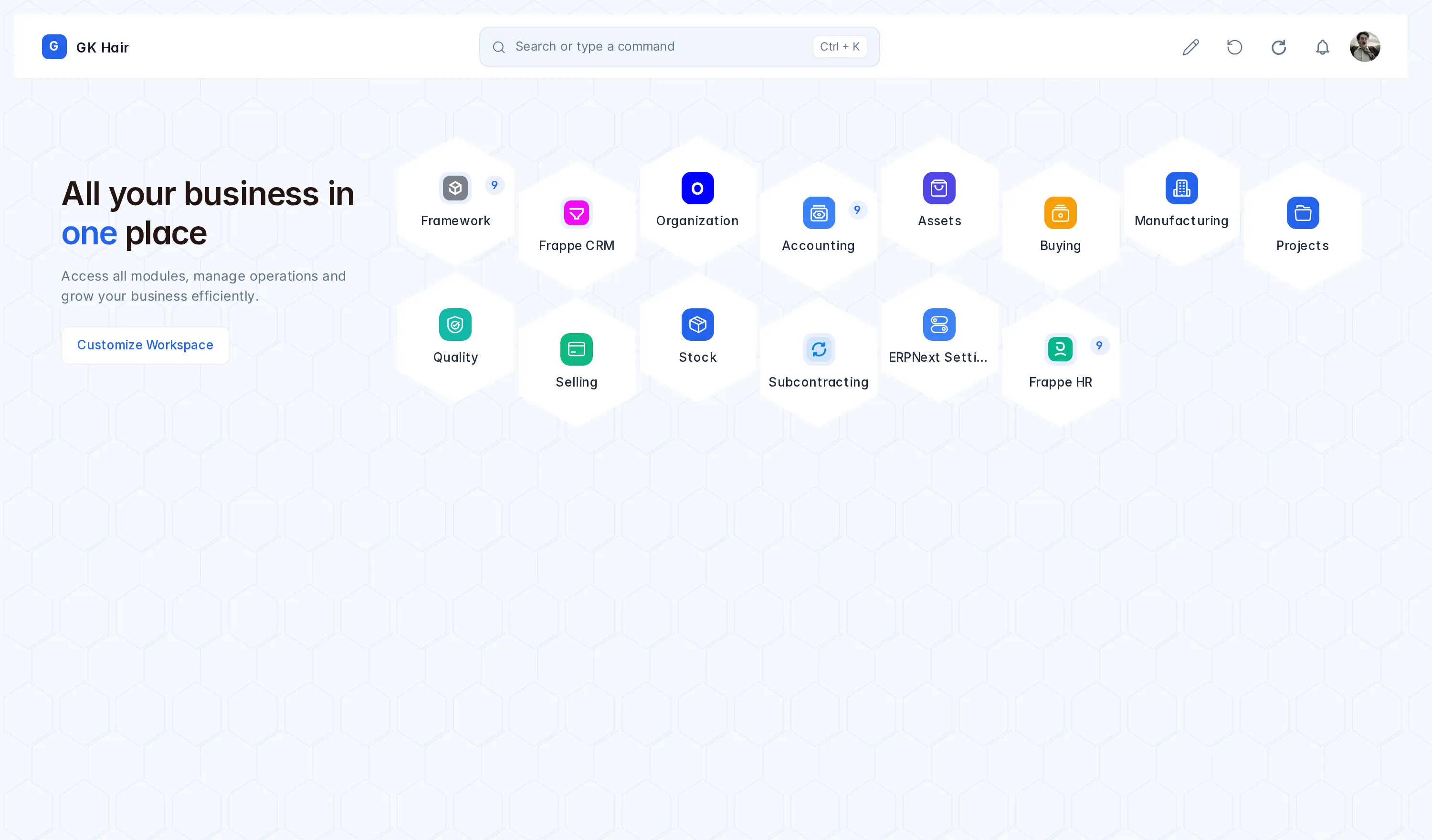
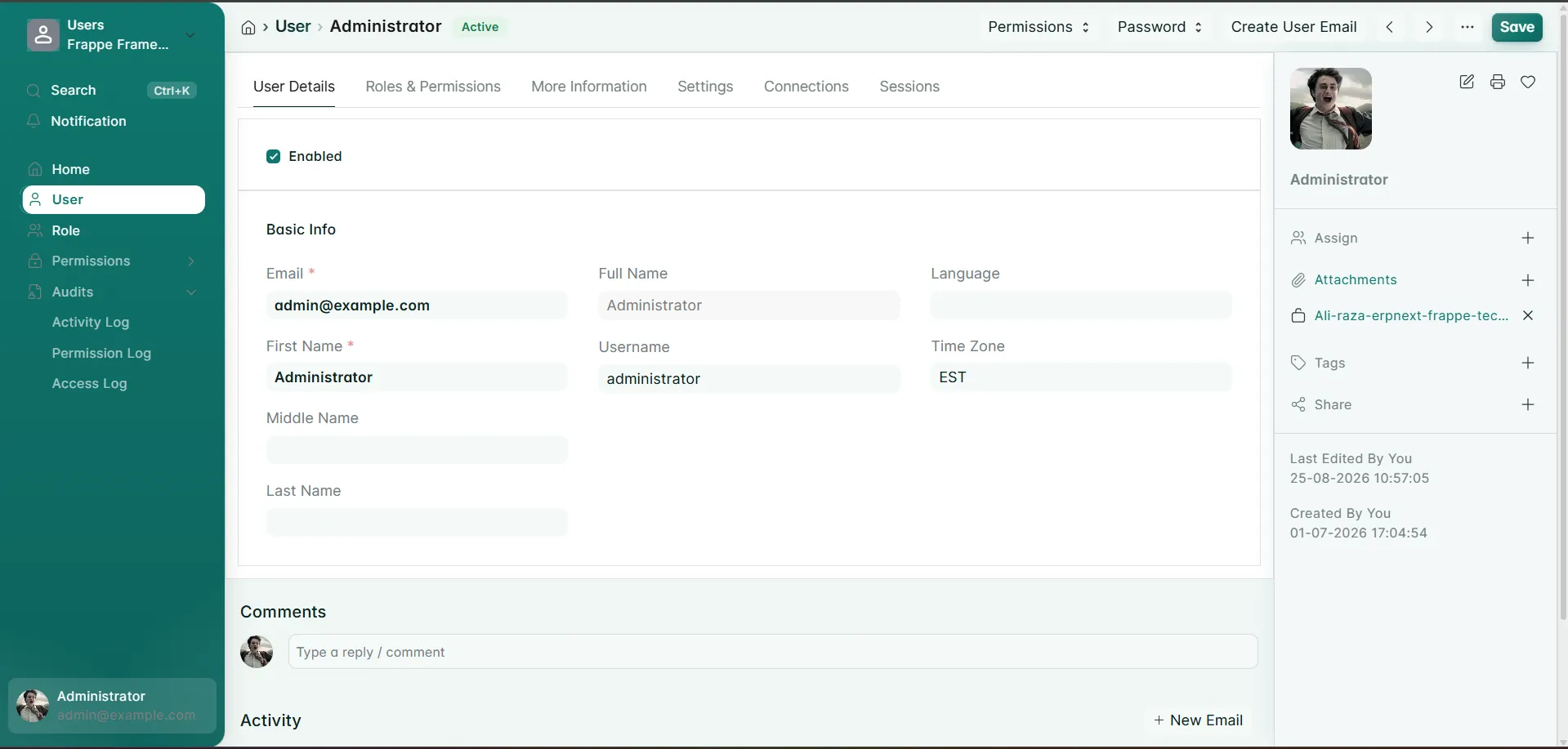
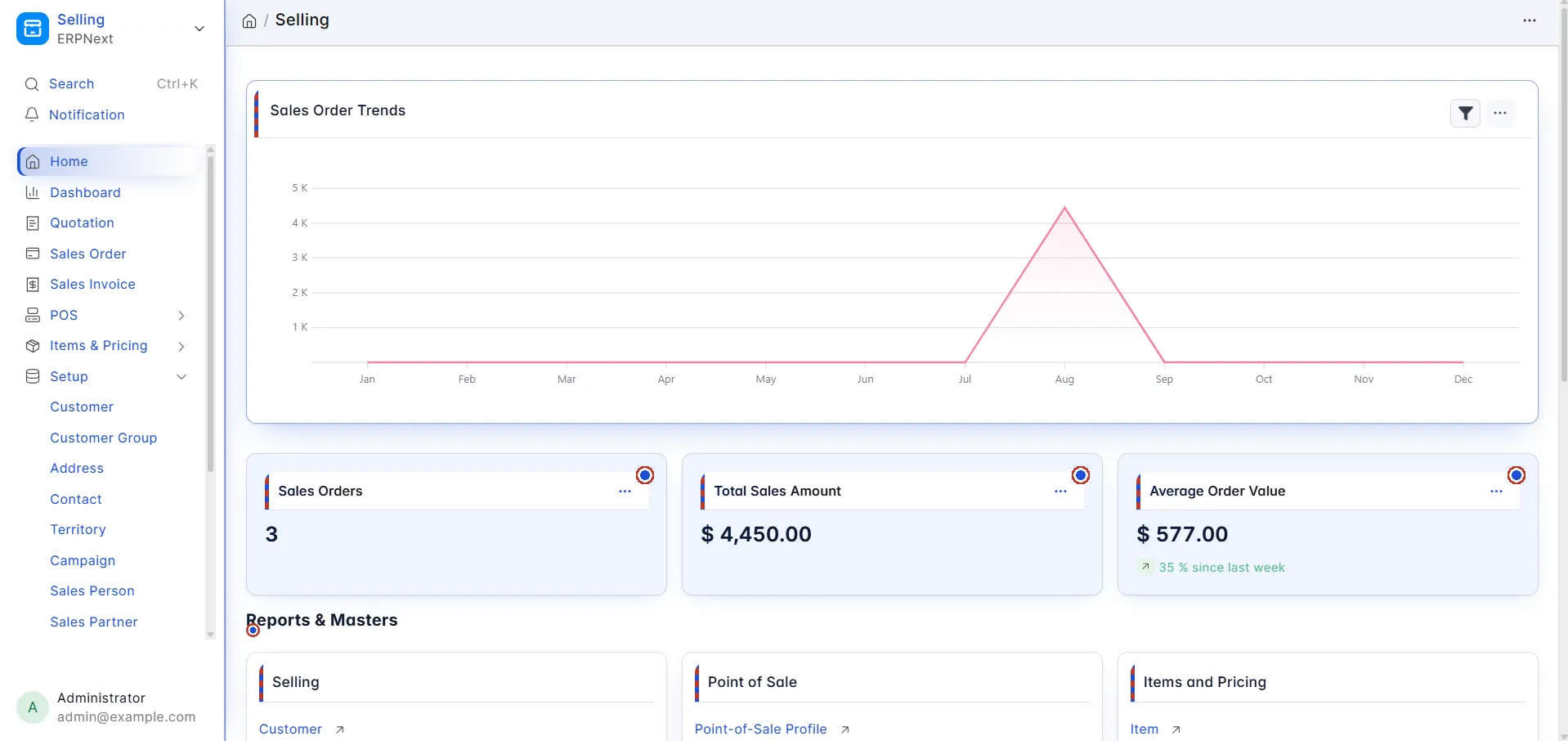
A theming layer for Frappe v16. It colours the whole desk — navbar, sidebar, list, report, kanban, dashboards, forms, child tables, modals and the login page — from one palette, and stays out of Frappe's way while doing it.
Themes
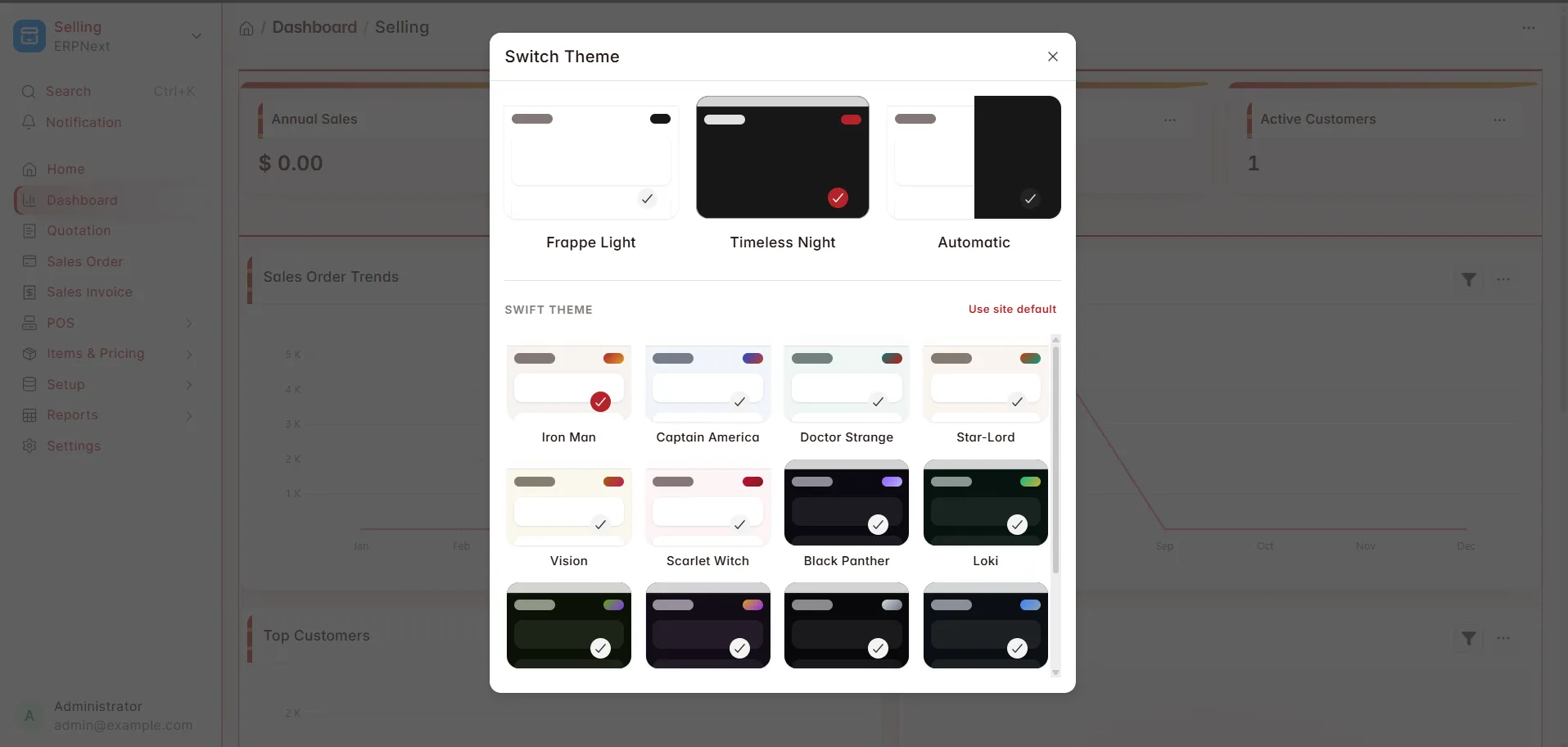
Twelve presets, six light and six dark, each a hand-tuned palette rather than one hue tinting everything:
Light | Dark |
|---|---|
Iron Man · crimson + gold | Black Panther · violet |
Captain America · navy + red | Loki · emerald + gold |
Doctor Strange · teal + crimson | Hulk · lime + purple |
Star-Lord · burnt orange + teal | Thanos · gold + purple |
Vision · gold + magenta | Venom · monochrome |
Scarlet Witch · rose + deep red | Winter Soldier · steel blue |
Every palette is checked against a 4.5:1 contrast floor before it ships, and light and dark follow different rules — in dark, cards are lighter than the page, because elevation there comes from light rather than shadow.
Each preset also brings its own backdrop behind the desk and its own accent shapes on card headers and number cards, so switching preset changes more than the hue. Two switches in Settings govern that: Enable Backdrops (on by default) and Show Backdrop Through Panels, which makes cards and the sidebar translucent so the background reads through the desk.
Custom Colors
Give it a primary and a secondary colour and it works out the rest — canvas, cards, the text for each surface, muted text, borders and accent states. Two more choices it cannot read off a hex code:
Custom Mode — Light or Dark
Colour Strength — Subtle keeps cards neutral and puts the colour in the accents; Bold gives the cards the brand tone
If you pick a colour where neither black nor white is quite legible on it, it is nudged a percent or two until one is.
Switching theme
Presets appear inside Frappe's own Switch Theme dialog, drawn as the same preview cards as Light / Dark / Automatic. Restricted to Administrator and System Manager, enforced on the server rather than only hidden in the UI.
Enable Theme Switcher governs all three places a theme can be changed — the navbar chip, that dialog, and the command palette.
Saving Swift Theme Settings applies immediately in every open desk session.
User Reviews
5 stars
%
4 stars
%
3 stars
%
2 stars
%
1 star
%
5.0
2 rating
Explore more apps