Frappe
Cloud
Marketplace
Frappe
Products
Insights
Installation Guide
installs
Publisher
Supported versions
Categories
E-Commerce
About
Features
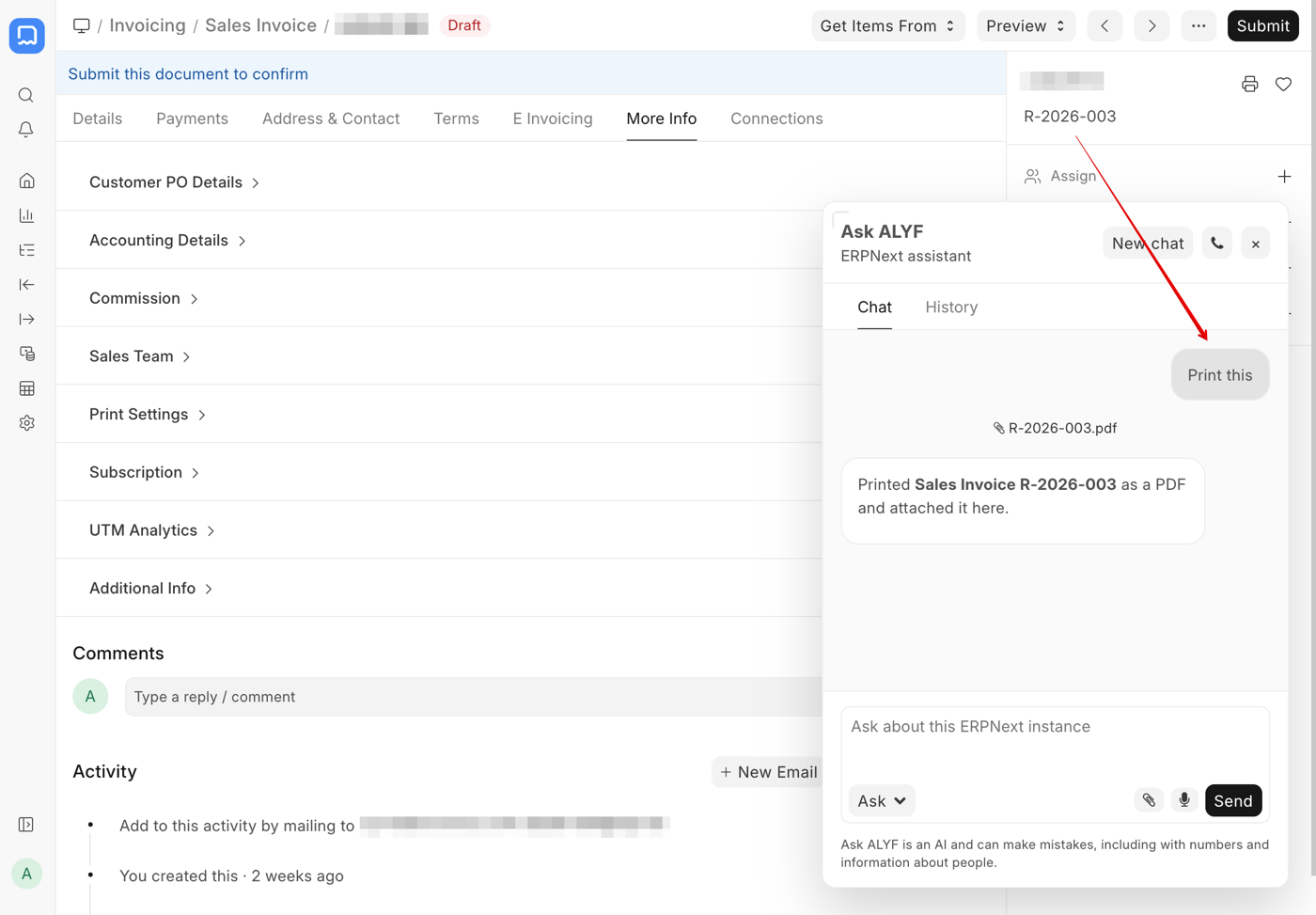
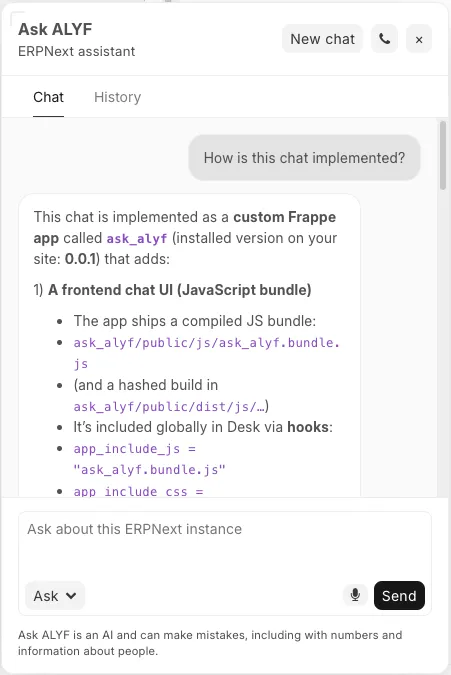
This app adds a chat bubble to the ERPNext interface where you can talk to an agent that knows everything about your ERPNext instance. It has two modes: Ask and Agent.
Ask mode: Ask questions about your ERPNext instance — data, configuration, code, docs — and the agent answers.
Agent mode: Ask the agent to create, update, submit, cancel, or delete documents for you. Every mutation requires explicit user confirmation before execution.
The agent supports multi-turn tool calls (chaining multiple operations in one response) and renders responses as Markdown (tables, code blocks, bold, etc.). Responses are streamed to the chat bubble via socket.io.
Input can be text or voice. Voice input is transcribed to text before being sent to the agent.
Field Agent
In addition to the chat bubble, Ask ALYF injects a small sparkles button next to long-text fields on Desk forms (Long Text, Small Text, Text, Text Editor, HTML Editor, Code, Markdown Editor). Clicking it opens a prompt overlay where the user can describe what they want generated, and the agent fills the field in place. After insertion, an Undo action is offered for a few seconds.
The field agent is gated by the Ask ALYF User role and an Allow Field Agent switch in Ask ALYF Settings.
Staying Close to Frappe
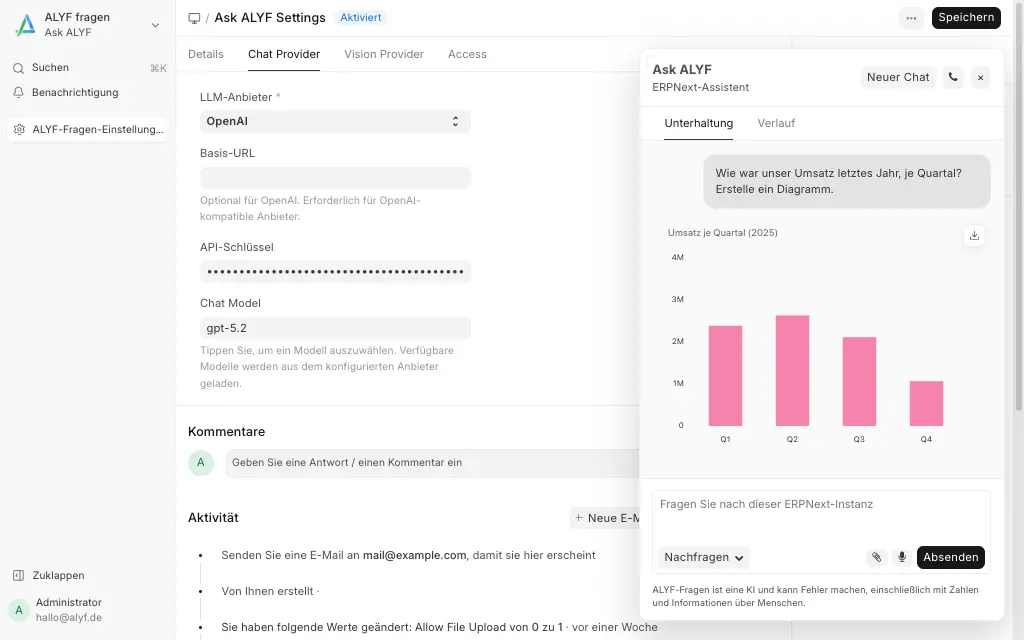
Ask ALYF tries to stay close to the Frappe Framework instead of inventing a parallel experience. It uses a familiar UI, integrates native building blocks like Frappe Charts and the standard file uploader, and stays within the same role-based permission system instead of bypassing framework permissions.
Guardrails
Confirmation before mutations: Every write operation (create, update, delete, submit, cancel, amend, rename) requires explicit user confirmation before execution. The agent proposes the action, the user approves or rejects.
No unsafe bulk operations: The agent cannot use
insert_many,bulk_update, or batch deletes. It may usebatch_insertfor multiple records of the same DocType, but that still runs as one confirmed proposal with each row inserted individually through the framework.Framework constraints respected: The agent does not bypass framework validation. For example, it cannot delete a submitted document without cancelling it first, and it cannot delete cancelled documents that have linked submitted entries.
Configurable DocType exclusions: Admins can exclude specific DocTypes from Agent mode via Ask ALYF Settings.
Security
Access to Ask ALYF is granted to users with the "Ask ALYF User" role.
The agent has the same permissions as the current user. If you're logged in as a HR Manager, the agent can only do HR stuff. If you're logged in as Administrator, the agent can do anything. This is enforced by frappe.client and the framework's permission system on every tool call.
SQL queries are restricted to read-only and only available to users with the Administrator or System Manager role.
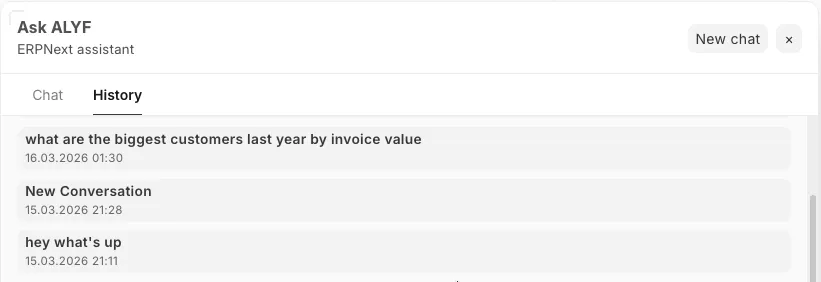
Conversation History
Conversations are persisted in an Ask ALYF Conversation DocType. This provides:
conversation continuity across page reloads
an audit trail of what the agent did, especially for Agent mode actions
data for usage analytics and debugging
Old conversations are automatically deleted after 90 days by default. The retention period is configurable per site via Log Settings.
User Reviews
No reviews yet, be the first to review.
0.0
0 rating
More apps from
.webp)


Explore more apps