Frappe
Cloud
Marketplace
Frappe
Products
Insights

Installation Guide
installs
Publisher
Supported versions
Categories
E-Commerce
dd4bb3.webp)
adcfb7.webp)
About
A different check this time: the description must not contain URLs at all (the listing already has dedicated fields for website, documentation and support). Three links to remove — the GitHub URL, the erpgulf.com URL, and the mailto. Full text without them:
E-Invoicing for ERPNext - Multi-Country
One open-source app for every country where invoices are sent through a provider the taxpayer chooses: a Peppol access point, an accredited service provider, or a certified platform. The Company's country selects the national rulebook; the chosen provider selects the adapter. Sales and Purchase Invoices are submitted automatically, status is tracked with the tax authority, XML and PDF are attached, webhooks and incoming supplier invoices are handled, and sent invoices cannot be cancelled. Each country is one profile file and each provider one adapter, so new markets and providers are added without touching the core. MIT-licensed, by ERPGulf.
What it does
* Submits Sales Invoices (invoice, credit note) and Purchase Invoices (self-billed invoice and credit note) through the provider chosen on the Company.
* Tracks reporting status with the tax authority by webhook and by a five-minute scheduler, and shows it as a corner ribbon on the invoice.
* Attaches the returned XML and PDF to the invoice and keeps the exact payload that was sent.
* Receives incoming supplier invoices and turns them into draft Purchase Invoices.
* Blocks cancellation of an invoice that has already been sent; the user is told to create a Credit Note instead.
* Runs several companies in several countries on one site, each company under its own country's rules and provider.
Countries and providers
The Company's Country (the standard ERPNext field) selects the country profile. The profile decides which providers can be chosen, which fields appear, how identifiers and tax categories are coded, and what the ribbon calls the tax authority. Providers are listed per country; the Company's E-Invoice Provider dropdown offers only those with an adapter.
Countries and providers currently shipped are listed in the project README on GitHub, which is updated with every release. Any country on Peppol PINT or EN 16931 can be added as a profile; any provider as an adapter. Pull requests are welcome.
Setup in five steps
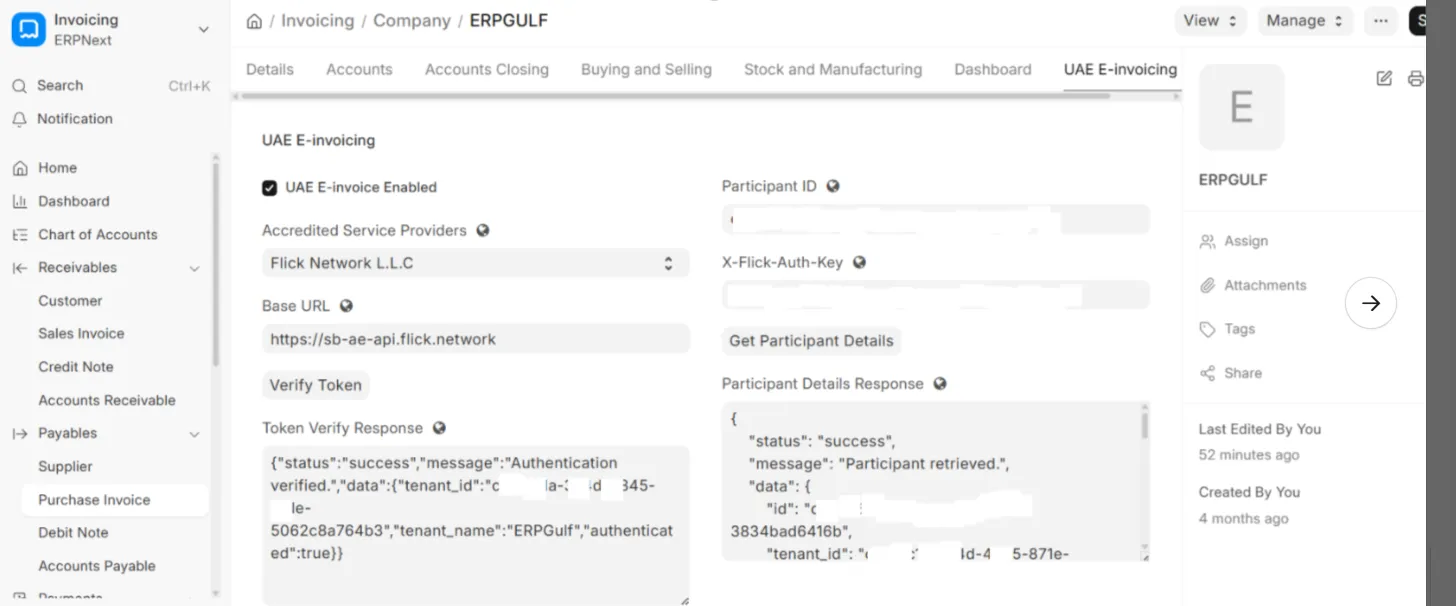
1. Company: set Country, tick E-Invoice Enabled, choose the provider, enter the national tax number in Tax ID.
2. E-Invoice Provider Settings: one row per company with the provider's credentials, base URL, Peppol participant ID and webhook secret. Verify the connection from the form.
3. Customer / Supplier: Peppol ID and the country's registration fields; their Address needs Country and, where required, the region.
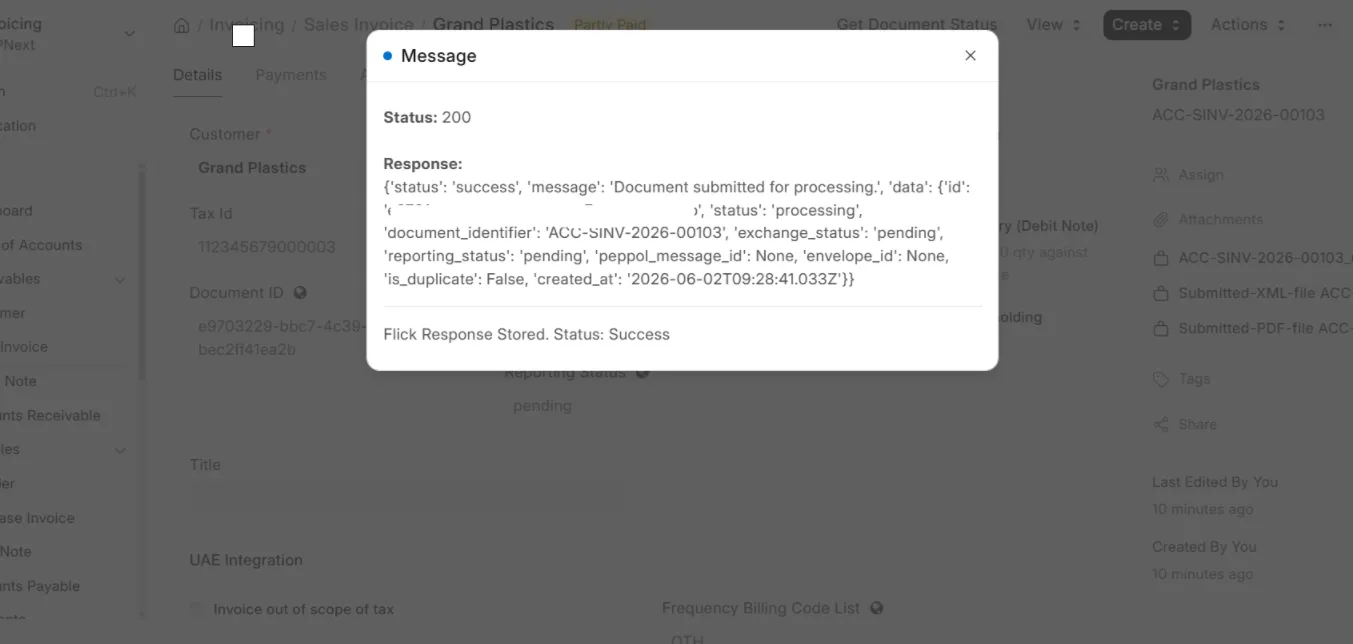
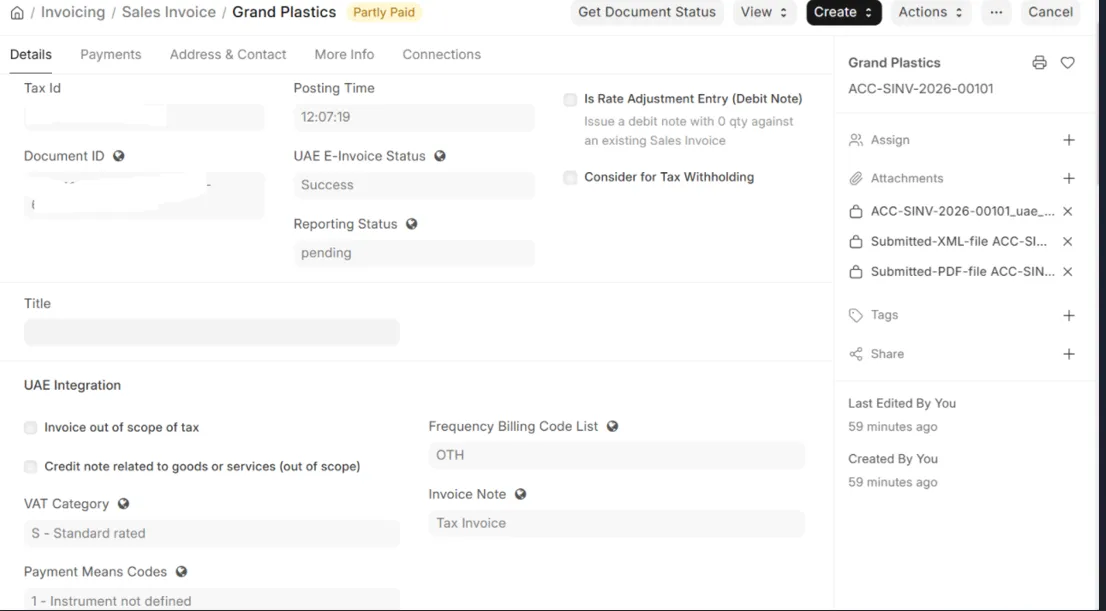
4. Sales Invoice: fill the Tax Category and submit. The provider's reply, document ID and status are stored on the invoice; the ribbon turns to Reported and the XML/PDF appear as attachments.
5. Incoming invoices: imported from the provider and converted from the Purchase Invoice form.
The End User Guide covers every screen with the expected result.
Documentation
* End User Guide: setup, submitting, statuses, credit notes, purchase invoices, incoming invoices, reports, error messages.
* Testing Guide: step-by-step UI test script with expected results, plus acceptance checklists for a new provider and a new country.
* Developer Guide: how the app is built, the adapter contract, country profiles and standards, adding a provider, adding a country, webhooks and status sync.
* Country Guide: which countries fit the app and what each port needs.
All four are in the `docs` folder of the GitHub repository (see the Documentation link on this listing).
Upgrading from uae_erpgulf
This app is the successor of `uae_erpgulf`. Existing sites keep their settings, invoices, webhook logs and incoming invoices: install this app on the site, then uninstall `uae_erpgulf`. The renamed doctypes and fields, and the full procedure for self-hosted and Frappe Cloud sites, are in the README section Migrating from uae_erpgulf. Take a backup first.
Requirements
Frappe / ERPNext version 15 or 16. No Python packages beyond what Frappe ships. The site must be reachable over HTTPS for webhooks, and the scheduler must be enabled.
Related apps
Countries with a single government clearance endpoint and no provider to choose are separate ERPGulf apps: ZATCA (Saudi Arabia) and Malaysia (MyInvois). Both are on the Marketplace and on ERPGulf's website.
Support
Through the Support link on this listing. Security reports by email to the support address, please, not as public issues.
The listing's own Website / Documentation / Support fields carry the URLs, so nothing is lost for the reader.
User Reviews
No reviews yet, be the first to review.
0.0
0 rating
More apps from

Explore more apps