Frappe
Cloud
Marketplace
Frappe
Products
Insights

Installation Guide
installs
Publisher
Supported versions
Categories
E-Commerce
About
🏗️ Connect your BOQ to project delivery
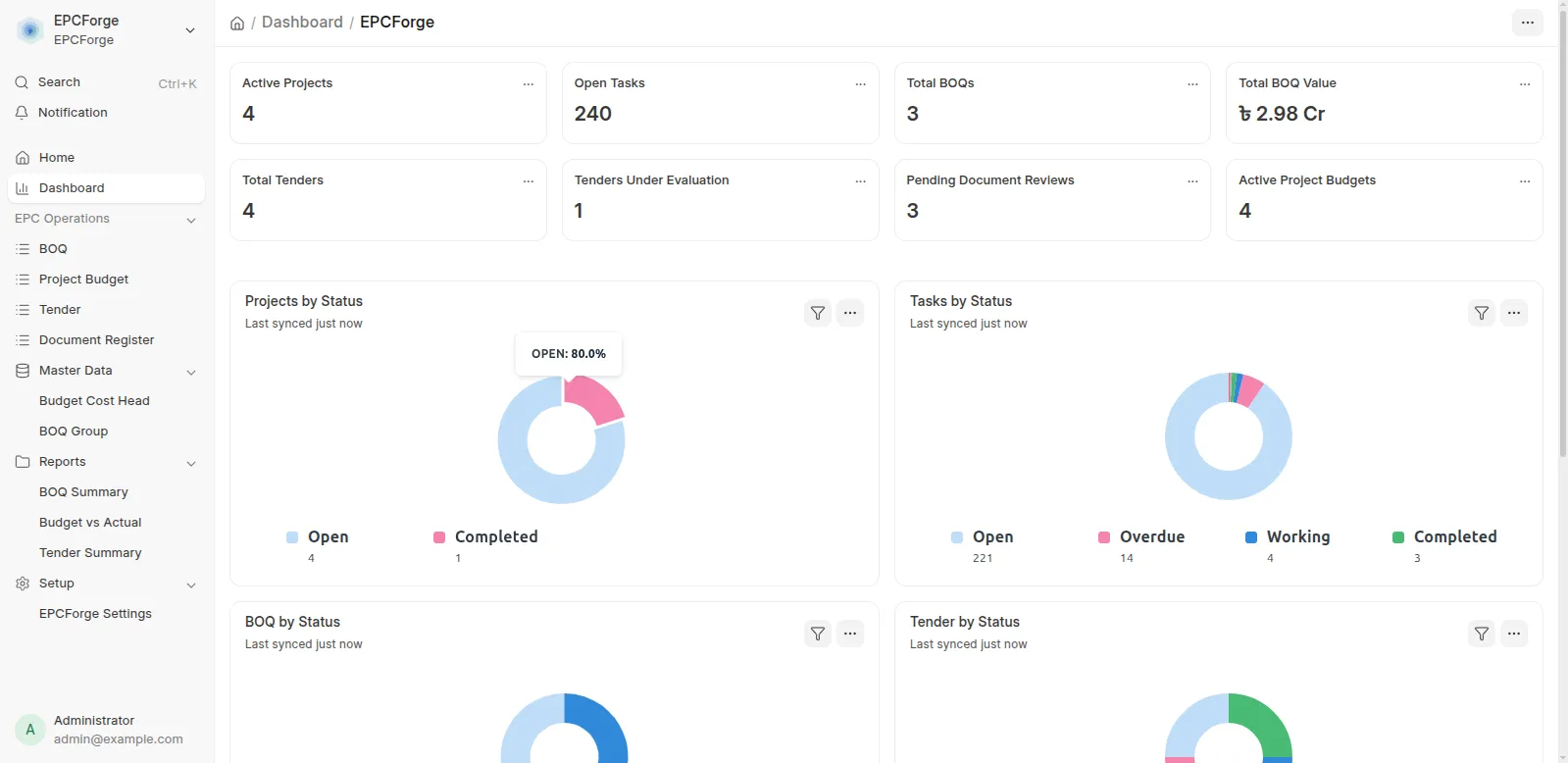
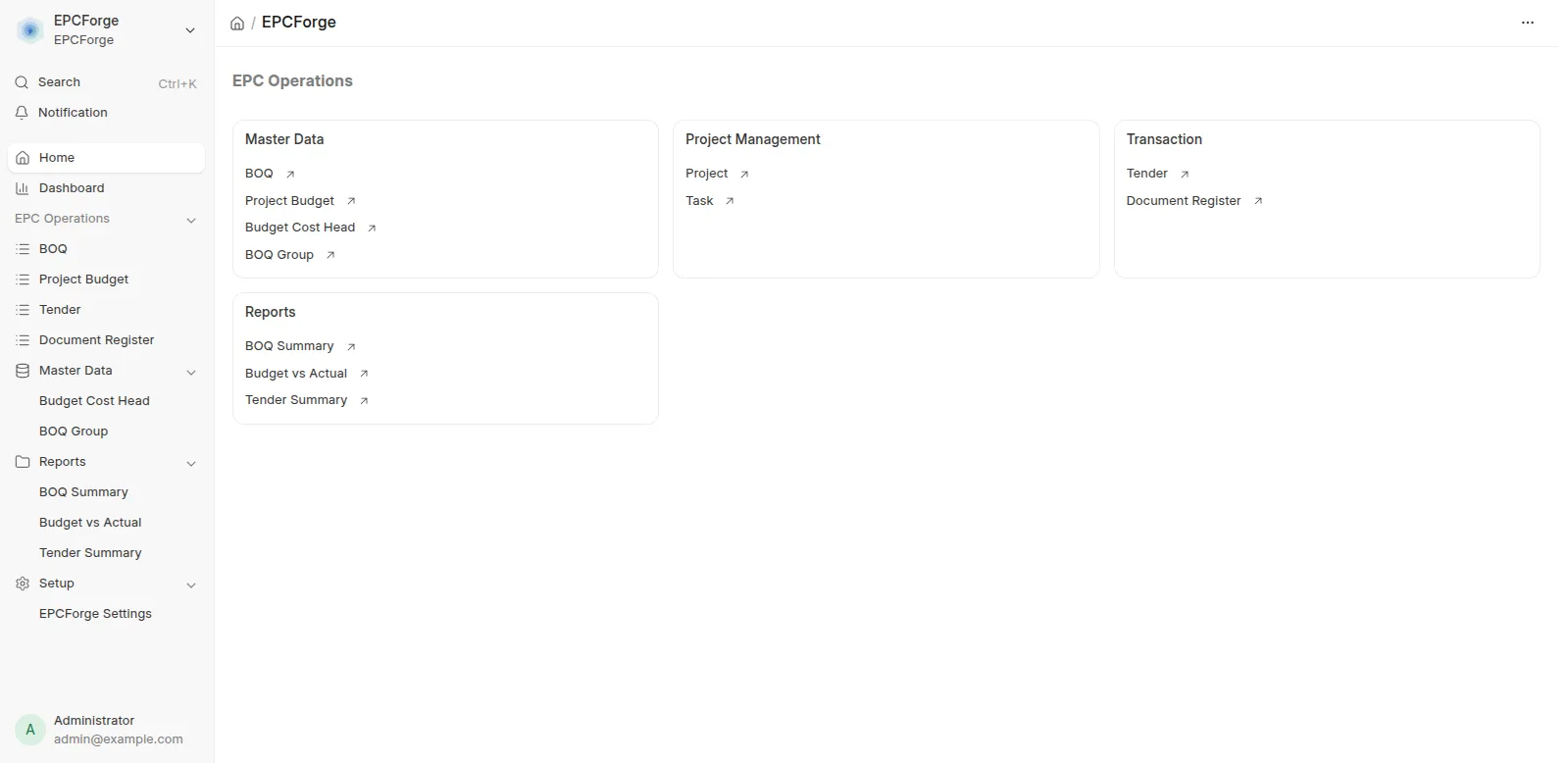
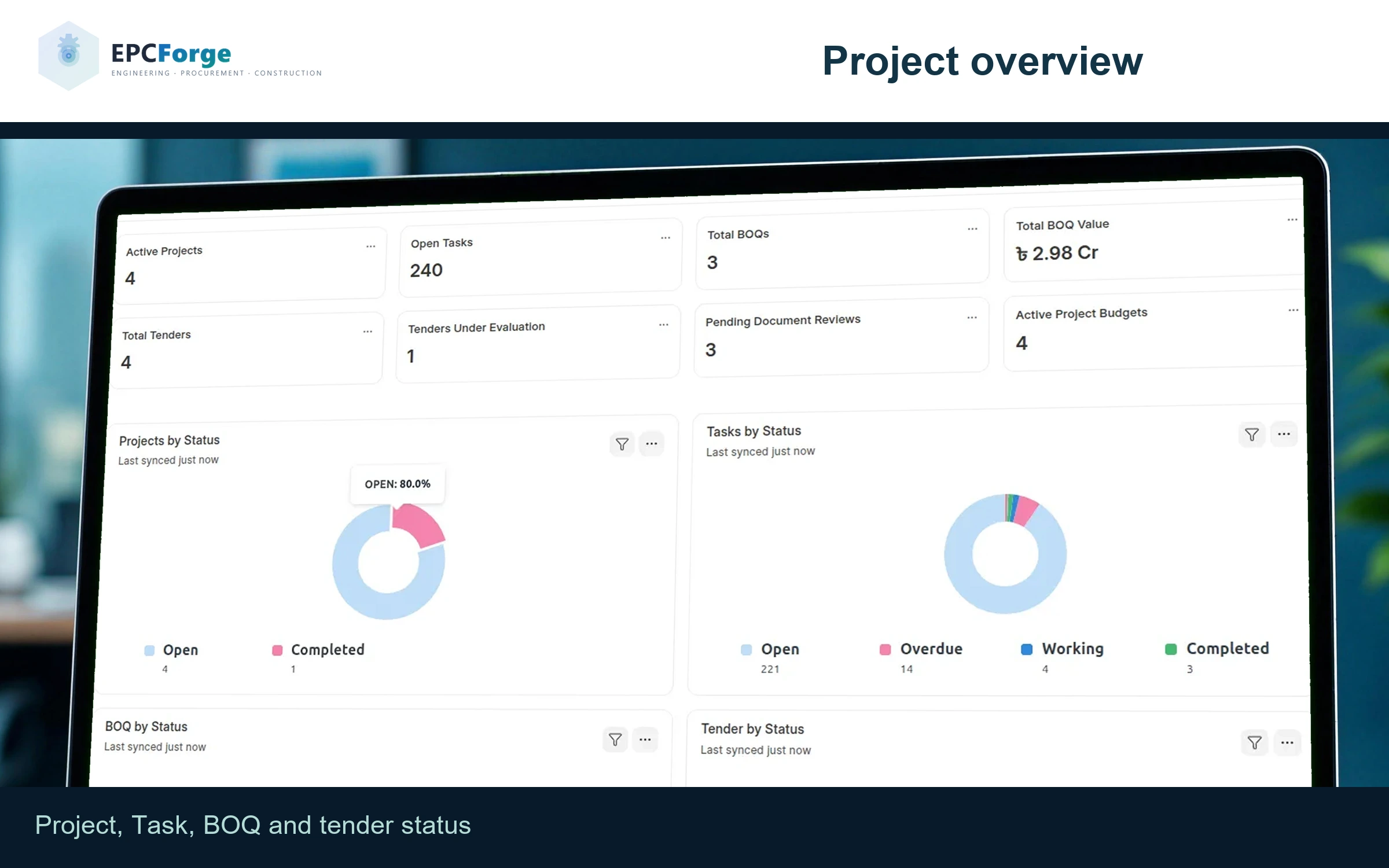
EPCForge for ERPNext v16 brings BOQ scope, project tasks, material requirements and milestone invoice preparation into one project workflow.
Built for EPC firms, contractors, estimators and commercial teams. ERPNext provides purchasing, stock and accounting; EPCForge adds the project records around them.
✅ What your team can do
Plan the scope: group BOQ quantities, rates and estimated costs, with links to project Tasks.
Prepare material demand: create Material Requests from eligible Material rows linked to stock Items, then use ERPNext purchasing.
Prepare milestone invoices: use billing-milestone Tasks in the BOQ payment schedule to prepare a draft Sales Invoice.
Organize budgets: allocate project cost heads and review purchase commitments and recorded costs.
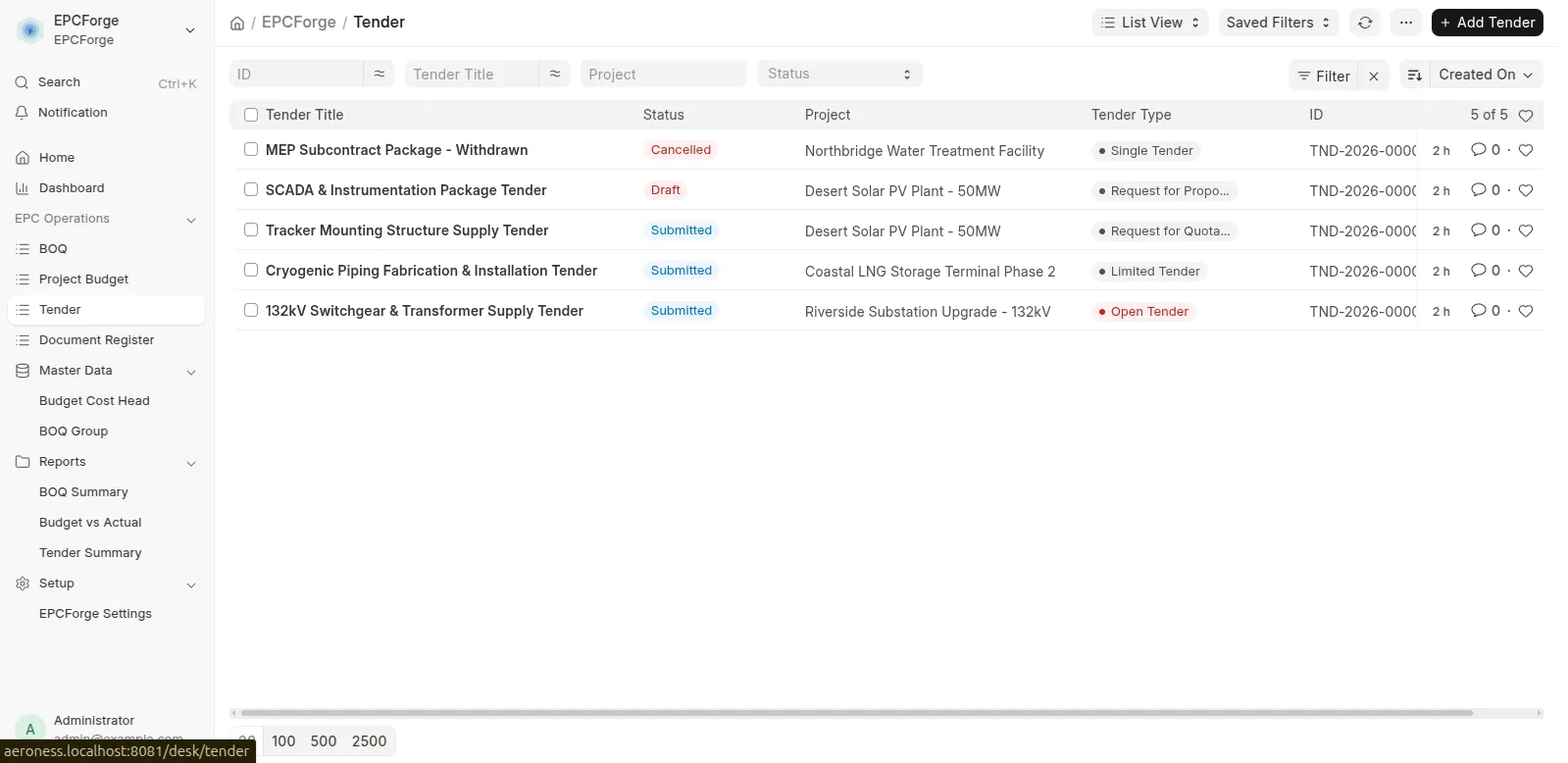
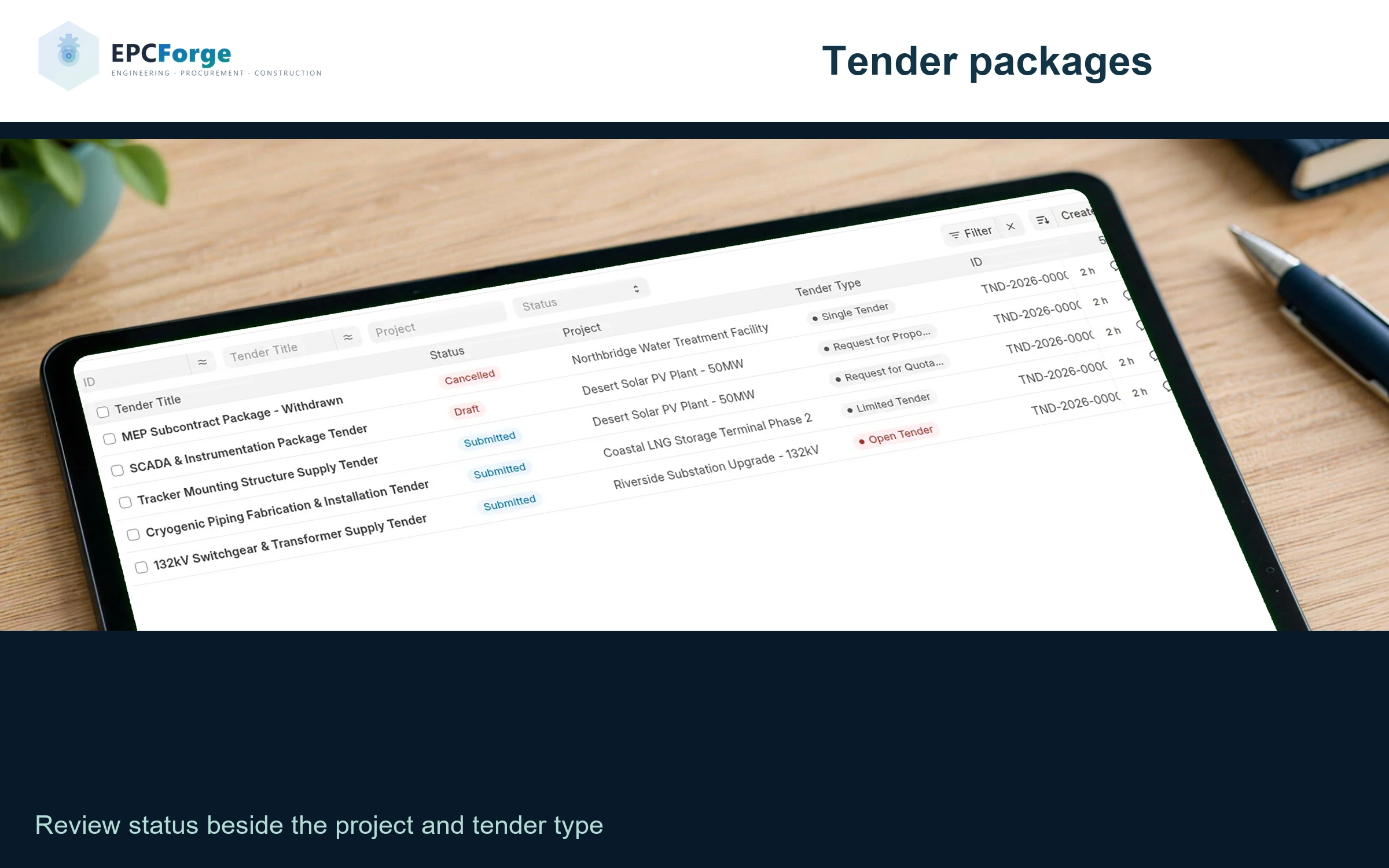
Record tender decisions: keep bidder details, evaluations and awards alongside the project.
Track engineering records: maintain document revisions and review statuses.
📊 Read project costs with context
Commitment totals use submitted Purchase Orders. Recorded costs use submitted Purchase Invoices and approved Timesheets assigned to the project and cost head.
Reconcile orders and invoices: invoiced orders remain in commitment totals, so values can overlap. Review allocations and underlying records before using displayed balances for decisions.
🔎 Check the fit before rollout
Compatibility: Frappe and ERPNext v16. Beta release; evaluate on a test site first.
Configuration: prepare Company, Items, project Tasks, accounts, cost heads and permissions. BOQ submission can create a budget record; review its allocations separately.
Approvals remain essential: invoice preparation does not collect payment; tender awards do not automatically create Purchase Orders.
Document procedures matter: revision records do not enforce use of the latest drawing.
Free MIT app: hosting, implementation and support services are separate.
🚀 Explore your next step
See the illustrated BOQ-to-billing workflow →
Read the documentation · Explore the source · Discuss your EPC project with Invento
User Reviews
No reviews yet, be the first to review.
0.0
0 rating
More apps from




Explore more apps