Frappe
Cloud
Marketplace
Frappe
Products
Insights

Installation Guide
installs
Publisher
Supported versions
Categories
E-Commerce
About
QuickBooks Online → ERPNext
Move your accounting master records. Bring opening balances across. Check customer and supplier balances before go-live.
✅ Free app · ERPNext v15 / v16 · MIT licensed
What moves across
QuickBooks Online | ERPNext |
|---|---|
Chart of accounts | Accounts, hierarchy and classification |
Customers and vendors | Customers, suppliers and related contacts/addresses |
Items and services | Items |
Tax codes and rates | Sales Tax Templates |
Payment terms and methods | Payment Terms Templates and Modes of Payment |
Opening balances | Opening entries for review |
Connect → Move → Verify
Connect your QuickBooks Online company through Intuit OAuth.
Start a background import and follow live progress.
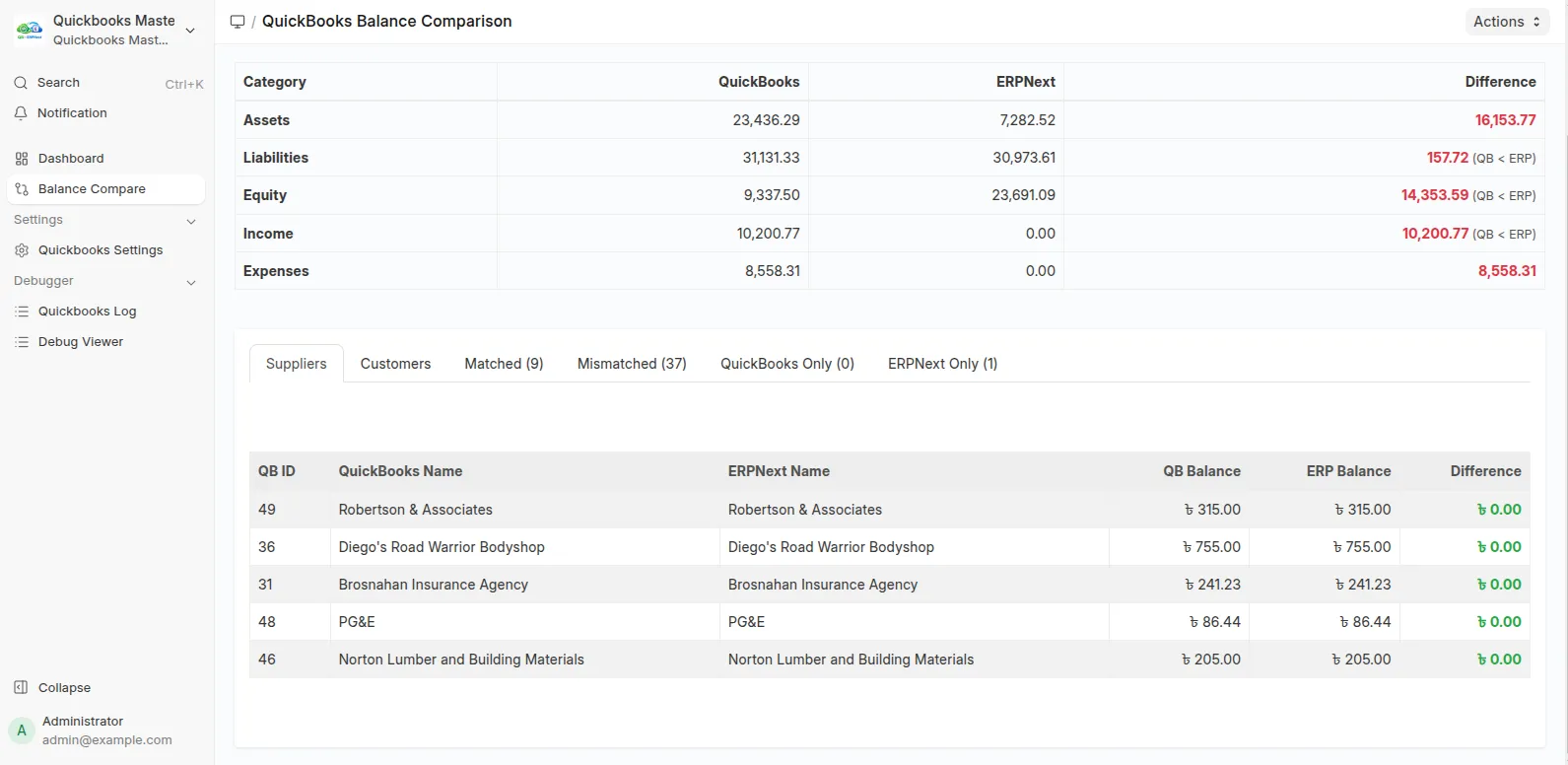
Compare customer and supplier balances.
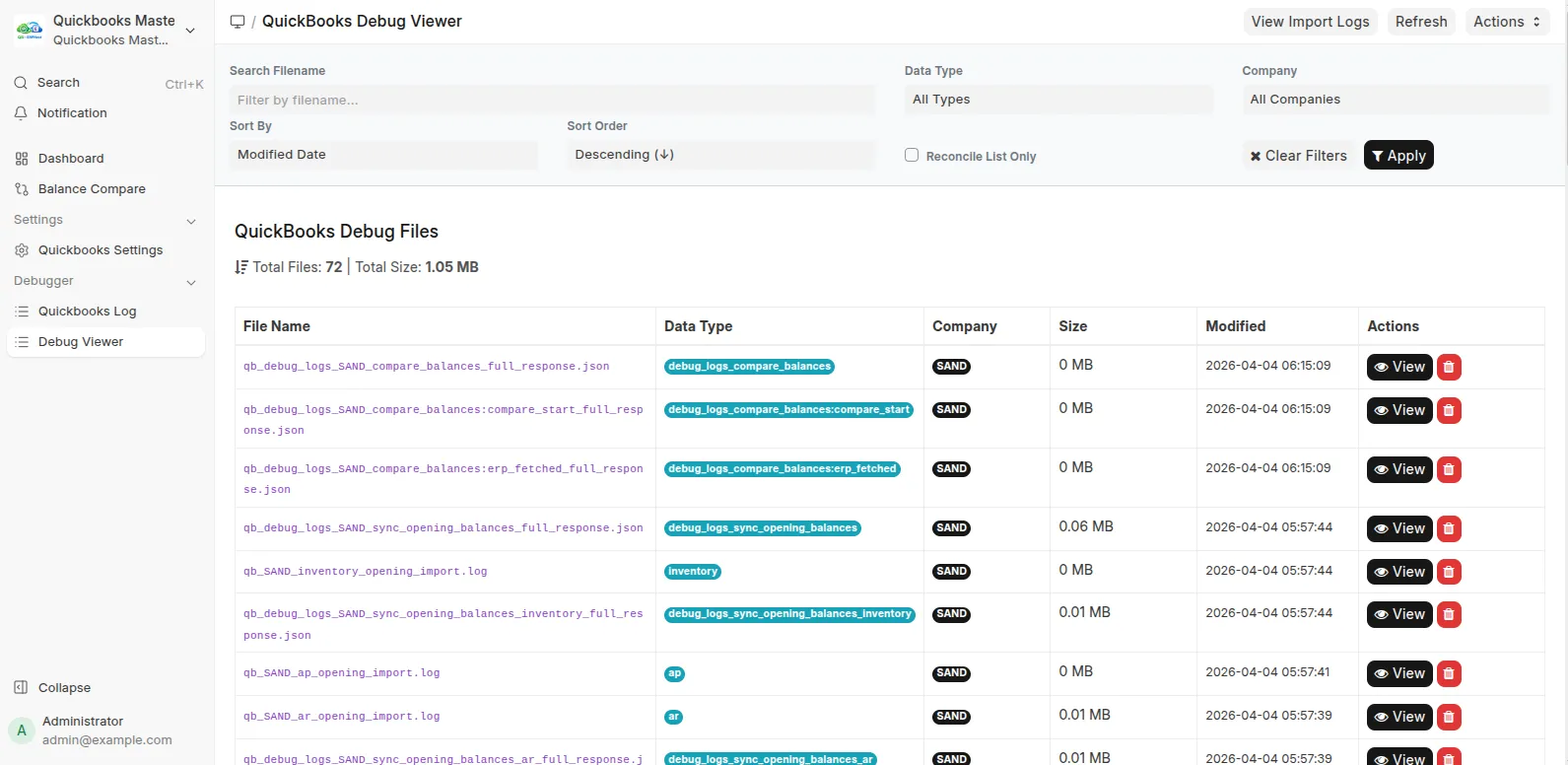
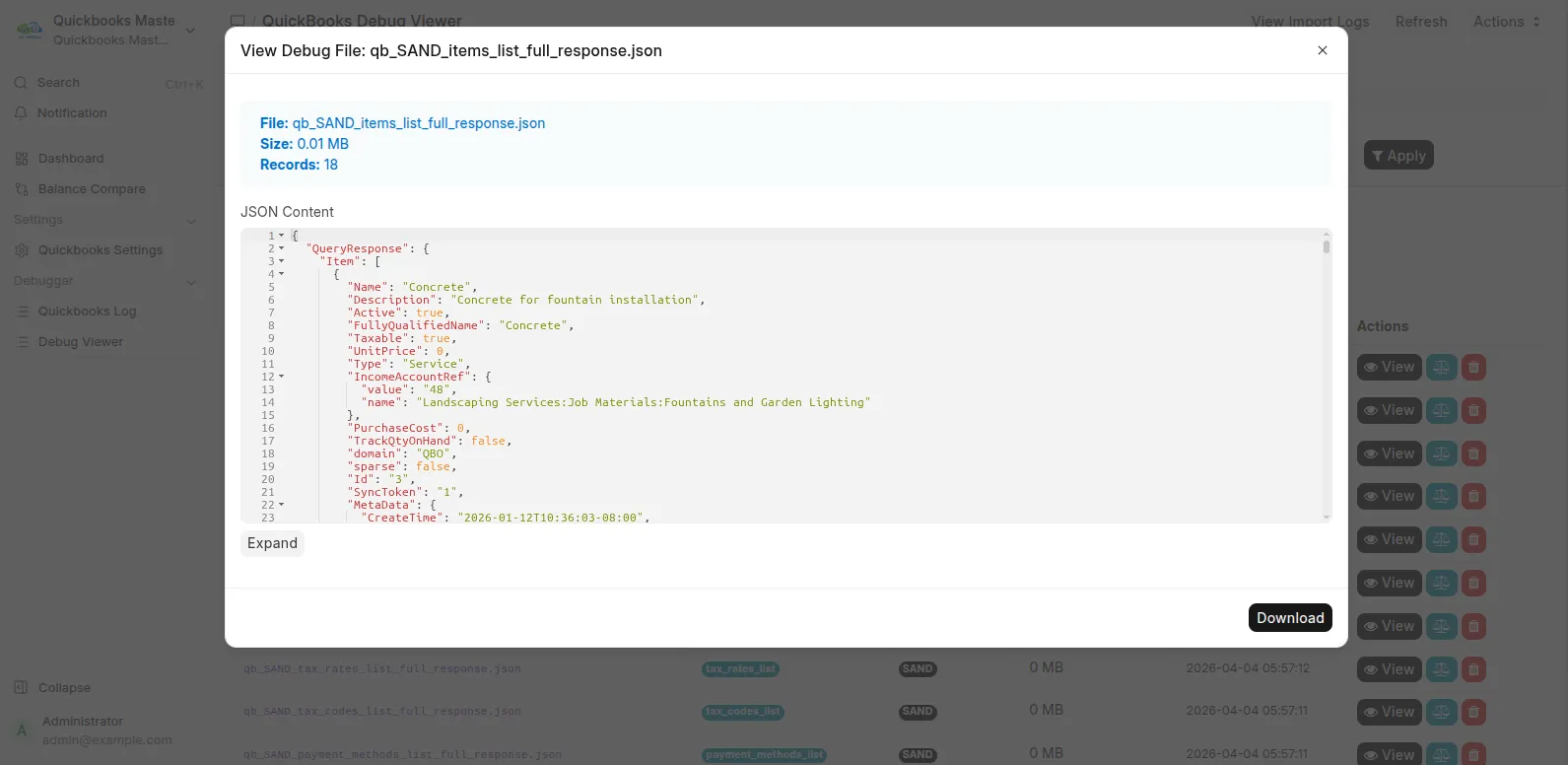
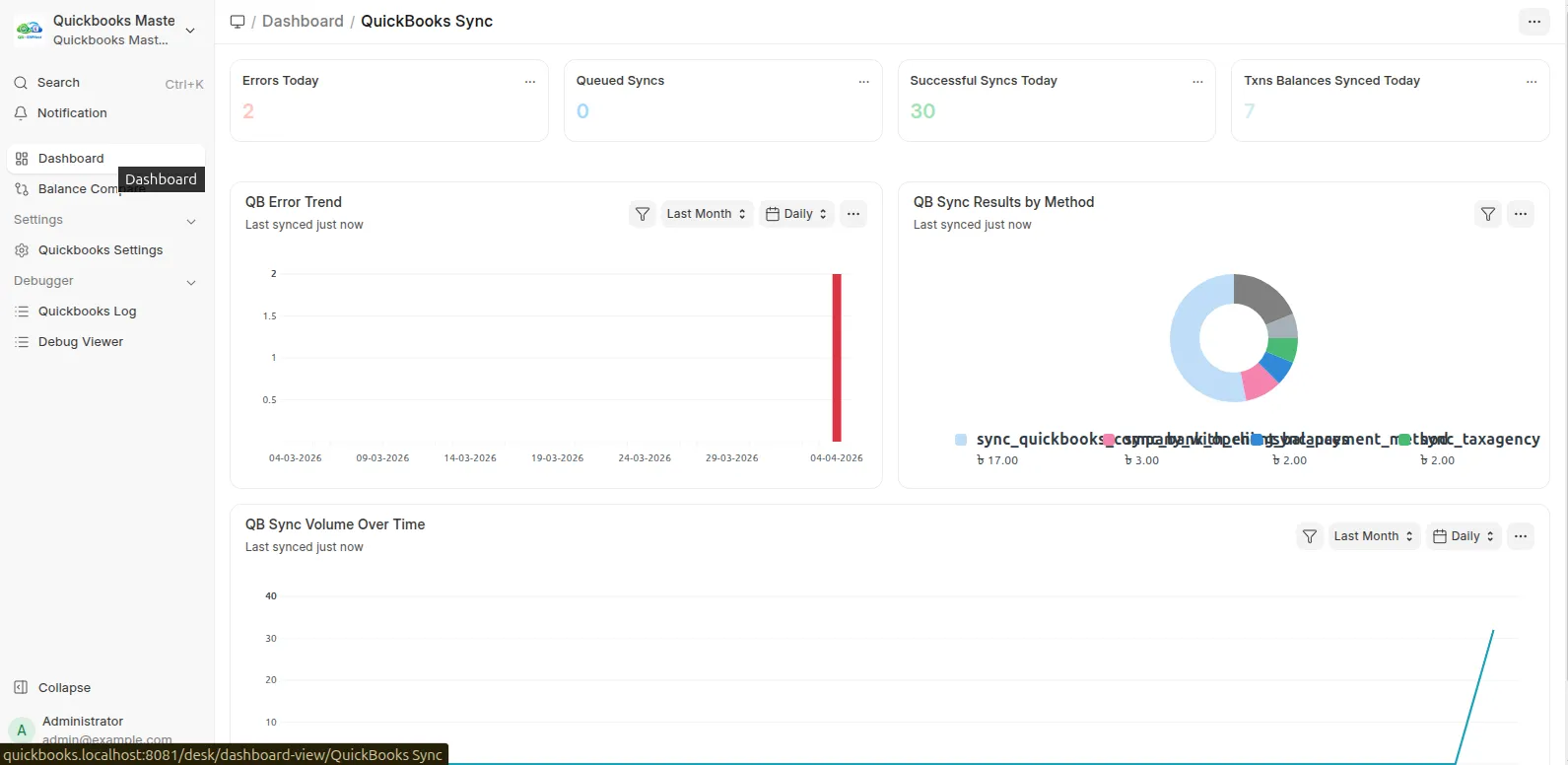
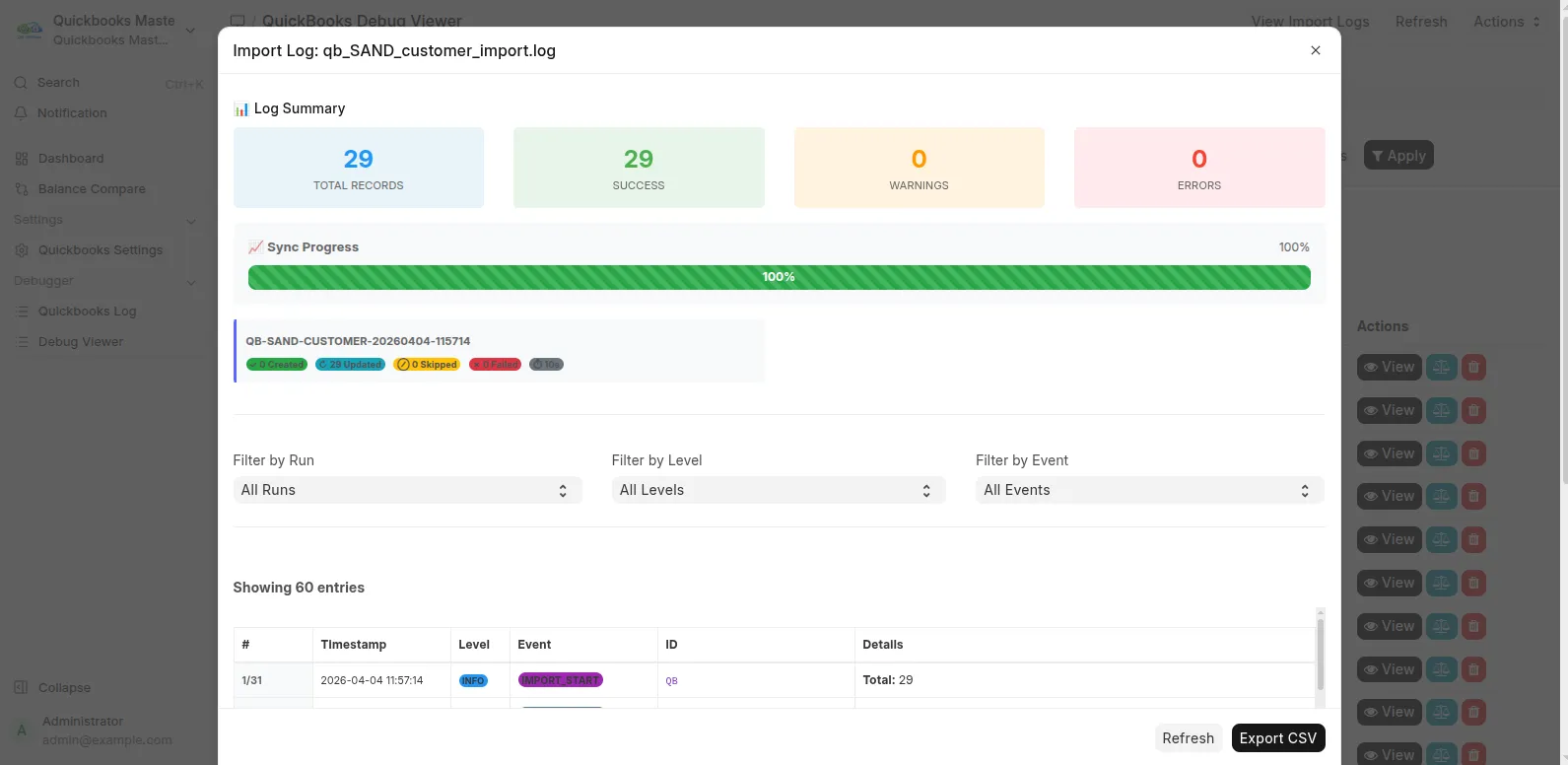
Investigate differences with import logs and the Debug Viewer.
Review errors and balances before go-live. A finished progress bar is not financial sign-off.
Free app or a full migration?
Capability | Free app |
|---|---|
Master records and opening balances | ✅ Included |
Customer/supplier comparison | ✅ Included |
Detailed account comparison | Restricted; contact Invento |
Historical invoices, bills, payments and journals | Not included in the master-data run |
→ Need history or detailed account comparison? Confirm coverage, versions, pricing and delivery with Invento.
Before you start
Use matching Frappe and ERPNext v15 or v16 releases.
Have a QuickBooks Online company and an Intuit Accounting API app.
Review company settings and mappings on a backed-up test site.
Agree the cutover date. Opening routines can submit accounting entries and default to the current date.
Know the limits
QuickBooks Online only; no Desktop file import.
Manually started imports; no scheduled two-way sync.
No general one-click migration rollback.
What the screenshots show
QuickBooks sandbox examples, not client results.
Matching supplier rows with remaining account-summary differences.
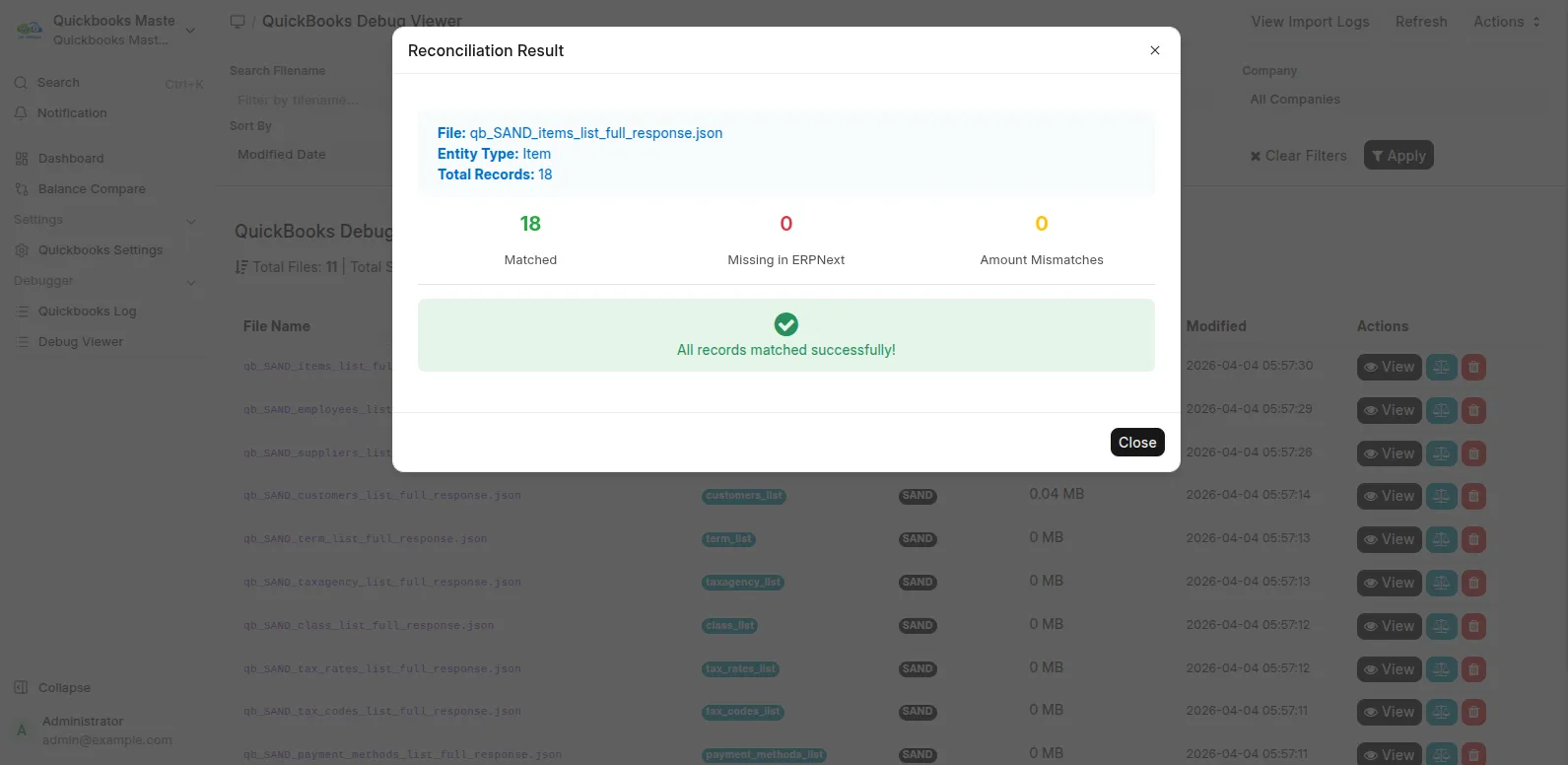
Item reconciliation checks item records, not the entire financial migration.
Built from real implementation work
Invento's ACE Advisory case study covers moving 100+ client companies into ERPNext using the connector behind this app.
That engagement had a wider scope than the free edition.
Choose your next step
→ Report a technical issue with redacted evidence.
Built and maintained by Invento Software Limited.
User Reviews
No reviews yet, be the first to review.
0.0
0 rating
More apps from




Explore more apps