Frappe
Cloud
Marketplace
Frappe
Products
Insights

Installation Guide
installs
Publisher
Supported versions
Categories
E-Commerce
About
This app integrates SumUp card terminals into ERPNext and allows card payments directly in the POS.
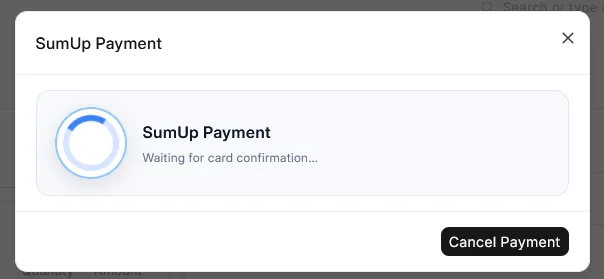
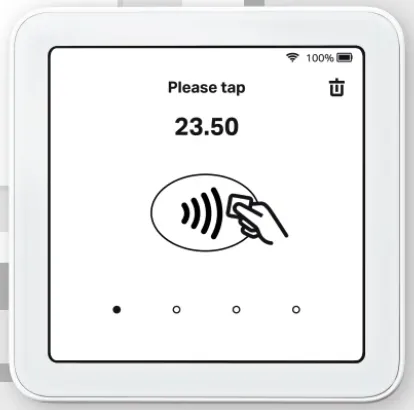
When a card payment is selected, the amount is sent to a SumUp terminal. After successful payment, the result is sent back to ERPNext and the POS sale is completed.
In the event of a refund or return, the amount will also be automatically refunded for any previous SumUp payments.
Configuration
After installation, open the SumUp Integration
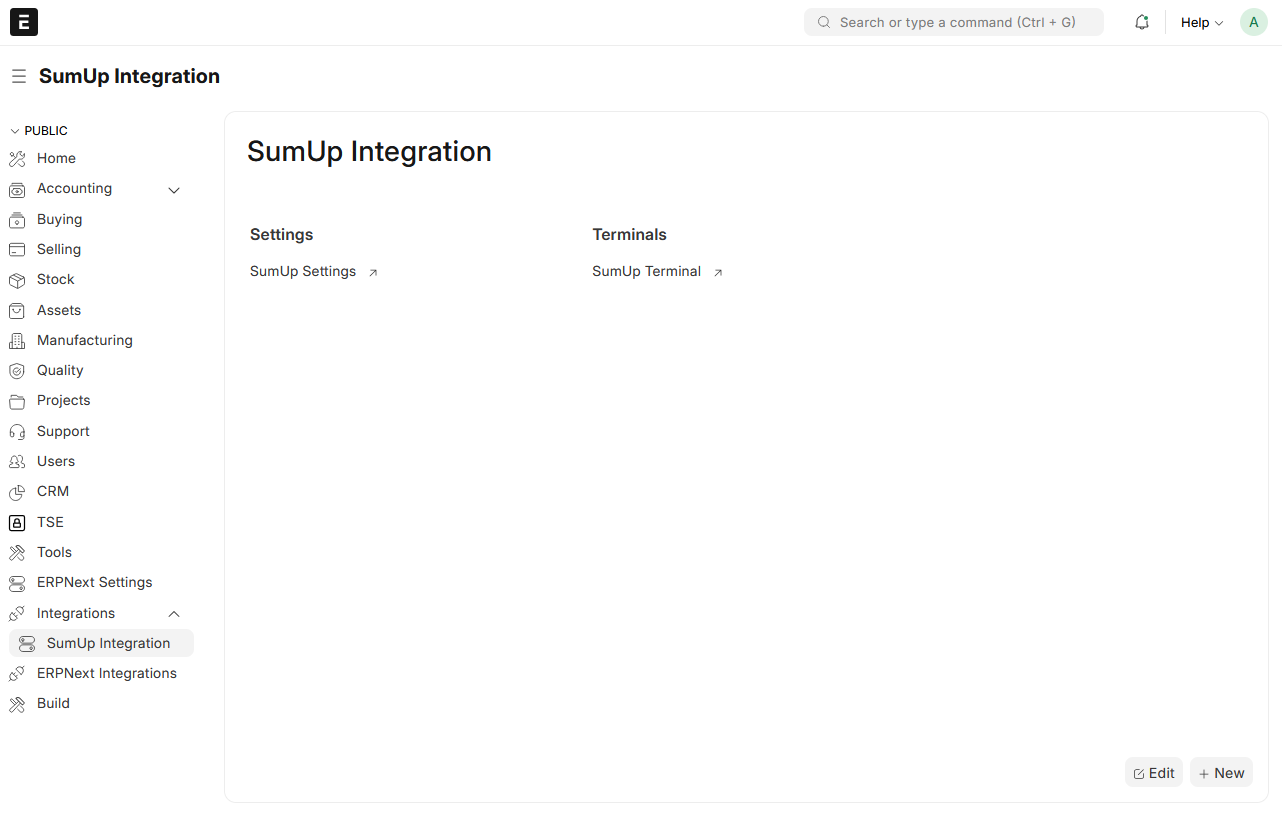
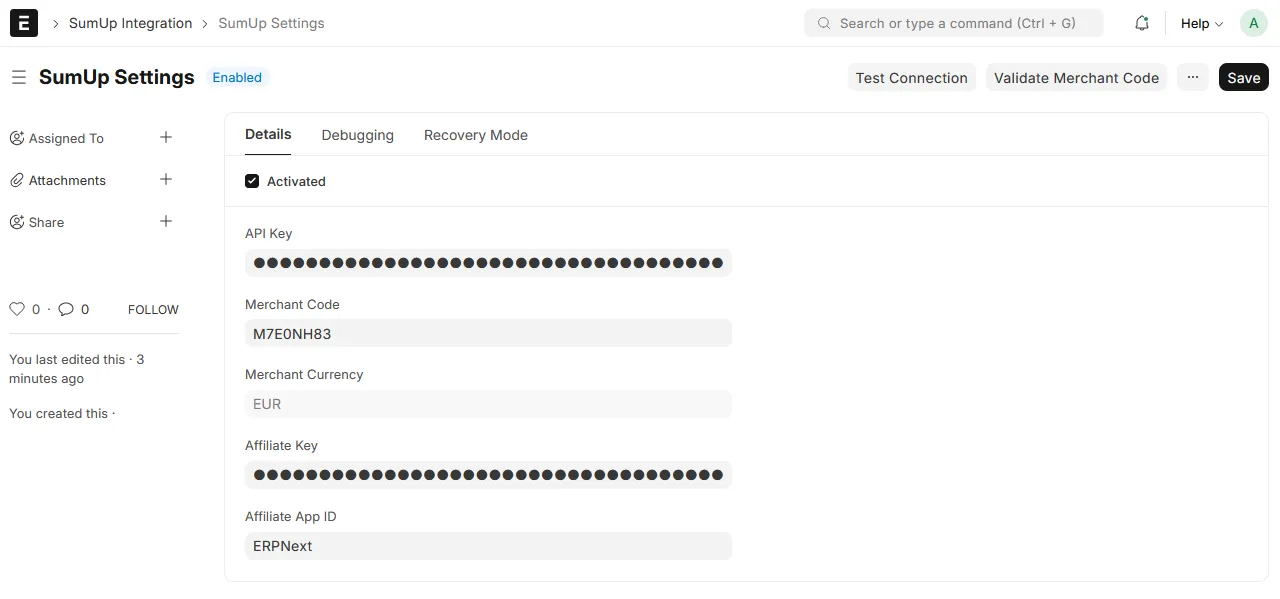
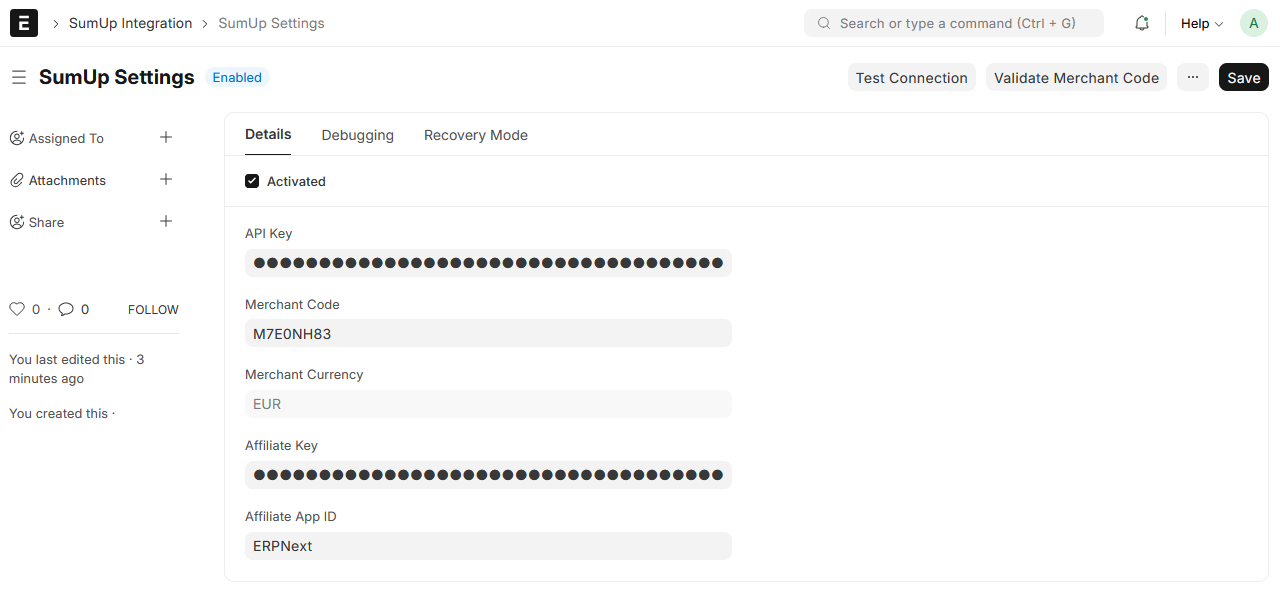
Open SumUp Settings:
Enable SumUp
Enter API Key, Merchant Code and Affiliate Key
Click Test Connection to fetch the merchant currency
(Optional) Click Validate Merchant Code to verify correct keys and merchant
Pair a terminal:
Go to SumUp Terminal list
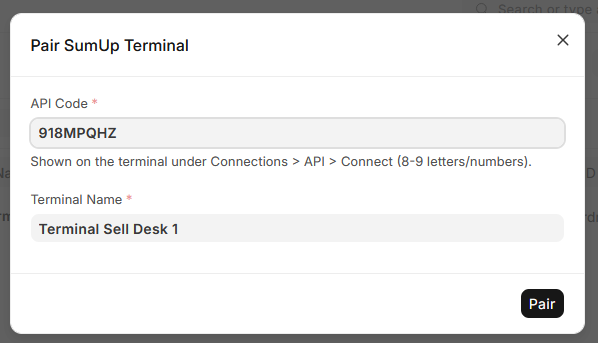
Click Pair Terminal
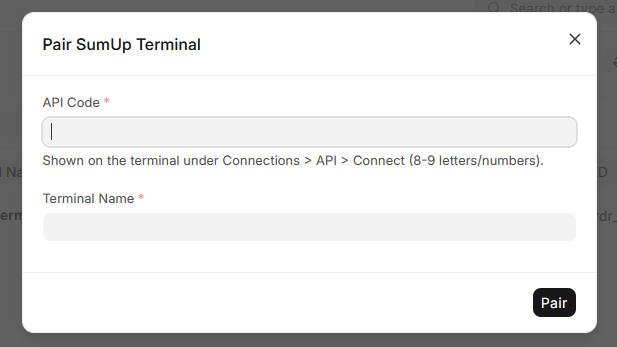
- Start the SumUp Solo device and select **Cloud API** as the connection

- Generate a pairing code
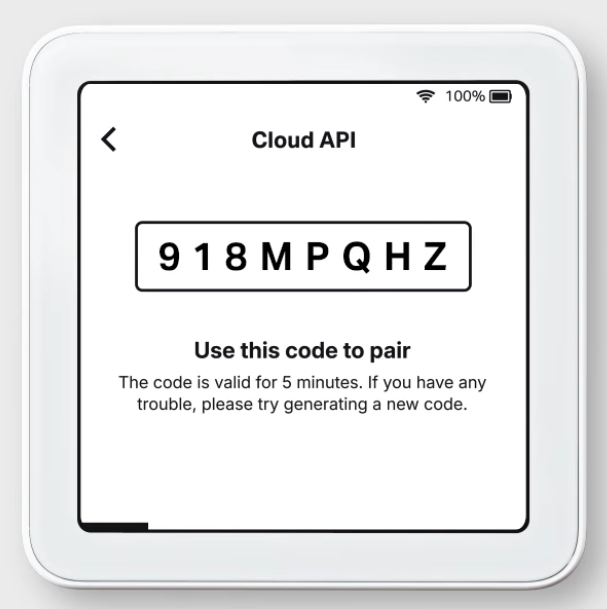
- Enter the pairing code shown on the terminal and a name for the terminal to be used for administration purposes
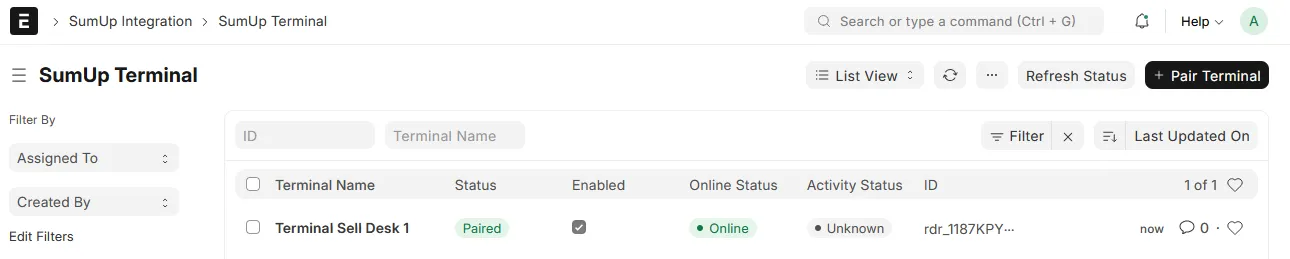
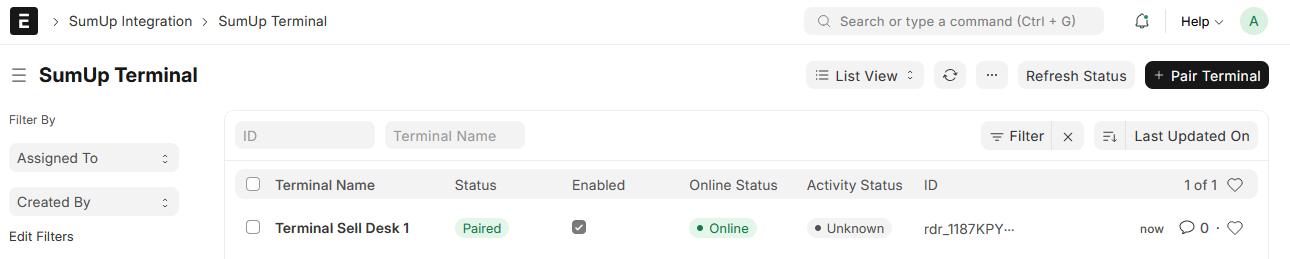
- After successful connection, the terminal is listed. If necessary, the status can be updated manually using the Refresh Status button. The status is automatically updated at regular intervals.
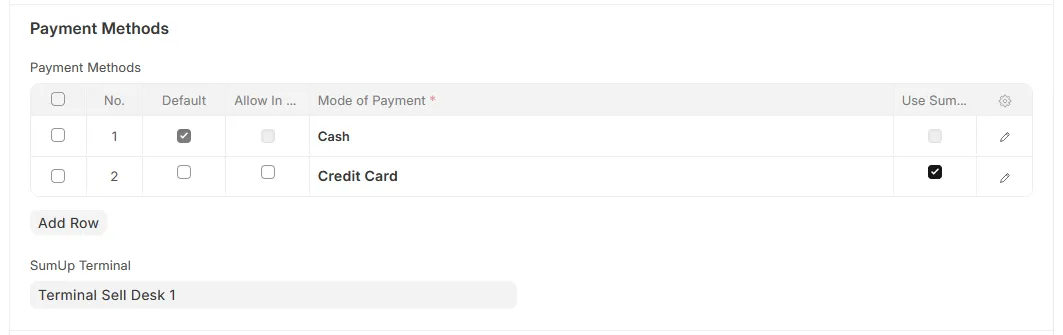
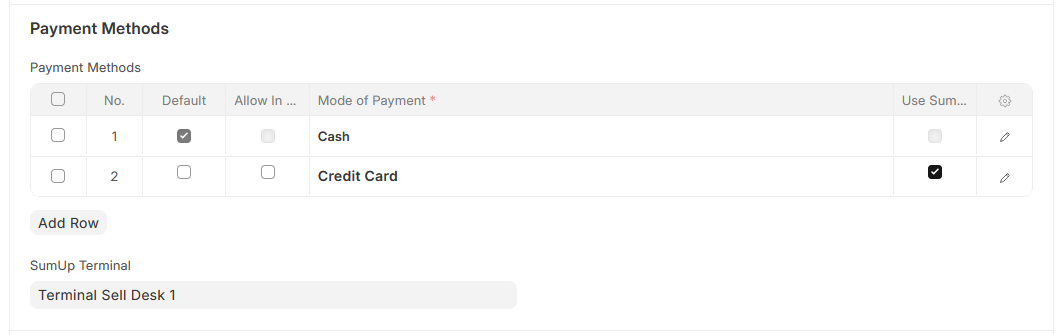
Mark a payment method for SumUp and assign the terminal:
Open POS Profile
Select the payment method you want to use with SumUp (Checkbox)
Set the SumUp Terminal to be used for the POS profile
Use in POS:
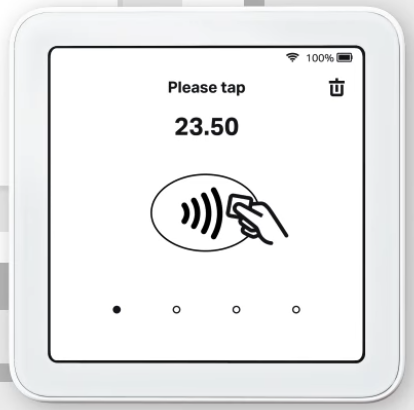
As soon as a payment for SumUp has been selected, the workflows are triggered and the payment is forwarded to the terminal. If the payment is successful, the POS invoice is submitted directly.
Notes:
SumUp Solo Cloud API How-to video on YouTube
SumUp payments must cover the full invoice total.
The POS invoice currency must match the SumUp merchant currency.
Trademark Notice
SumUp is a registered trademark of SumUp Payments Limited.
This project is an independent and unofficial integration and is not affiliated with SumUp. It is not operated, supported, or endorsed by SumUp.
The name SumUp is used only to describe technical compatibility with the respective services.
User Reviews
No reviews yet, be the first to review.
0.0
0 rating
More apps from

Explore more apps