Frappe
Cloud
Marketplace
Frappe
Products
Insights
Supported versions
Categories
E-Commerce
About
Petpooja
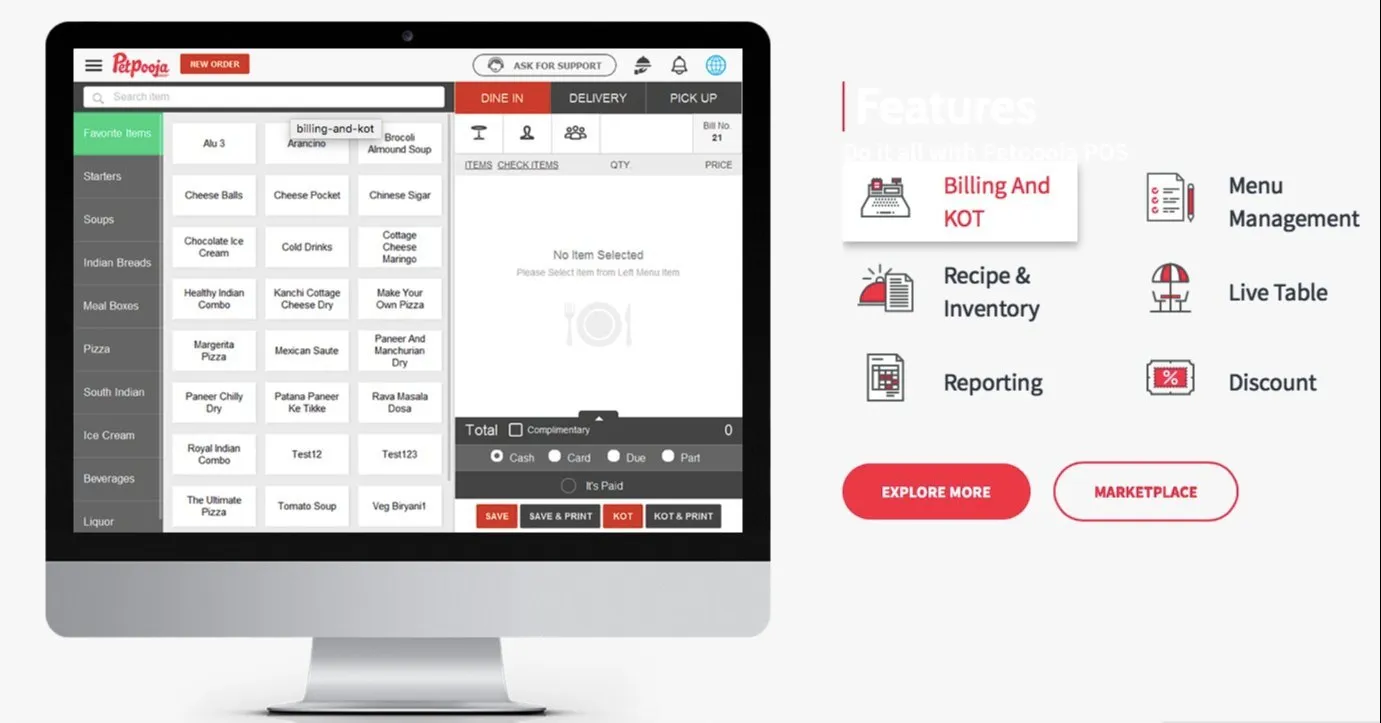
A Frappe/ERPNext app that integrates PetPooja POS with ERPNext, automatically converting PetPooja orders — from in-store POS, Zomato, and Swiggy — into Sales Invoices in real time. Built for multi-outlet restaurant chains that want a single financial source of truth without manual reconciliation between the POS and the back office.
Read the full story behind this integration: POS to ERP: Connecting the dots with Pet Pooja and ERPNext
What It Does
Exposes a webhook endpoint that PetPooja calls whenever an order is created, so every POS/Zomato/Swiggy sale lands in ERPNext without manual entry.
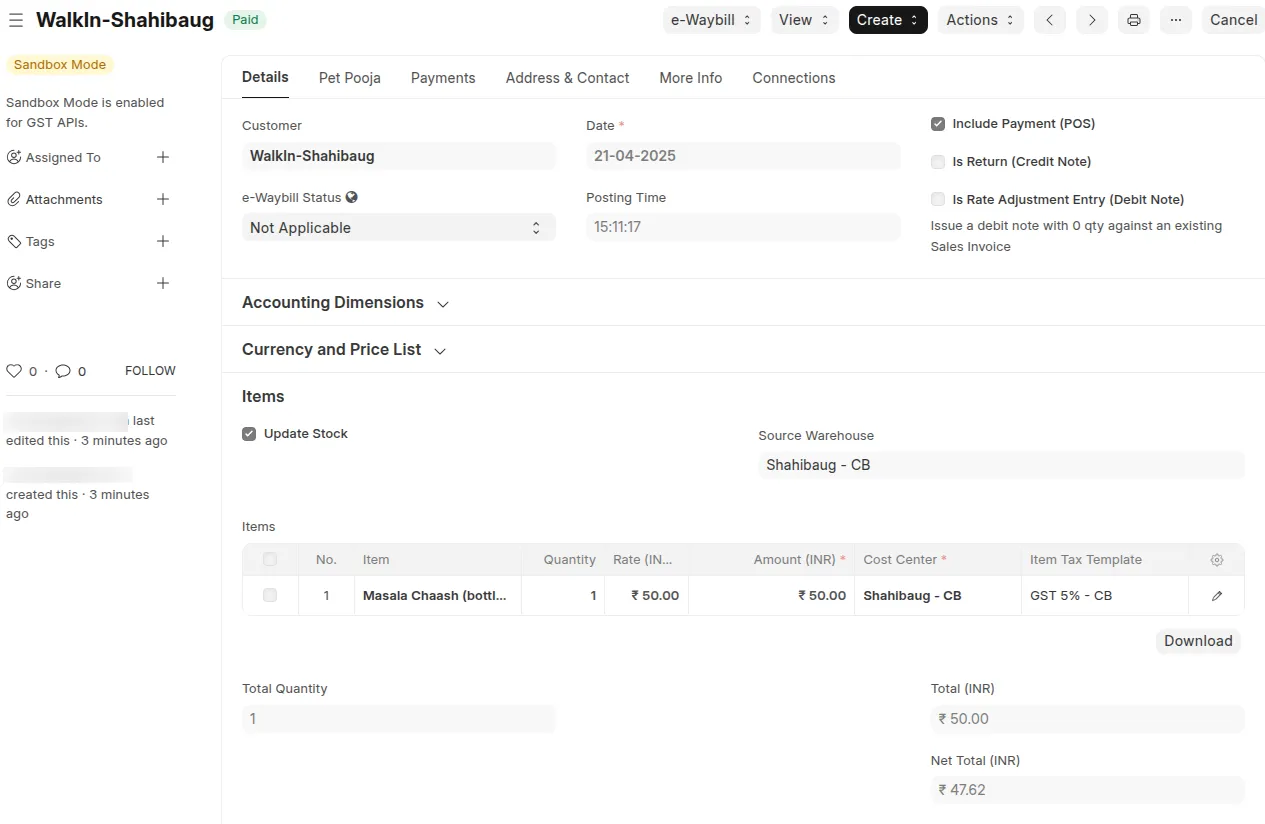
Logs every incoming order payload as a Pet Pooja Log, then automatically creates and submits a matching Sales Invoice in the background.
Maps each PetPooja restaurant/outlet to an ERPNext Cost Center (branch), including its warehouse, territory, address, and default customers.
Picks the right customer and price list per order source — POS walk-in (B2C), Zomato, or Swiggy — using per-branch Customer wise Price List rules.
Maps PetPooja payment types (cash, card, online, custom/"Other", and split Part Payments) to ERPNext Mode of Payment, at both the branch and global (Petpooja Settings) level.
Applies business-date roll-over logic for outlets open past midnight — orders/payments made before a configurable cut-off time are booked to the previous business day.
Handles Cancelled orders by cancelling the corresponding Sales Invoice, and Complimentary orders with a 100% discount.
Prevents duplicate invoices for the same PetPooja order, and records failures (with full traceback) on the log for retry instead of failing silently.
Ships ready-made reports (PetPooja Orders, PetPooja Orders Count, PetPooja Log Summary) and a Pet Pooja workspace for monitoring sync health.
Requirements
ERPNext > v15
Python >= 3.10
A PetPooja account with webhook/API access to configure the integration on their end
Frappe Bench
Migration Workflow
The integration works as a one-way sync: PetPooja → ERPNext.
Order placed on PetPooja (POS terminal, Zomato, or Swiggy) and marked created/updated/cancelled.
Webhook call — PetPooja POSTs the order payload to
/api/method/petpooja.petpooja_endpoint.order_created.Authentication — the request is validated against the shared secret configured in Petpooja Settings; on success, the request runs as the configured Creation User.
Log creation — the raw payload is queued and stored as a Pet Pooja Log, with the restaurant ID, order ID, and computed business date resolved immediately.
Sales Invoice creation — on log insert, a background job resolves the Cost Center (branch), customer, price list, item rates, taxes, and mode(s) of payment, then creates and submits the Sales Invoice.
Status tracking — the Pet Pooja Log is updated with
invoice_status(Created,Cancelled,Duplicate, orError) and links back to the Sales Invoice; errors are captured with the full traceback for troubleshooting.Cancellations — a
Cancelledorder looks up the existing Sales Invoice by its unique PetPooja order ID and cancels it instead of creating a new one.
Setup Requirements
Before going live, configure the following in ERPNext:
Petpooja Settings (single doctype):
Check Enable and set the Creation User — a user with permission to create Customers, Items, and Sales Invoices (this is the user under which the webhook operations run).
Set Default Zomato Customer and Default Swiggy Customer.
Set Place of Supply (default GST state code).
Optionally configure the PP vs ERPNext Mode of Payment Mapping table as a fallback mapping for custom/"Other" payment types.
Use the View PetPooja Webhook Configuration button to get the webhook URL and secret to paste into the PetPooja integration panel.
Cost Center (one per outlet/branch):
Petpooja Restaurant ID (must be unique and match the outlet's
restIDfrom PetPooja).Warehouse, Address, Territory.
Default B2C Customer for in-store POS orders.
Customer wise Price List — a Price List must be mapped for every customer used at that branch (B2C, Zomato, Swiggy), or invoice creation will fail.
PP vs ERPNext Mode of Payment Mapping — a Mode of Payment must be mapped for every PetPooja payment type used at that branch.
Consider in Previous Business Date Till — cut-off time for outlets operating past midnight.
Items — each PetPooja menu item's SAP/POS code must match an ERPNext Item Code exactly, and must have a rate defined in the relevant Price List(s).
Sales Taxes and Charges Template — one template must be marked as Is Default so it can be applied automatically to generated invoices.
Mode of Payment — ensure the required modes exist; each can optionally have its own Consider in Previous Business Date Till cut-off.
Import Logs
Every inbound order is preserved as a Pet Pooja Log, independent of whether invoice creation succeeds:
data— the full raw JSON payload received from PetPooja.rest_id,order_id,branch,pos_created_on,business_date— parsed/derived identifiers used to trace and de-duplicate orders.invoice_status—Not processed,Created,Cancelled,Duplicate, orError.invoice_error/traceback— populated automatically when Sales Invoice creation fails, so a log can be diagnosed and manually retried via the Create SI button on the log without needing PetPooja to resend the order.
Use the PetPooja Log Summary, PetPooja Orders, and PetPooja Orders Count reports (available from the Pet Pooja workspace) to monitor sync volume and status across branches and dates.
Contributing
This app uses pre-commit for code formatting and linting. Install and enable it before contributing:
cd apps/petpooja
pre-commit install
Pre-commit runs the following tools:
ruff— Python linting and formattingeslint— JavaScript lintingprettier— JavaScript/CSS formattingpyupgrade— Python syntax modernization
License
MIT — see license.txt
User Reviews
No reviews yet, be the first to review.
0.0
0 rating
More apps from


Explore more apps