Frappe
Cloud
Marketplace
Frappe
Products
Insights

Installation Guide
installs
Publisher
Supported versions
Categories
E-Commerce
About
POSpire — Modern POS for ERPNext
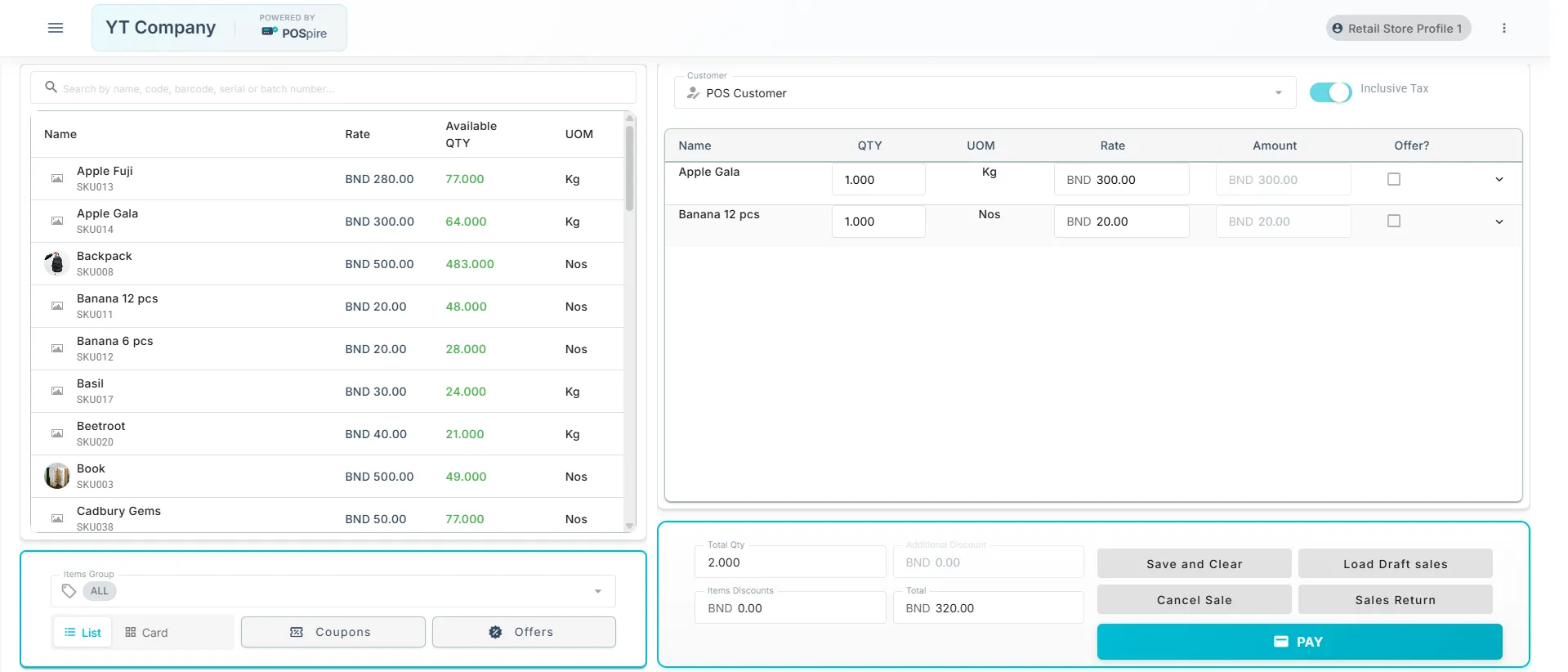
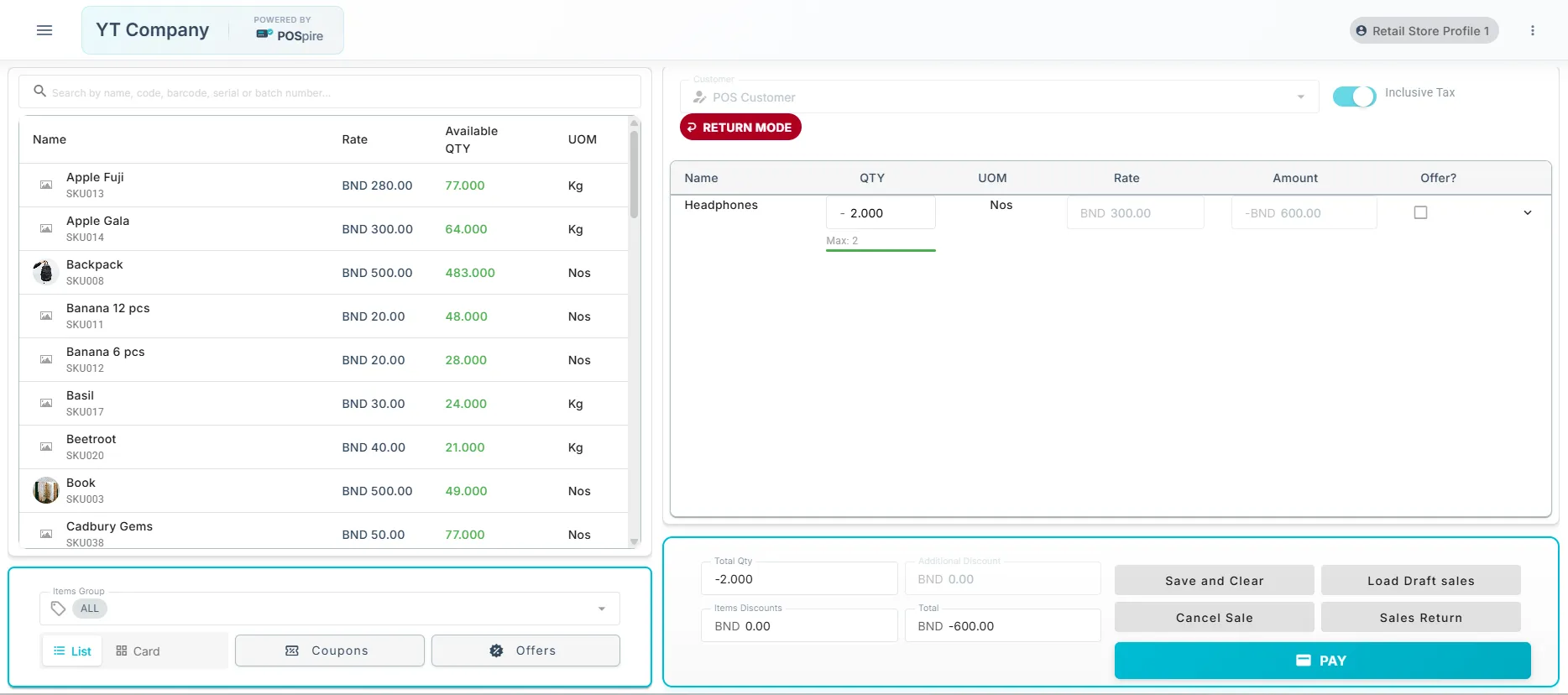
A modern, feature-rich Point of Sale application built on Frappe Framework and ERPNext. POSpire delivers an intuitive, real-time interface designed for efficient and accurate retail operations.
Core POS Functionality
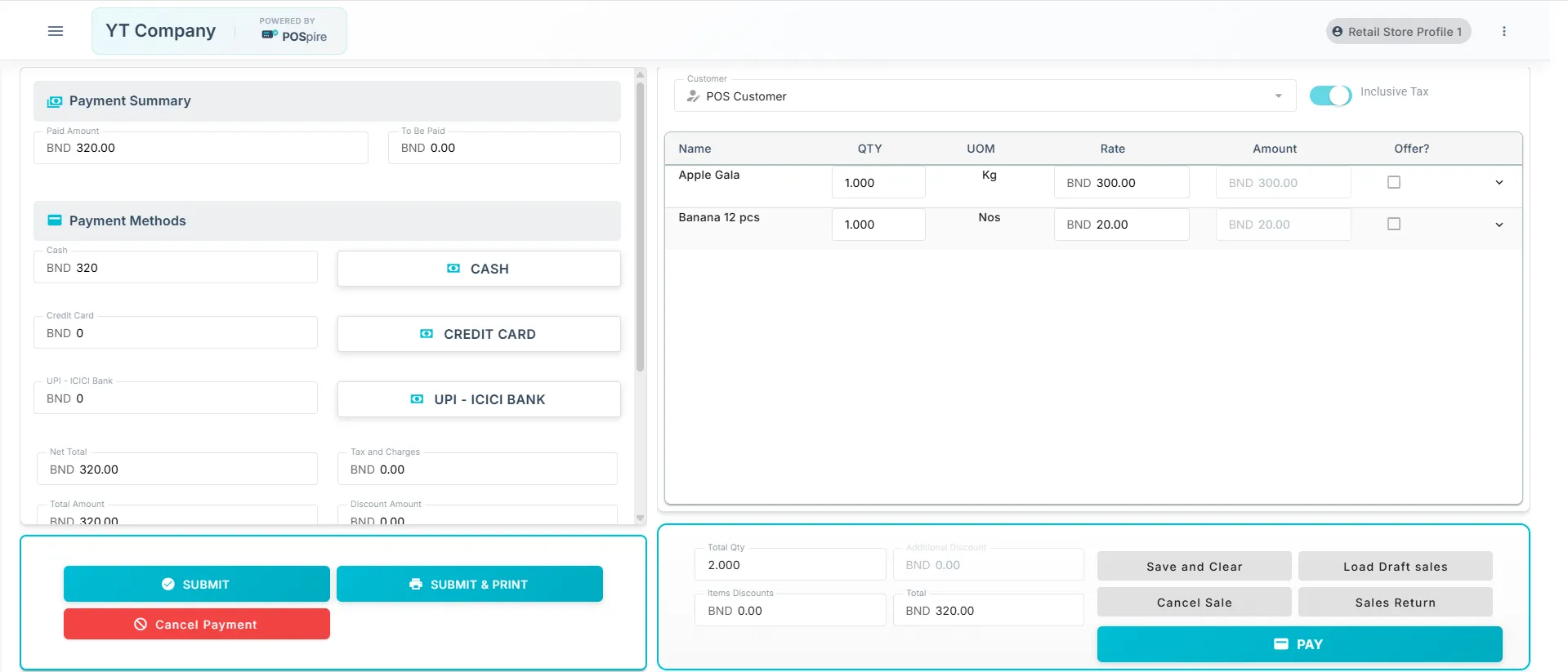
Invoice Management — Create, edit, and manage sales invoices with real-time updates
Item Selection — Grid and list views with integrated barcode scanning support
Customer Management — Quick customer lookup, creation, and profile editing
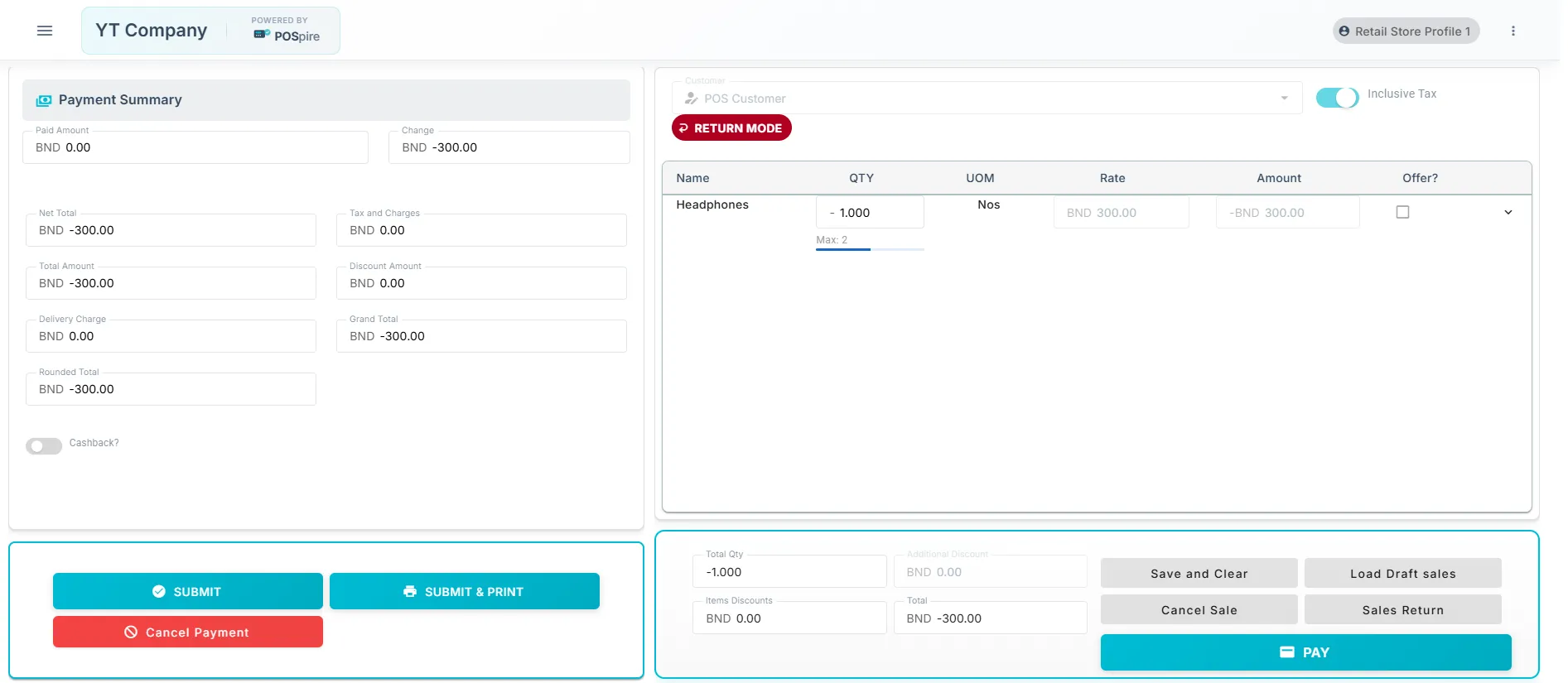
Multiple Payment Methods — Accept cash, card, and other configured payment modes
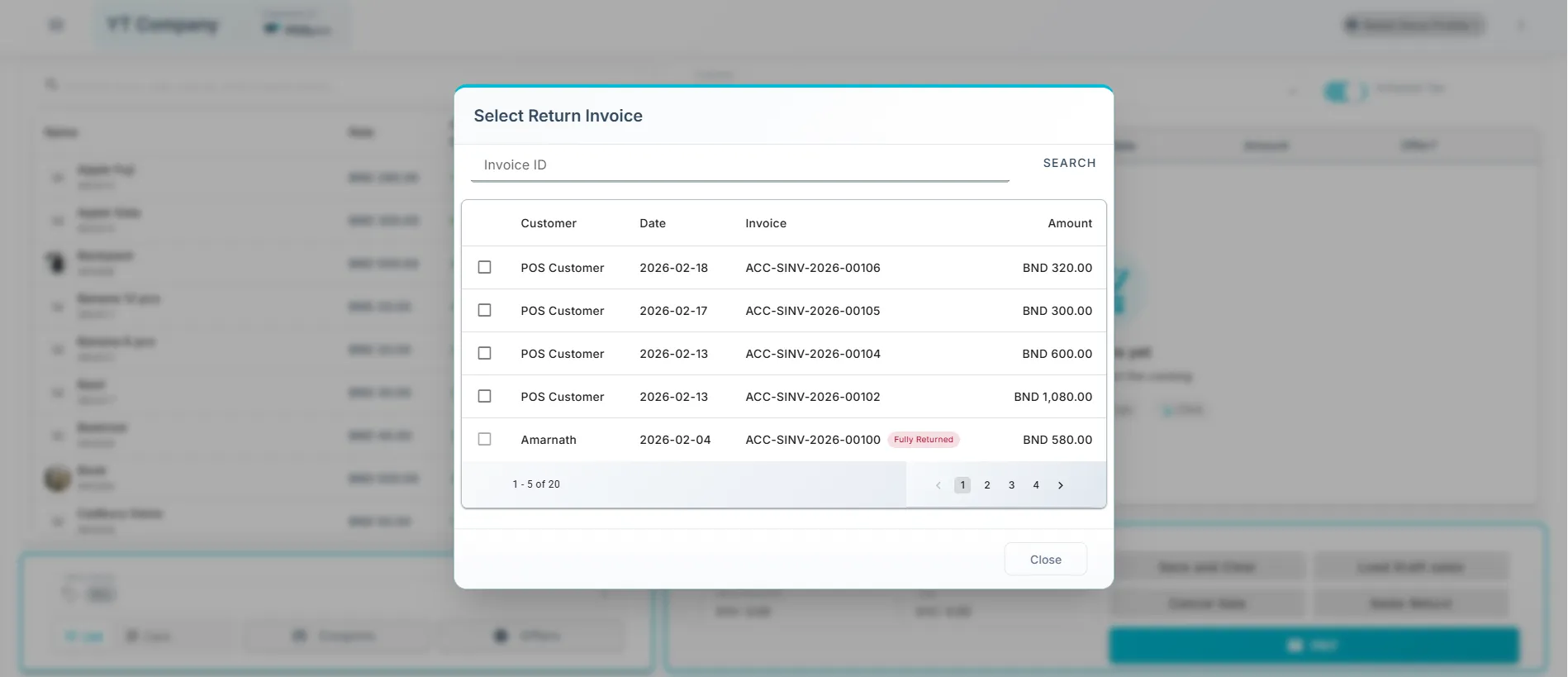
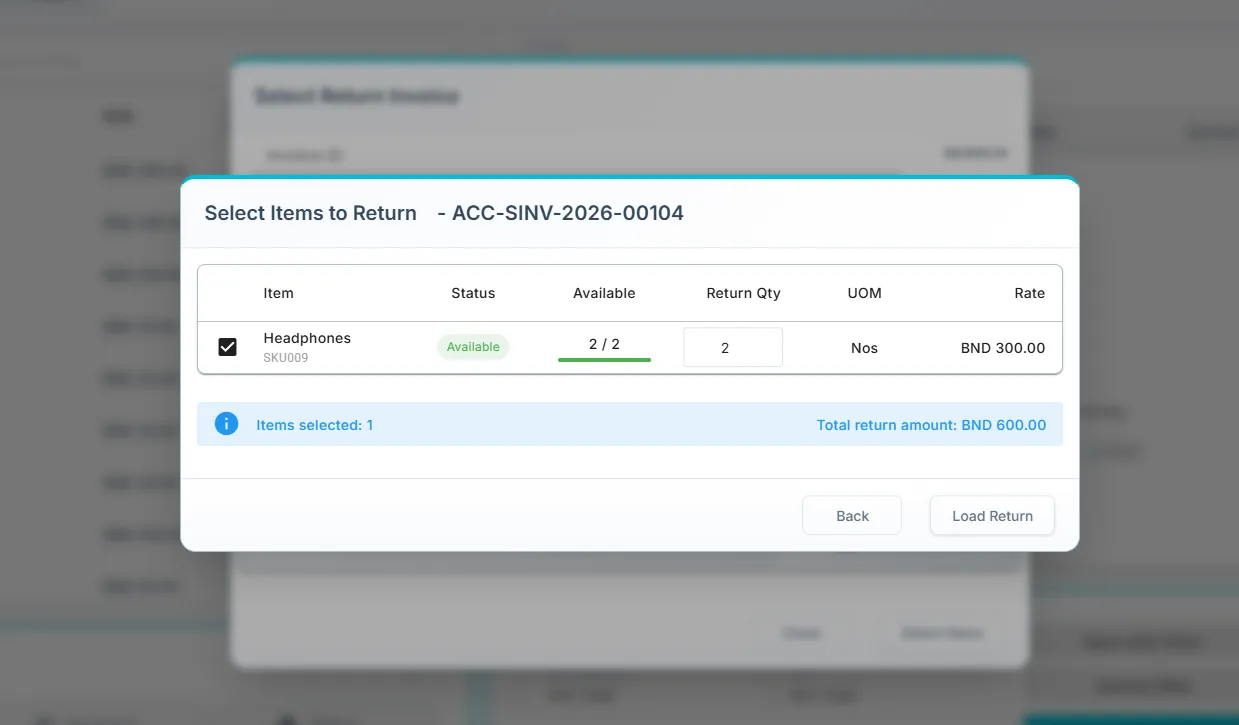
Returns & Refunds — Process returns with full traceability to original invoices
Advanced Features
POS Opening/Closing Shifts — Structured shift management with cash movement tracking
Cash Denomination Tracking — Record opening and closing cash by note and coin denominations
Denomination Reconciliation — Validate closing cash totals against denomination breakdown for accurate shift closure
Assortments — Define and apply curated item groupings to streamline item selection and bundling at the point of sale
Coupons & Offers — Apply promotional discounts and coupon codes at checkout
Batch & Serial Number Support — Full inventory traceability with batch and serial number tracking
Draft Invoices — Save incomplete transactions and resume them without data loss
Sales Orders — Create sales orders and convert them directly to invoices
Delivery Charges — Configure and apply delivery charges per POS Profile
Payment Reconciliation — Match and reconcile outstanding payments against invoices
Hardware Integration
Receipt printer support via Hardware Manager
Barcode scanner integration for fast item lookup
Scale barcode reading for weighted item billing
User Experience
Responsive interface with real-time stock availability display
Multi-language support via Frappe translations
Configuration
POSpire extends the standard ERPNext POS Profile with additional settings. Navigate to POS Profile in ERPNext and configure the POSpire Settings section to enable or disable features, set discount limits and permissions, configure item display options, define cash denominations by currency, and set up payment modes and hardware integration.
Acknowledgements
POSpire is built upon POS Awesome by the Ucraft team. We are grateful for their foundational work that made this project possible.
Publisher: Promantia Ltd
License: GNU General Public License v3.0
User Reviews
No reviews yet, be the first to review.
0.0
0 rating
More apps from
.webp)
Explore more apps